AI Agents vs. Workflows: What Should You Actually Build?
Learn when a predictable AI workflow is enough, when an agent is justified, and how to choose without following the hype.
On this page
Build a workflow when you know the steps. Consider an agent when the system must choose the steps while working.
That single distinction prevents a great deal of unnecessary complexity.
Both approaches can use the same language model and tools. The difference is who controls the sequence: your application or the model.
Build a workflow
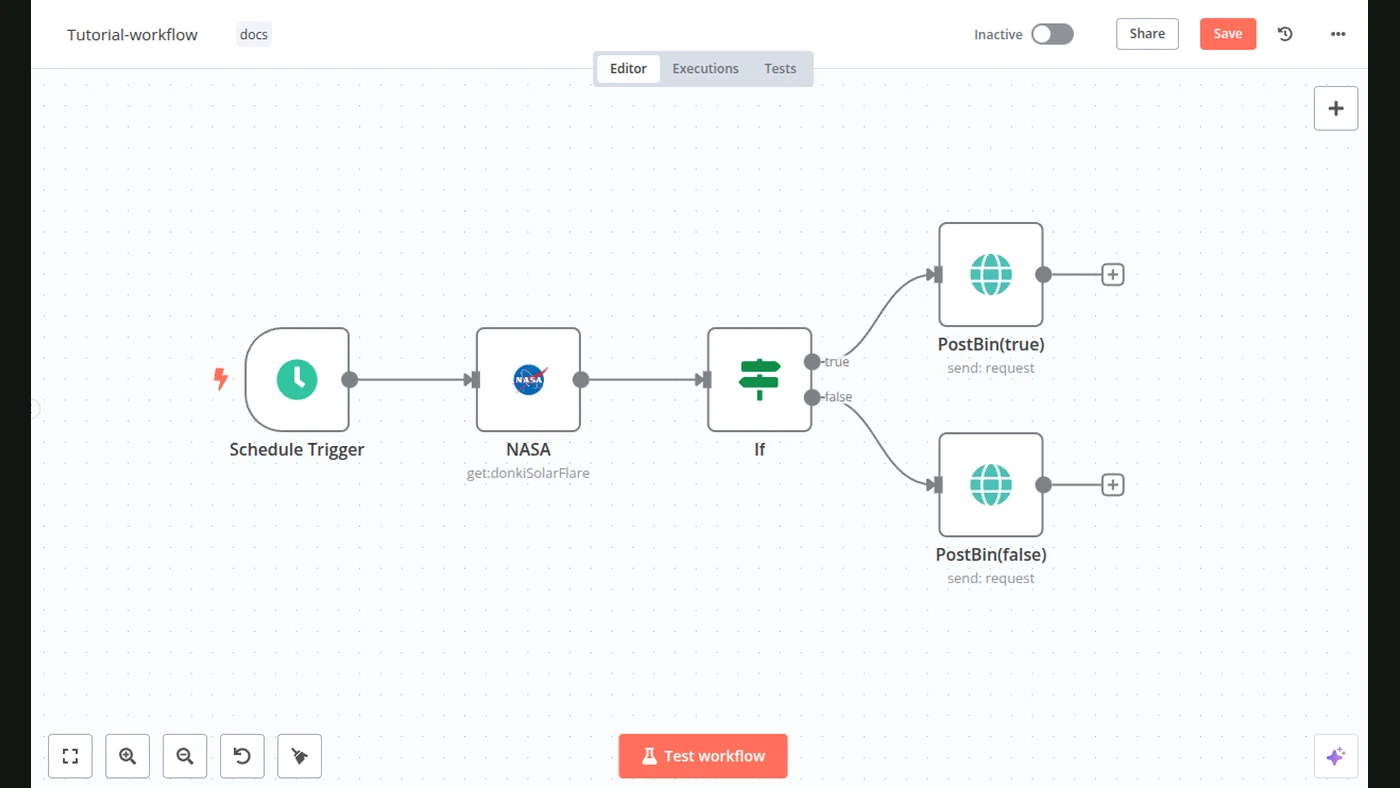
- Trigger starts a defined sequence
- AI handles a bounded task
- Rules choose the next action
- Cost and latency stay predictable
Yes → bounded agent
Consider an agent
- Goal starts an investigation
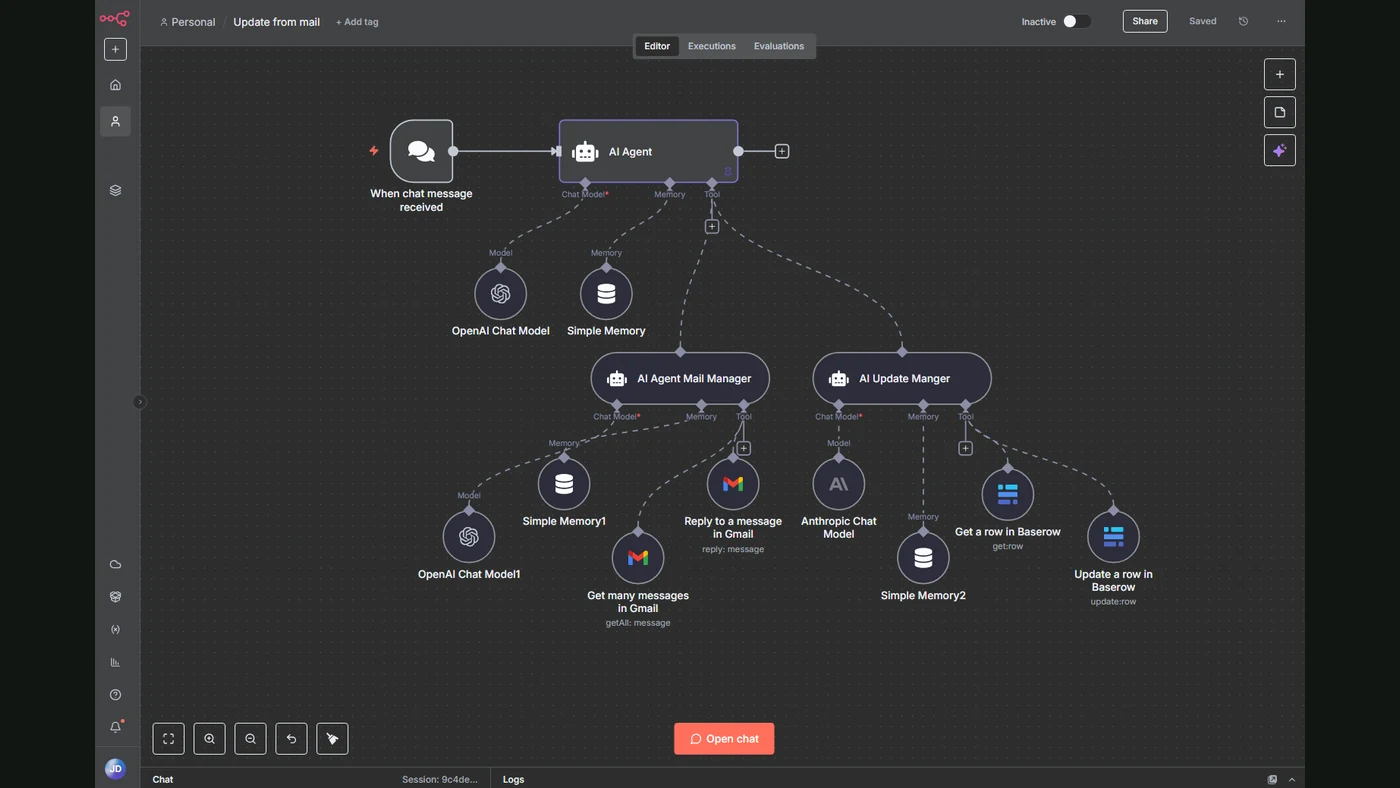
- Model selects tools and actions
- Results change the next step
- Limits and approvals bound autonomy
What is an AI workflow?
An AI workflow is a predefined chain of actions. The system may use a model for classification, extraction, drafting, or evaluation, but code or a workflow engine decides what happens next.
For example:
- A lead submits a form.
- The CRM provides company data.
- A model classifies the request.
- A rule assigns the correct sales queue.
- A person reviews the suggested reply.
The model handles ambiguity inside individual steps. It does not redesign the process for every lead.
What is an AI agent?
An agent receives a goal, observes the current state, selects an action, uses a tool, evaluates the result, and continues until it reaches a stopping condition.
An agent might:
- inspect an incomplete customer record;
- decide which source to search;
- call several tools;
- compare conflicting information;
- ask for clarification;
- produce a final recommendation.
The route is not completely known in advance.
The decision table
| Situation | Better starting point |
|---|---|
| Steps are stable and known | Workflow |
| Inputs vary but outputs are structured | Workflow with AI steps |
| The task needs one or two tools | Workflow |
| The correct sequence changes by case | Agent |
| The system must investigate and recover | Agent |
| An error changes money, access, or commitments | Workflow with approval |
| You need predictable cost and latency | Workflow |
| You cannot define success | Neither — clarify the task first |
An agent is not automatically more capable. It exchanges predictability for flexibility.
Why teams reach for agents too early
The demonstration looks simpler
“Give the agent a goal” sounds easier than describing a complete workflow. But the missing process still exists. It has merely moved into model behavior, where it is harder to inspect.
Autonomy is mistaken for value
The user cares about a completed outcome, not how many decisions the model made on the way.
Happy-path demos hide operational work
A demonstration rarely shows expired credentials, partial data, duplicated actions, tool timeouts, changing interfaces, or unclear stopping conditions.
These are the conditions that determine whether a system is useful in production.
The cost of agentic behavior
An agent may make several model calls and tool calls for one task. This can increase:
- token consumption;
- execution time;
- the number of failure points;
- the amount of logging required;
- the difficulty of reproducing a mistake.
The right comparison is not price per model token. It is cost per successfully completed task, including failed runs and human review.
A safer architecture
Many useful systems combine both patterns:
Deterministic trigger
        ↓
Validated context
        ↓
Agent investigates a bounded question
        ↓
Structured result
        ↓
Rules validate the result
        ↓
Human approval or reversible action
The agent receives freedom inside a controlled section rather than authority over the entire business process.
Questions to answer before building an agent
What exact goal ends the run?
“Research the account” is vague. “Return a structured brief with three verified facts and source URLs” can be evaluated.
Which tools are allowed?
Separate read access from write access. A research agent may need to inspect CRM records without being allowed to edit them.
How much can one run spend?
Set limits for model calls, tokens, tool calls, and elapsed time.
What requires approval?
Messages to customers, purchases, deletions, permission changes, and contractual commitments should not become autonomous by accident.
How is a failure recovered?
Record the steps taken, tool responses, model outputs, and final state. Without this trace, the team cannot investigate an error.
The recommended progression
- Perform the task manually and document the process.
- Automate the predictable steps.
- Add AI to the ambiguous steps.
- Measure failures and exceptions.
- Introduce an agent only where fixed routing is genuinely limiting.
- Expand tool access after reliability is demonstrated.
This progression may appear less impressive than starting with a fully autonomous system. It usually reaches a useful production result faster.
Bottom line
Use an agent because the task requires adaptive planning, not because “agent” is the current label for advanced AI.
If the steps are known, a workflow will normally be easier to test, cheaper to operate, and safer to change. If the route cannot be known in advance, a bounded agent can add real value.
Start with the broader guide to AI automation for business if you are still selecting the first process.
If the agent will receive tools, credentials, or network access, review the OpenAI“Hugging Face security incident before expanding its permissions.
Continue through the Knowledge architecture
- Custom CRM Development for Real Business Processes
- AI Sales Automation: Build a Controlled Revenue Workflow
- AI Customer Support Automation: Answers, Actions, and Human Handoff
Sources
- Building Effective Agents — AnthropicPrimary source
- NIST AI Risk Management FrameworkOfficial documentation