What Is AI Automation? Start With One Everyday Task
AI automation in plain English: useful examples, where n8n fits, and how to start with a small workflow that you can check.
On this page
AI automation means letting software handle a repeat task, with AI doing the part that needs to understand words or messy information. For example: a customer sends a message, AI works out what they need, and the workflow saves the request and tells the right person.
You probably already have a task like this. Copying information from emails. Sorting enquiries. Turning notes into a report. You do not need a grand plan to start. Pick one job you repeat and make the result clear.
Where it helps in normal life
| Your situation | A useful first automation | What you still check |
|---|---|---|
| You run a small shop | Put new requests in a sheet and flag missing details | The customer’s actual request |
| You freelance | Turn a brief into a first proposal draft | Scope, price and promises |
| You work in an office | Combine file summaries into a weekly update | Numbers and missing files |
| You have a personal project | Sort notes into projects and next actions | Whether the suggested tasks make sense |
These are examples of possible workflows, not claims about customer results. The useful part is that you stop repeating the same small steps. You keep the decisions that matter to you.
AI and ordinary automation do different jobs
If you only need to copy a form entry into a spreadsheet, ordinary automation is enough. Adding AI makes that job more complicated without helping.
AI becomes useful when the input varies. One customer writes a long email; another sends a short message. AI can prepare a common summary from both. A simple rule can then route a request marked “delivery” to the delivery team.
The rule and the AI work together. You can see the idea in n8n’s AI documentation: AI becomes one part of a connected workflow. The rest of the workflow still needs clear instructions.
What is n8n doing here?
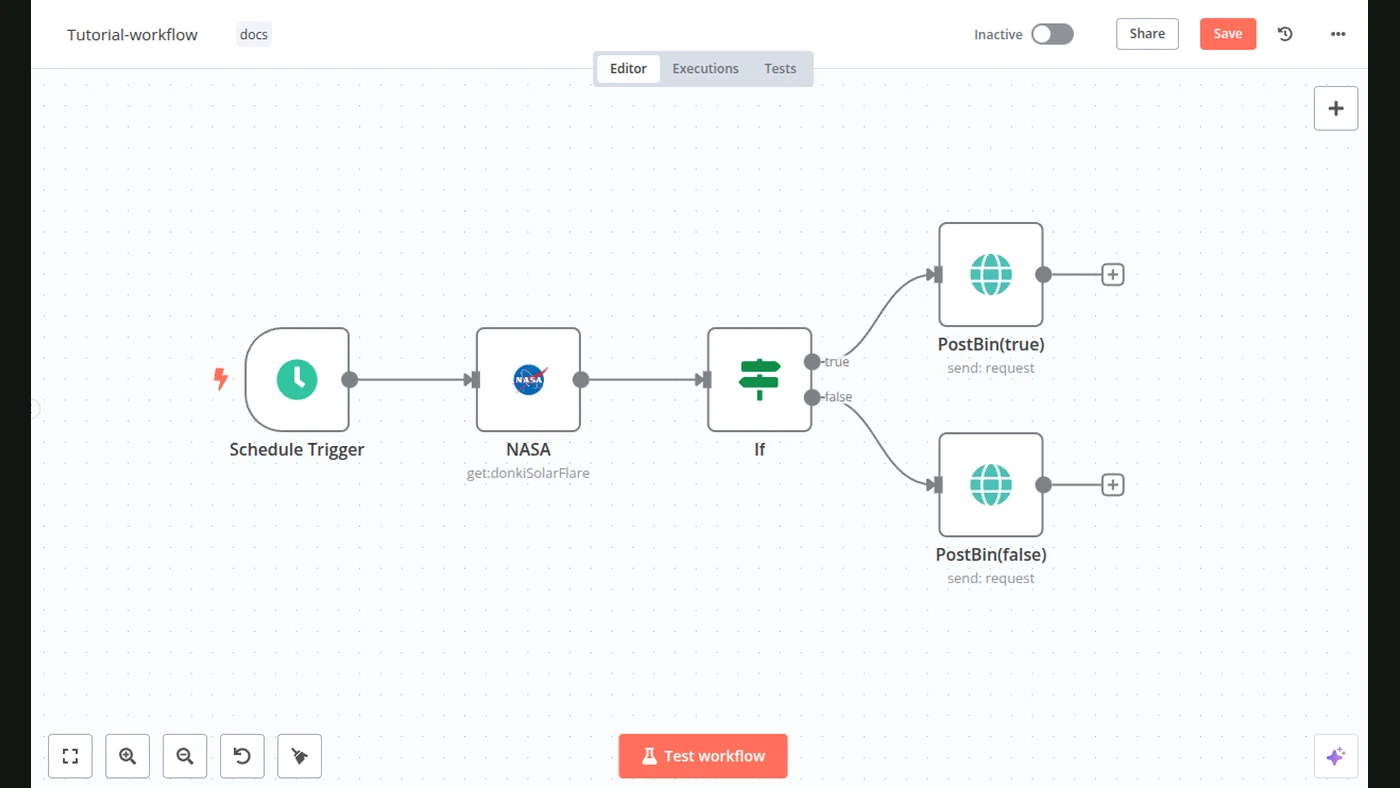
n8n is a visual tool for connecting steps. You place blocks on a canvas: a form, a spreadsheet action, a message. Each block has settings for the thing it needs to do.
You do not have to write a program for every step, but you do need to connect your accounts and test the settings. “Visual” does not mean “already set up for your business.”
If that sounds useful, our first n8n workflow guide walks through a request form, a sheet and a notification. There is deliberately no AI in the first version. You can add it when you know why you need it.
Choose a task you can judge
Write three things before opening a tool:
- Input: what starts the job? A form, a file or a message?
- Result: what should be ready at the end?
- Check: how will you tell a useful result from a wrong one?
A good brief is: “When a new request arrives, save the name and question in this sheet, then send me a short notification.” “Automate my business” leaves too many unanswered questions.
Start with test information. Include an empty field, a repeated request and a message that does not fit your normal categories. If the workflow cannot handle those, fix it before using real enquiries.
What will cost money?
Possible costs include the automation service, the AI service if you use one, and the time needed to maintain the connections. Running more often or processing more data can change the bill.
Compare that with the specific task you are saving. A workflow that runs once a month deserves a different budget from one that handles requests all day.
For your first attempt, success is simple: you can run the task, check the output and explain what happens when something goes wrong. Then you have a useful base to improve.
Sources
- n8n: integrating AIOfficial documentation
- n8n: Form TriggerOfficial documentation
- n8n: Google SheetsOfficial documentation