A Support Bot That Answers Clearly and Knows When to Hand Over
Build a customer support bot around real questions, approved information and a clear route to a person. See what the complete system needs.
On this page
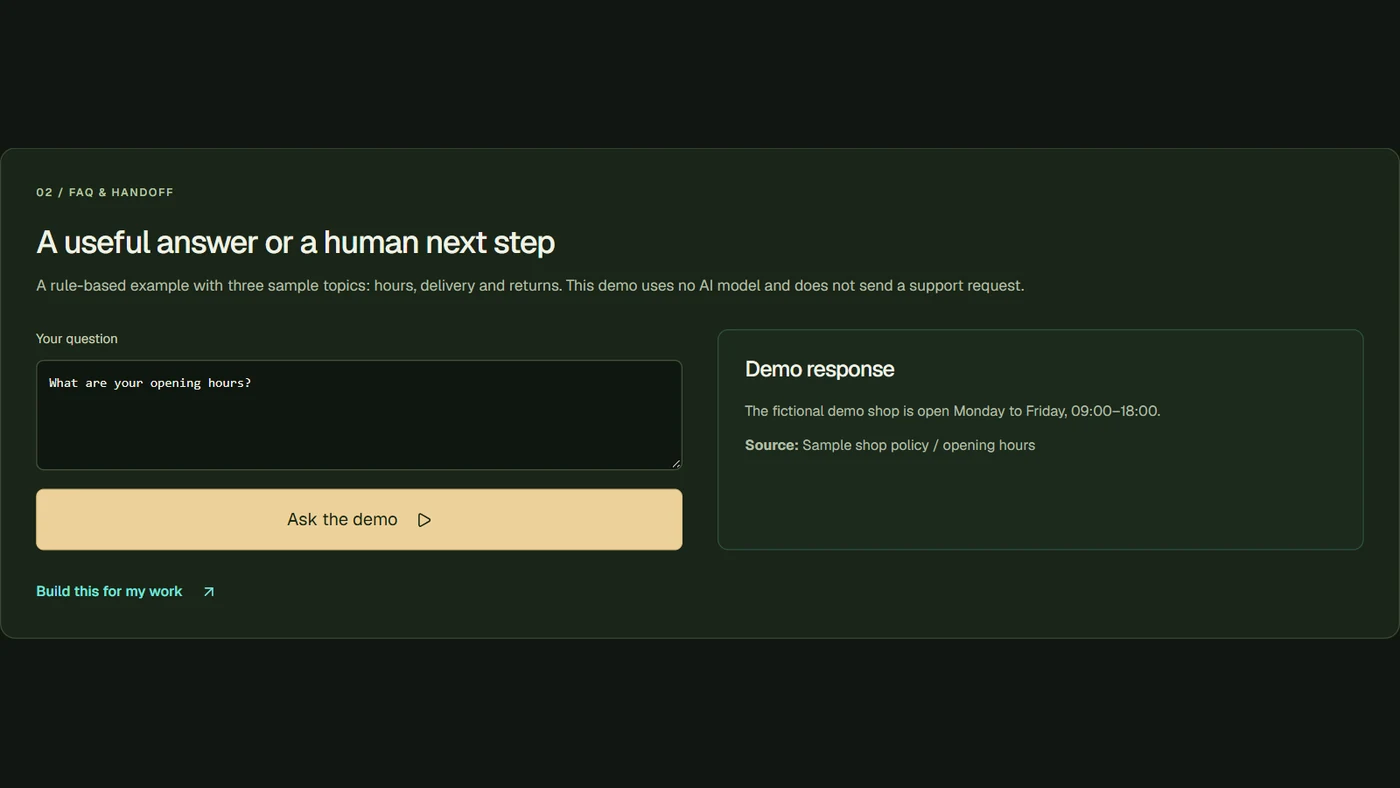
A useful customer support bot answers common questions from information your business approves. It can explain delivery, returns or a service, collect details and pass the conversation to a person when needed.
For a small shop, that means customers can get routine answers without waiting for you to type the same message again. The bot should also make the next step easy when the question needs someone who can make a decision.
Begin with questions you already receive
Do not start by asking a bot to answer everything. Choose the repeat questions where you can provide a clear, current answer.
| Customer asks | Useful bot response | When to hand over |
|---|---|---|
| How long is delivery? | Your approved delivery information | An individual order problem |
| How do I return an item? | The process and conditions | An exception or complaint |
| Which service fits my task? | A few clear questions and options | A request for a personal quote |
| Where is my order? | An authorised lookup, if connected | Missing or inconsistent records |
These are examples of a planned support scope. A bot cannot look up a real order unless that connection and permission are part of the build.
Give it information worth answering from
Prepare the current policy, product information and answers your team already uses. Remove conflicting old versions. Name the person who will update this knowledge.
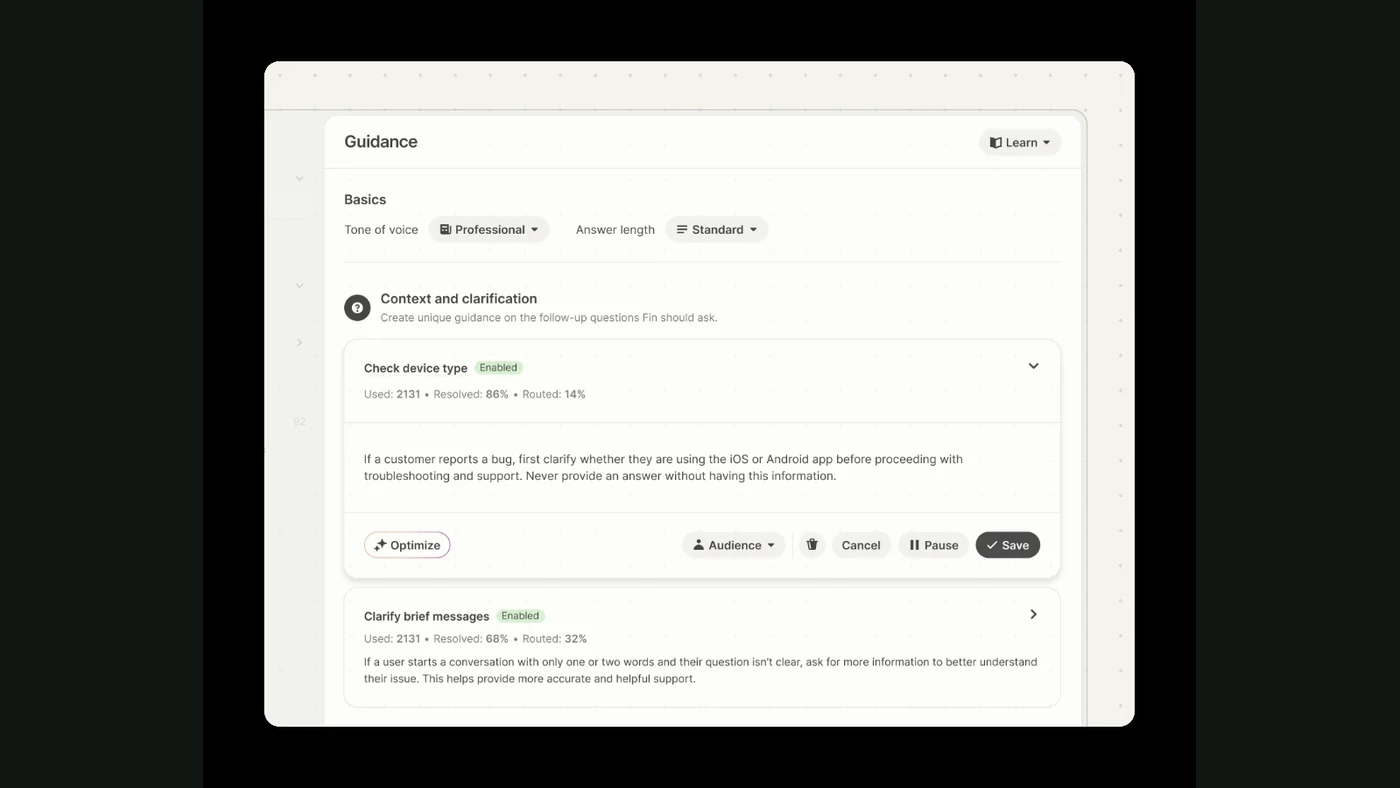
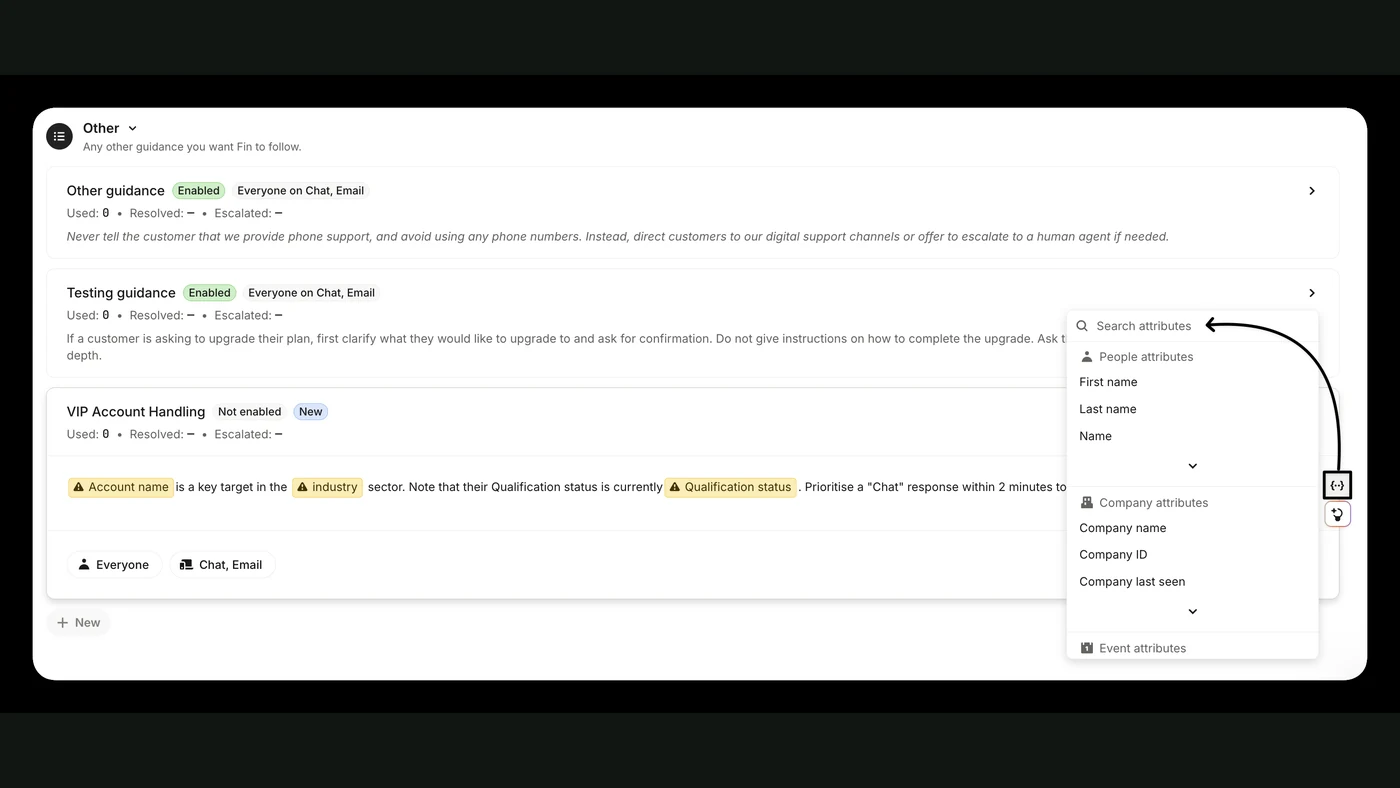
Tools such as Intercom Fin use configured knowledge to answer questions. A custom bot can work with your chosen channels and systems, but it still needs good source information.
Where it helps, show a source link or the relevant policy. Keep the answer short enough to read on a phone. A customer asking about delivery does not need a page of company history.
Collect the details once
When the question needs a person, the bot can collect the useful context: what happened, which product or order is involved and how the customer wants a reply.
Pass that with the conversation so the customer does not have to start again. Tell them what will happen next. Do not promise a response time your team cannot meet.
If the system cannot save the handoff, make that visible and give the customer another contact route. A friendly closing message is not enough if their request never reaches anyone.
Decide which actions it can take
Answering a policy question, checking an order and changing an order are different jobs. Agree which are included before connecting tools.
For actions that affect records or money, use the rules your business actually needs. The system can gather the request and prepare the next step even when a person must confirm the action.
This does not have to become a complicated conversation for the customer. They should understand what the bot did and whether they are waiting for someone.
Test real situations before launch
Prepare a few common questions, a complaint, a question outside your scope and an unclear request. Check the answer against your approved information.
Try the full handoff too. Does the right team receive the context? Can you find the record later? What happens if a connected tool is unavailable?
After launch, review missed questions and update the knowledge. Our maintenance guide explains why support needs an owner.
What FollowAI can build
FollowAI can build the bot, connect your approved knowledge and customer channels, add the agreed record lookups, route handoffs and launch the complete workflow. We can operate it and train your team to maintain its information.
See the customer support bot in ready solutions. Send a few real examples of the questions you receive, with personal details removed, and the tools your team currently uses.
Want FollowAI to build this for your business?
Tell us where customers contact you, what they ask most often, and which actions the system should be allowed to take.
Describe your goal in our project assistant. It will clarify the result and the service you want, then offer a project discussion with the FollowAI team.
Discuss my projectShare contact details when you want the team to follow up. Scope and pricing are confirmed by the team.
Or email hello@followai.proChat with the team on WhatsAppSources
- Intercom: Fin explainedOfficial documentation
- n8n: HTTP RequestOfficial documentation
- n8n: integrating AIOfficial documentation