Shopify AI Chatbots for Ecommerce Support and Human Handoff
Design a Shopify support agent that answers order questions from live data, follows policy, and escalates exceptions with context intact.
On this page
This pattern is for ecommerce teams that want to use AI chatbots to answer routine customer questions, retrieve current Shopify order information, and send exceptions to a human without losing the conversation context. FollowAI can design different chatbot types for ecommerce, including order-status bots, product-question assistants, shipping and returns bots, post-purchase support agents, and workflows that prepare requests for human review. The same approach can be adapted to other store processes when the required data, policy, permissions, and escalation path are defined.
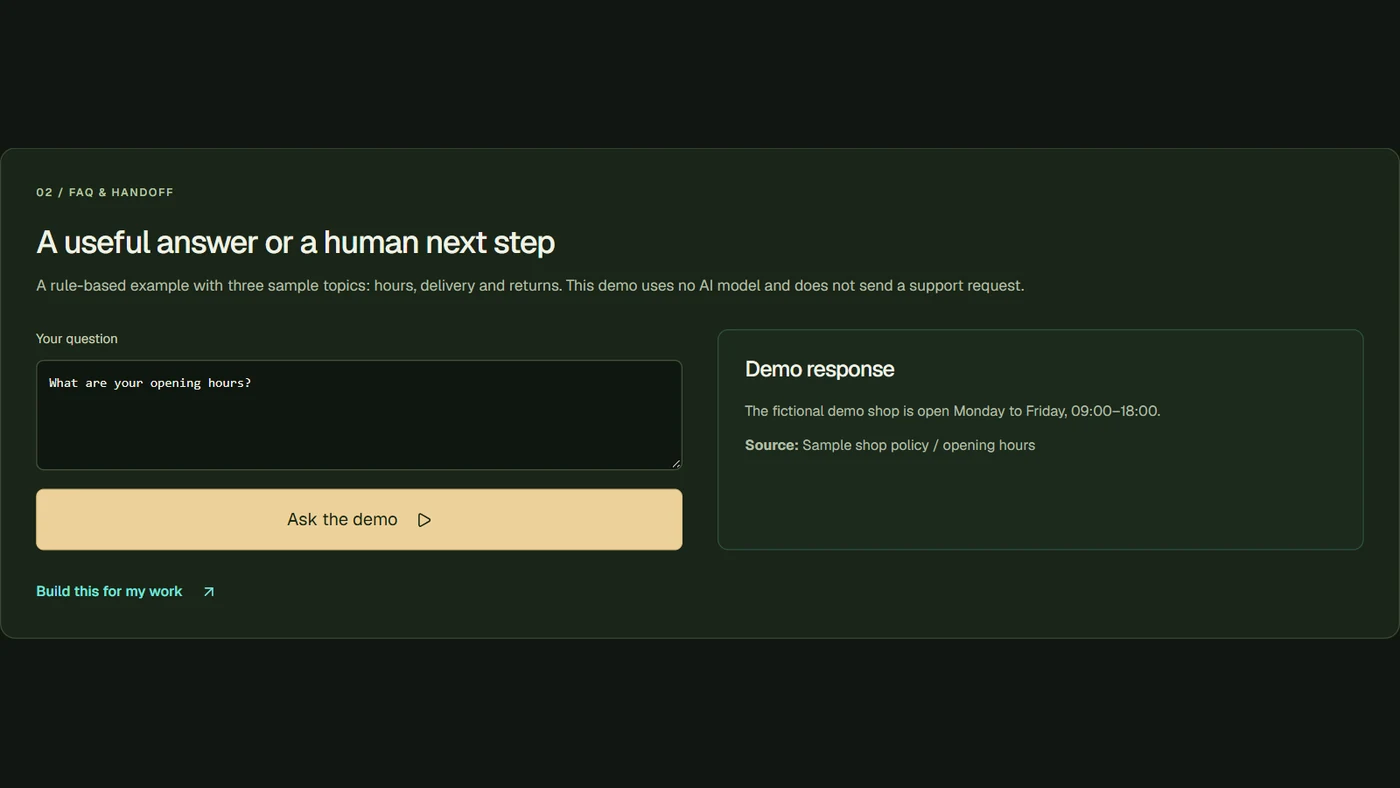
An online store does not need a generic chatbot to improve support. It needs a narrow system that can answer questions such as “Where is my order?”, “Can I change the address?”, or “What is your return window?” from approved policy and current order data. A Shopify support agent can retrieve the right order, explain what it knows, and hand the conversation to a person when the request involves a refund, an exception, or uncertainty.
The safest design separates three things: information the agent may read, actions it may request, and decisions that always require a human.
Start with the questions customers actually ask
The first release should cover a small set of intents. The chatbot type can then be matched to the workflow rather than treating every ecommerce request as one general-purpose assistant:
| Intent | Data or policy needed | Default action |
|---|---|---|
| Order status | Order ID, fulfillment status, tracking information | Explain current status and source timestamp |
| Product question | Approved product and policy content | Answer with a source link or say it is unknown |
| Return request | Return policy and order eligibility | Explain policy and open a request for review |
| Address change | Order state, fulfillment state, identity check | Escalate unless the store explicitly allows the change |
| Refund or dispute | Order and payment context | Human approval with the conversation attached |
| Cart or checkout question | Store-approved product, shipping, and checkout information | Explain the available option or route to a person |
Shopify’s order query exposes operational fields such as customer details, line items, financial data, and fulfillment status. Access is still constrained by the scopes and app configuration you grant. Do not assume that a read query means the agent may edit an order.
A controlled implementation
1. Identify the customer without over-collecting
Ask for an order number and a verification detail appropriate to the store’s policy. Do not reveal an order to anyone who only knows a public number. Store the minimum session context needed for the support interaction.
2. Retrieve live context at answer time
Order status changes. A knowledge-base answer cached last week cannot replace a live lookup. Use a server-side connector to retrieve the current order state, then return only the fields required for the answer. Record the request and response IDs for support review without putting secret credentials into the model context.
3. Keep policy retrieval separate from action tools
The agent may search approved return, shipping, warranty, and product content. That does not grant permission to change an order. Give read-only tools a different name and permission path from write-capable operations so the boundary is visible in logs and reviews.
4. Make the model request a named action
Function calling can produce a request such as lookup_order_status or create_return_review. The server validates the customer, order state, required fields, and policy before calling Shopify. If validation fails, the agent should explain that a person will review it.
5. Hand off with context intact
A human should receive the original question, authenticated order reference, retrieved status, policy article, attempted action, and reason for escalation. “Please help this customer” is not a handoff; it forces the support agent to repeat the investigation.
Webhooks, freshness, and failure recovery
Webhooks can notify a system that an order or fulfillment state changed, but they do not remove the need for a read at answer time. Events can be delayed, repeated, or processed out of order. Store an event ID, deduplicate it, and query the current state before presenting a consequential answer.
If Shopify or the support platform is unavailable, the agent should say that it cannot verify the current status and create a human ticket. It should not fill the gap with a likely-looking answer. Add a visible “last verified” timestamp to internal support views.
Metrics that matter
Measure answer accuracy against approved policy, order-lookup failure rate, handoff completeness, repeat-contact rate, time to human resolution, unauthorized action attempts, and the percentage of conversations that require correction. Deflection alone can reward the wrong behavior if customers return because the first answer was incomplete.
Who should use this pattern
It fits stores with repeated order and policy questions, a maintained knowledge source, and a support owner who can review exceptions. It can also support a broader ecommerce chatbot program in which separate assistants handle product discovery, pre-purchase questions, order tracking, returns, or internal support—provided each assistant has a clearly defined scope and escalation route. It is not a reason to grant broad write access to customer or order data. Begin with read-only answers and narrow, reviewable actions; expand only after the logs show that the boundary holds.
A practical rollout sequence
Begin with order-status lookups for authenticated customers and show the timestamp of the live data used. Next add policy-grounded answers for shipping and returns, with a source link the support team can inspect. Only then introduce a proposed return or address-change action, and route it to a named reviewer with the conversation and order evidence attached. Define an explicit fallback for missing identity, stale webhook events, provider errors, and policy conflicts. This sequence lets a store measure whether answers are correct before it grants any write permission. It also creates a useful training set from real handoffs without treating customer conversations as an excuse to broaden access.
Related reading
See AI customer support automation, corporate AI knowledge bases, and AI access control.
Sources
- Shopify Admin GraphQL order queryOfficial documentation
- Shopify Admin GraphQL order update mutationOfficial documentation
- Shopify webhook documentationOfficial documentation
- OpenAI function calling guideOfficial documentation