A Company AI Assistant That Can Find the Right Document
Give your team a useful place to ask questions about company documents, with source links, up-to-date answers and sensible access.
On this page
A company AI assistant helps people find answers in the documents your business already has. Someone asks, “What do I do when a customer wants a refund?” The assistant finds the relevant policy, explains it and links to the source.
This is useful when information is scattered across folders, PDFs and team messages. People spend less time hunting for a file or asking the same colleague. They can see where an answer came from and check it.
Start with a question people already ask
Do not upload every file and hope for the best. Choose one small area first: delivery questions, product information or a new employee’s first week.
| Question | Useful source | Useful answer |
|---|---|---|
| How do I return an order? | Current returns policy | The steps, conditions and source link |
| Which plan includes this feature? | Approved product guide | The right plan and any exclusions |
| How do I request leave? | Current employee handbook | Where to apply and who approves |
These examples show the format. They do not describe a particular customer’s system.
What happens behind the question?
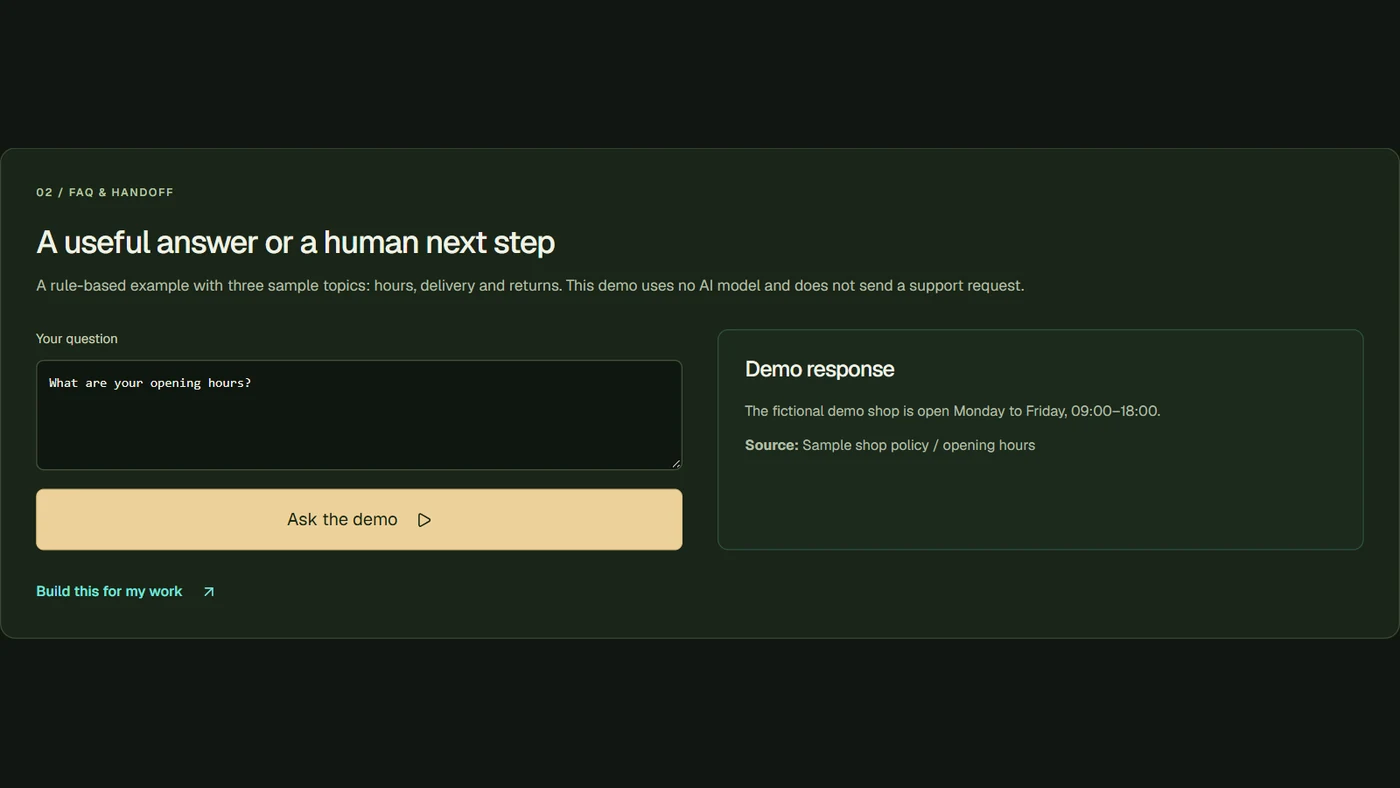
The assistant searches the connected knowledge and uses the relevant information when writing its answer. You may see this called RAG. The name matters less than the result: the response should be grounded in the documents you selected.
That still needs checking. A source link does not automatically make an answer correct. The assistant might choose an outdated policy or miss an exception. Keep the source visible, including the document’s date where it helps.
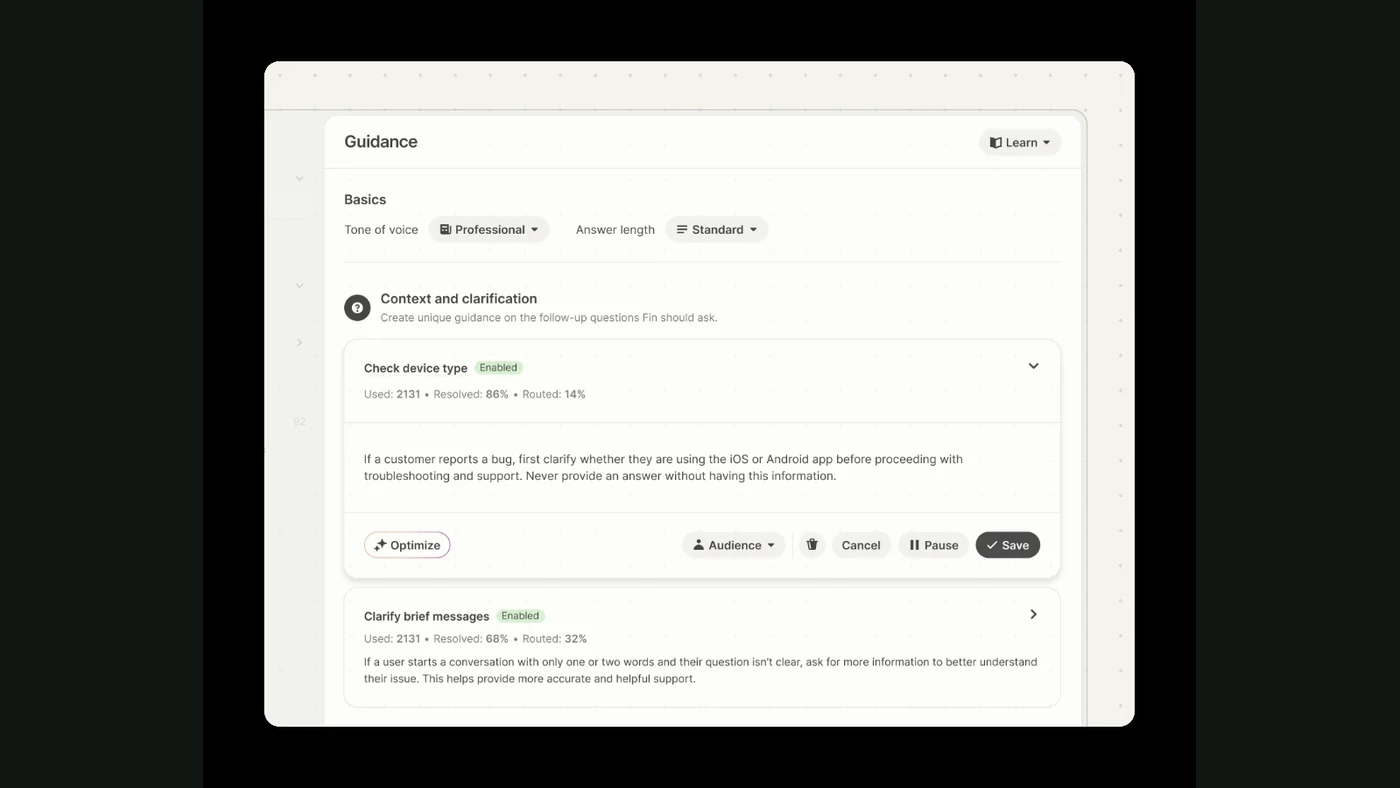
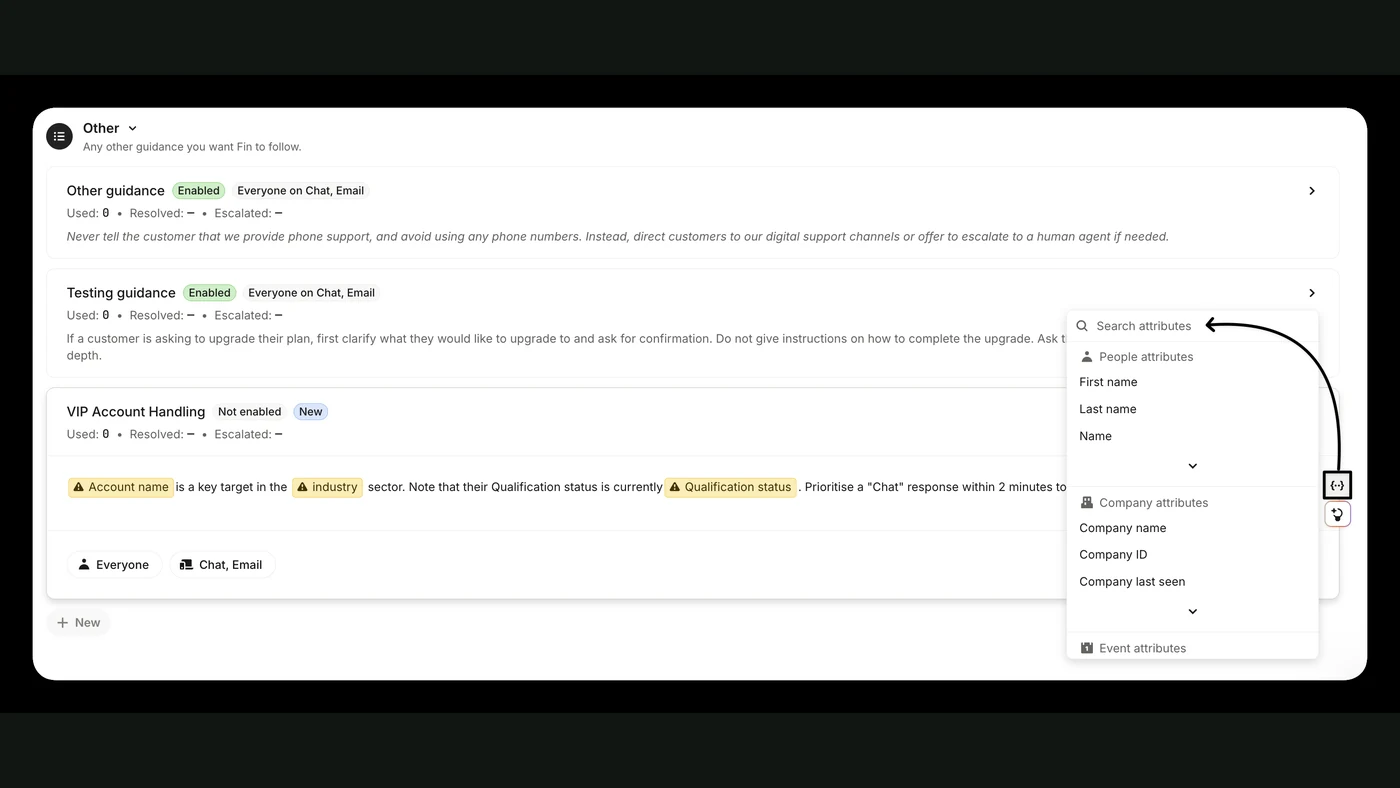
The Intercom Fin explanation is one example of a product that answers using configured knowledge. A custom internal assistant can be designed around a different set of tools and access rules.
Clean up the files before connecting them
For each document, decide who owns it and whether it is current. If two policies disagree, a bot cannot decide which version your business actually follows.
A small useful set beats a large messy one. Give files understandable titles. Separate old versions from current instructions. Write down what the assistant should say when information is missing: “I couldn’t find a current answer. Please ask the support lead” is a useful result.
For a shop, that might mean a product list, delivery information and returns policy. For a team, it might mean the handbook and a few operating guides. You can expand after real questions reveal what is missing.
Keep private information private
An employee should not get a document merely because the assistant knows it exists. Access needs to match the person asking. Finance records, staff information and customer data may need separate permissions.
Choose the exact folders and accounts the system needs. Keep a list of who can change its knowledge. Before launch, test a question from someone who should not see a restricted document.
Test it with your own questions
Collect a short list of questions your team regularly asks. Include one with a clear answer, one with an exception and one your documents cannot answer.
Judge whether the assistant finds the right file, gives the right next step and admits when it does not know. You are testing usefulness, not whether the wording sounds impressive.
If customers will use the assistant, also decide when they can reach a person. Our customer support guide covers that part.
What FollowAI can build
FollowAI can build the assistant, connect the agreed document sources, set up access rules, add source-linked answers and launch it for your team. We can also operate the system and train the people who will update its information.
The scope is concrete: which documents, who can ask, where the assistant lives and what happens when it cannot answer. You can tell us about your project with a few example questions and the tools your team already uses.
Want FollowAI to build this for your business?
Tell us where your knowledge lives, who needs access, and which questions or workflows matter most.
Describe your goal in our project assistant. It will clarify the result and the service you want, then offer a project discussion with the FollowAI team.
Discuss my projectShare contact details when you want the team to follow up. Scope and pricing are confirmed by the team.
Or email hello@followai.proChat with the team on WhatsAppSources
- n8n: integrating AIOfficial documentation
- Intercom: Fin explainedOfficial documentation