An Expense Bot That Helps You Spot Repeat Charges
Use an expense review workflow to flag repeated charges, recurring subscriptions and unclear records in your exported files. You decide what to change.

On this page
An expense review bot checks exported expense files and prepares a list of records worth reviewing. It can flag possible repeated charges, group recurring services and show which payments need a closer look.
That is useful when you have several subscriptions or messy exports and keep postponing the review. The output should point you to the original records. It does not move money, cancel services or prove that every repeated payment is a mistake.
Start with a file you can understand
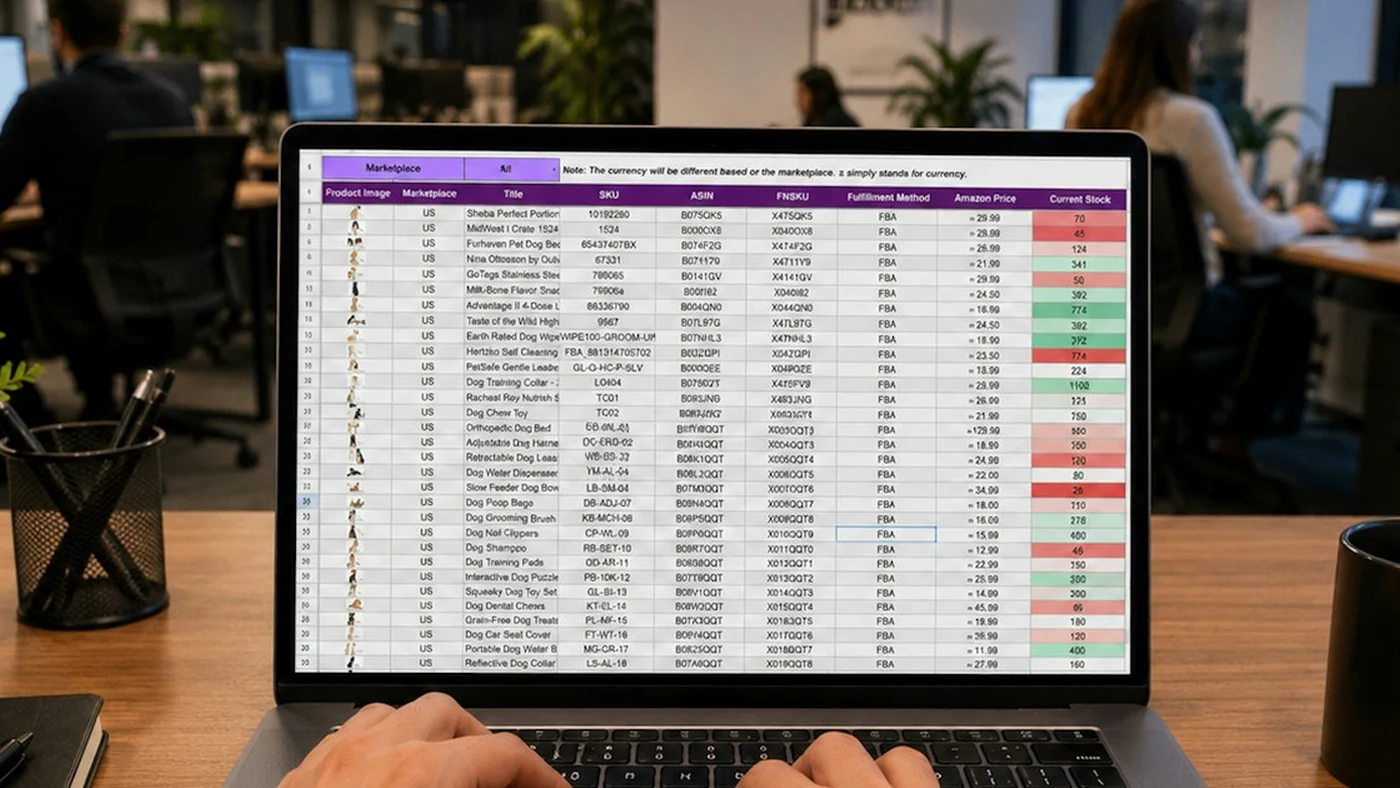
Use an export you are authorised to review, such as a CSV from your own records. For the first trial, use sample data with no private account details.
Keep the date, description, amount, currency and transaction identifier if one is available. A clear identifier helps distinguish a repeated import from two separate payments.
You do not need to connect a bank account for a first file-based version. That can be a separate decision after the basic report proves useful.
What should it flag?
| Possible finding | Why it needs a look | Why it is not proof |
|---|---|---|
| Matching transaction identifiers | The same record may be imported twice | The export could use identifiers differently |
| Same description and amount close together | A charge may be repeated | Two legitimate purchases can match |
| A recurring service | A subscription may need review | You may still need and use it |
| An unfamiliar description | The merchant name may be unclear | The description alone may not identify the purchase |
These are example review rules. They are not reported savings or findings from a customer’s account.
Use normal calculations for the numbers
Keep totals and matching rules in a spreadsheet or ordinary program logic. AI can help organise descriptions or draft a summary, but a fluent explanation should not replace a calculation you can verify.
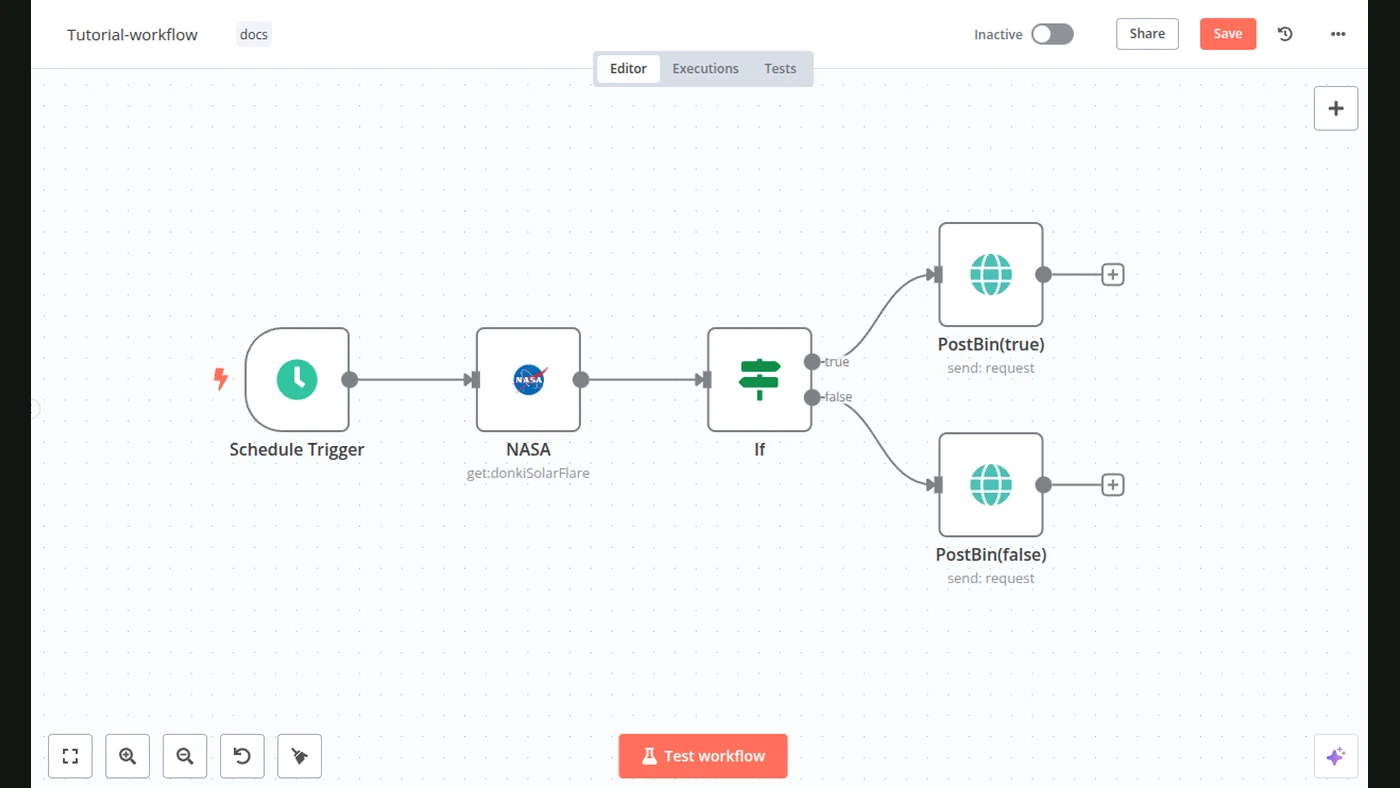
A workflow could read a file, apply the agreed checks and save a review sheet. n8n’s Google Sheets integration supports reading and writing rows. Its Remove Duplicates node is another building block when the matching fields are clear.
Do not delete records simply because a rule flags them. Keep the originals and show the reason beside the finding.
Ask for a review list, not a dramatic verdict
An original output brief could be:
Prepare a list of expense records to review.
For each flag, include the original row and the reason.
Keep amounts and currencies separate.
Mark uncertain matches as possible, not confirmed.
Do not edit the source, cancel services or make payments.
If you want a recurring check, agree how new files arrive, how old imports are identified and where the report is delivered. Each run should be traceable to its input.
Check a few records yourself
Compare flagged rows with the original export. Test two legitimate payments that happen to have the same amount. Include a record in another currency and make sure it is not quietly added to the wrong total.
Keep a status for each finding: checked, explained or still needs information. That turns a one-off list into a practical habit.
What FollowAI can build
FollowAI can build a file-based review tool, connect the agreed data sources, add your matching rules and deliver a clear report with links or references to the original records. We can also set up recurring runs and operate the workflow within the agreed scope.
Explore the expense review bot. Tell us which file format you use and what you want to notice. Savings depend on what the review actually finds; we agree the system’s job, not an invented savings figure.
Sources
- n8n: Google SheetsOfficial documentation
- n8n: Remove DuplicatesOfficial documentation
- n8n: Schedule TriggerOfficial documentation