A Lead Research Bot That Finds Potential Clients While You Work
A lead research bot can check agreed sources on a schedule and prepare a useful client shortlist. See what it needs and what you receive.
On this page
A lead research bot looks for potential customers that fit your criteria. It can check agreed sources on a schedule, collect useful information and prepare a shortlist while you do other work.
For example, a small web studio could look for businesses in its chosen area with a relevant website problem. The useful result is a sourced list with a reason to review each company. A name and an email address alone do not make someone a qualified customer.
Tell the bot what a good client looks like
Start with the customer you can actually serve. Choose the type of business, location and need you want to notice. Also say who should be excluded.
| Part of the brief | Example for a web studio |
|---|---|
| Business type | Independent local service businesses |
| Area | The locations the studio works in |
| Useful signal | A clearly outdated service page or a missing enquiry route |
| Exclusions | Existing customers and businesses outside the scope |
| Result | Company, website, evidence link and reason to review |
This is an illustrative brief. It is not a measured lead-generation result.
Give it sources it can use
Possible sources include permitted business directories, public company pages, an authorised data service or your own exported records. Choose the source and access method before promising what the bot will find.
A bot cannot see a closed account just because you mention the platform. Source access, terms and available information affect the scope. Sometimes a paid data service is part of the cost.
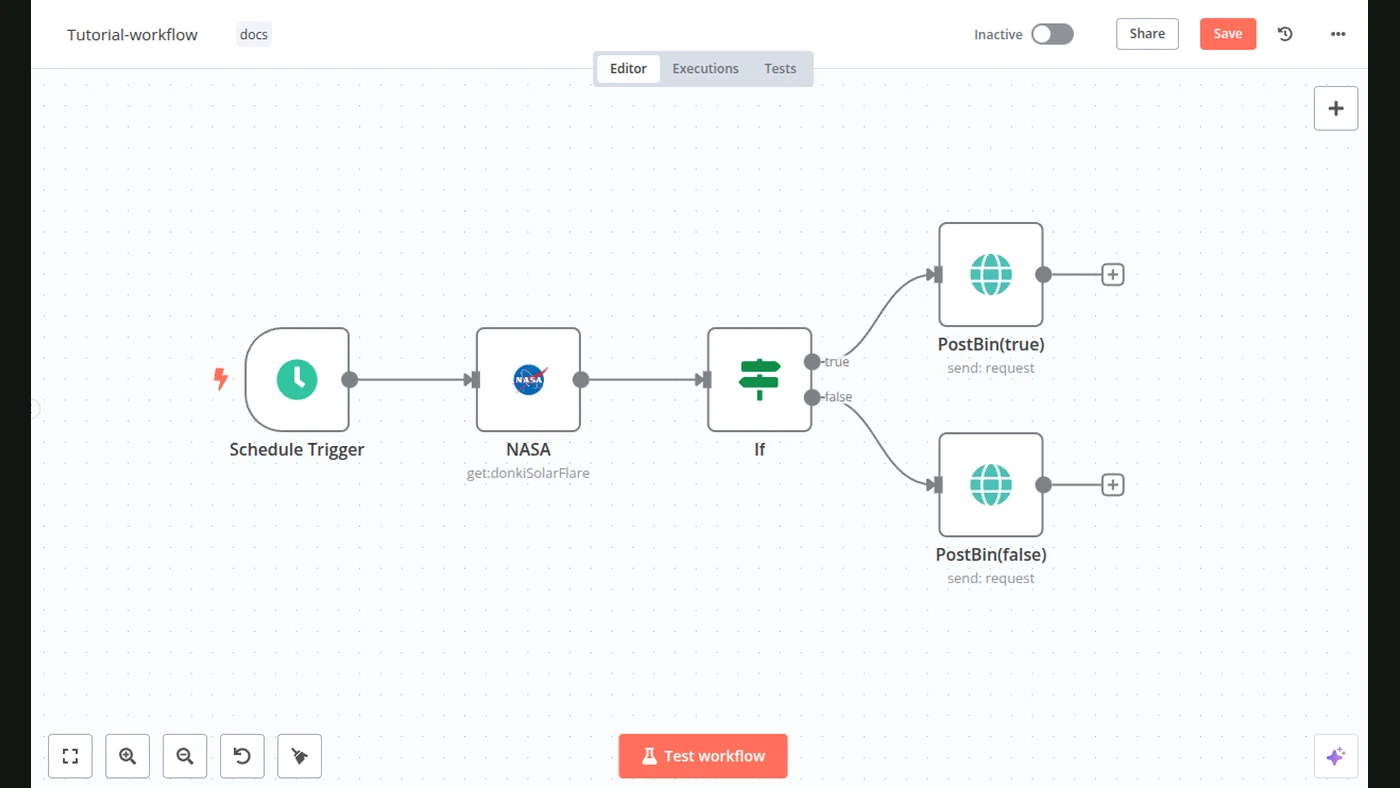
n8n’s HTTP Request node is one way to connect a documented API. A schedule can start the research regularly. Those are building blocks; the customer criteria still need your decisions.
What should the shortlist contain?
Keep it small enough to review. Each record should show the business, the source, the date checked, the relevant signal and what remains unknown.
For example: “The contact page could not be found in this check” is an observation. “This company desperately needs us” is a guess. Keep those separate.
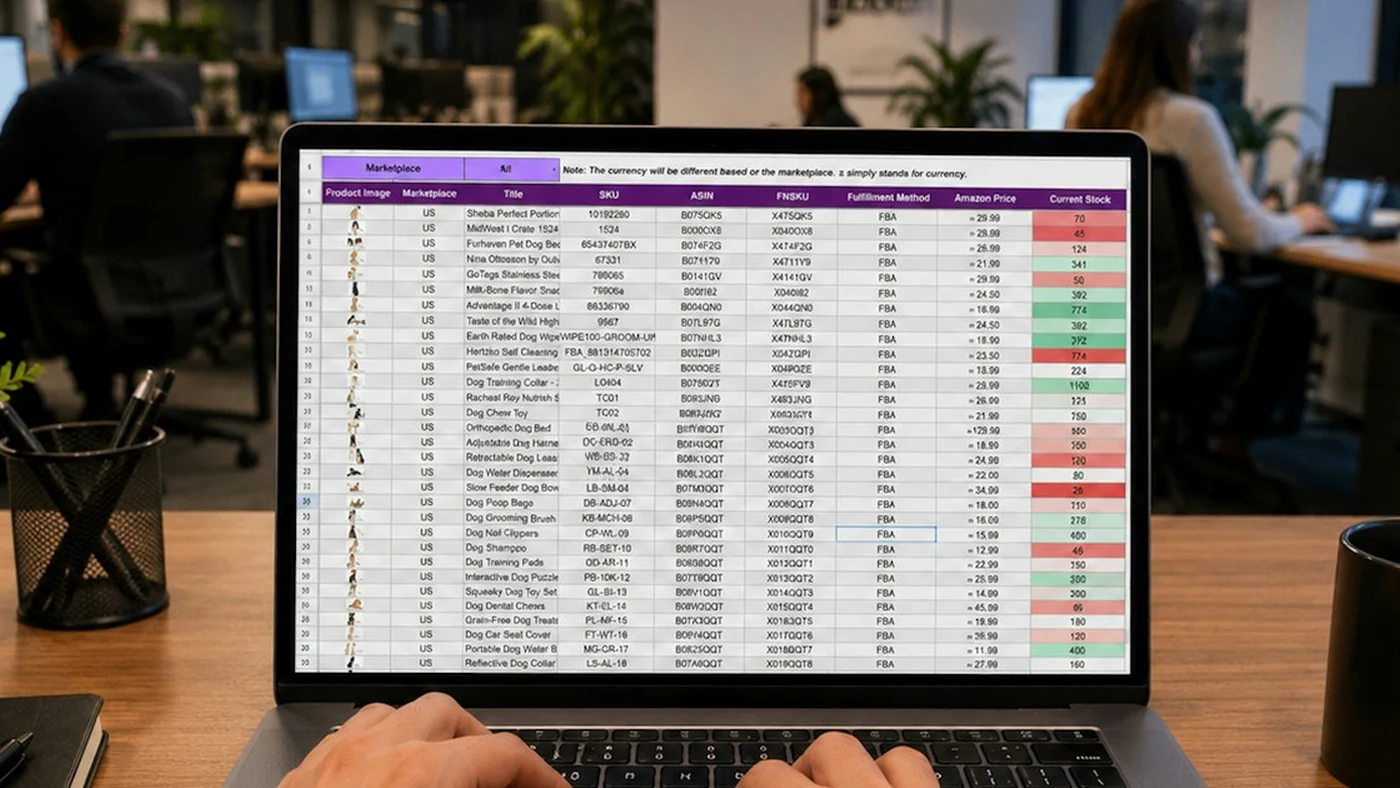
The bot can save records in a sheet or CRM and avoid adding the same company every day. Agree how duplicates are identified and when an old record should be checked again.
Finding clients and messaging them are separate jobs
Research can run regularly without you repeating the collection work. Sending outreach is a separate scope. It needs the right contacts, a useful message and the rules for when a message should go out.
Do not judge a research bot by guaranteed sales. Judge whether it gives you relevant, current records with enough evidence to choose the next step. Over time, feedback from your actual sales work can improve the criteria.
Test with a short sample
Before a large run, review a small batch yourself. Are the companies in the right area? Is the signal real? Does the evidence link open? Are important details missing?
Mark what is useful and what is irrelevant. That feedback is much more valuable than asking for “more leads” without changing the brief.
What FollowAI can build
FollowAI can build the scheduled research workflow, connect the agreed sources, filter records, prevent repeated entries and deliver a shortlist to your chosen tools. We can launch and operate that system, then improve the criteria from your feedback.
See the lead research bot in our ready solutions. For a broader sales setup, our AI sales automation guide explains the work around follow-up and the pipeline.
Sources
- n8n: Schedule TriggerOfficial documentation
- n8n: HTTP RequestOfficial documentation
- n8n: Google SheetsOfficial documentation
- n8n: Remove DuplicatesOfficial documentation