Ordering an AI Product Video? Prepare This Short Brief
A simple AI video brief: audience, product photos, message, format and review points. Get clear before spending time on generation.
On this page
Before ordering an AI product video, prepare the thing you want to show and the message you want people to remember. You do not need a production manual. A few good photos, a clear audience and one useful example of the style can get the conversation started.
For example: “We sell handmade candles. We need a short vertical video that shows the product and gives people a reason to visit the shop.” That is much easier to work with than “Make something cool with AI.”
The brief you can send
| Item | Tell the maker |
|---|---|
| Product | What it is and which details must stay accurate |
| Audience | Who will watch and what they care about |
| Main message | One thing to understand or remember |
| Next action | Visit, ask, book, buy or learn more |
| Placement | A social post, advert, product page or website banner |
| Format | Vertical, square or wide; required length if you know it |
| Assets | Photos, logo, approved wording and any footage |
| Review | Who gives feedback and what counts as finished |
If you do not know every answer, say which parts need a recommendation. The brief should make the uncertainty visible, rather than hide it behind a long list of creative words.
Show the real product clearly
Send several useful views: front, side and the detail you want people to notice. Include accurate colours and packaging. Use the logo file and the exact product name you want in the final edit.
A generated shot can change a label, a shape or a texture. Decide which scenes can be creative and which need real footage or photographs. Product accuracy is part of the brief.
Do not send a photo you found online as if you own it. Mark style references as references, and provide the assets you have the right to use.
Choose the tool around the job
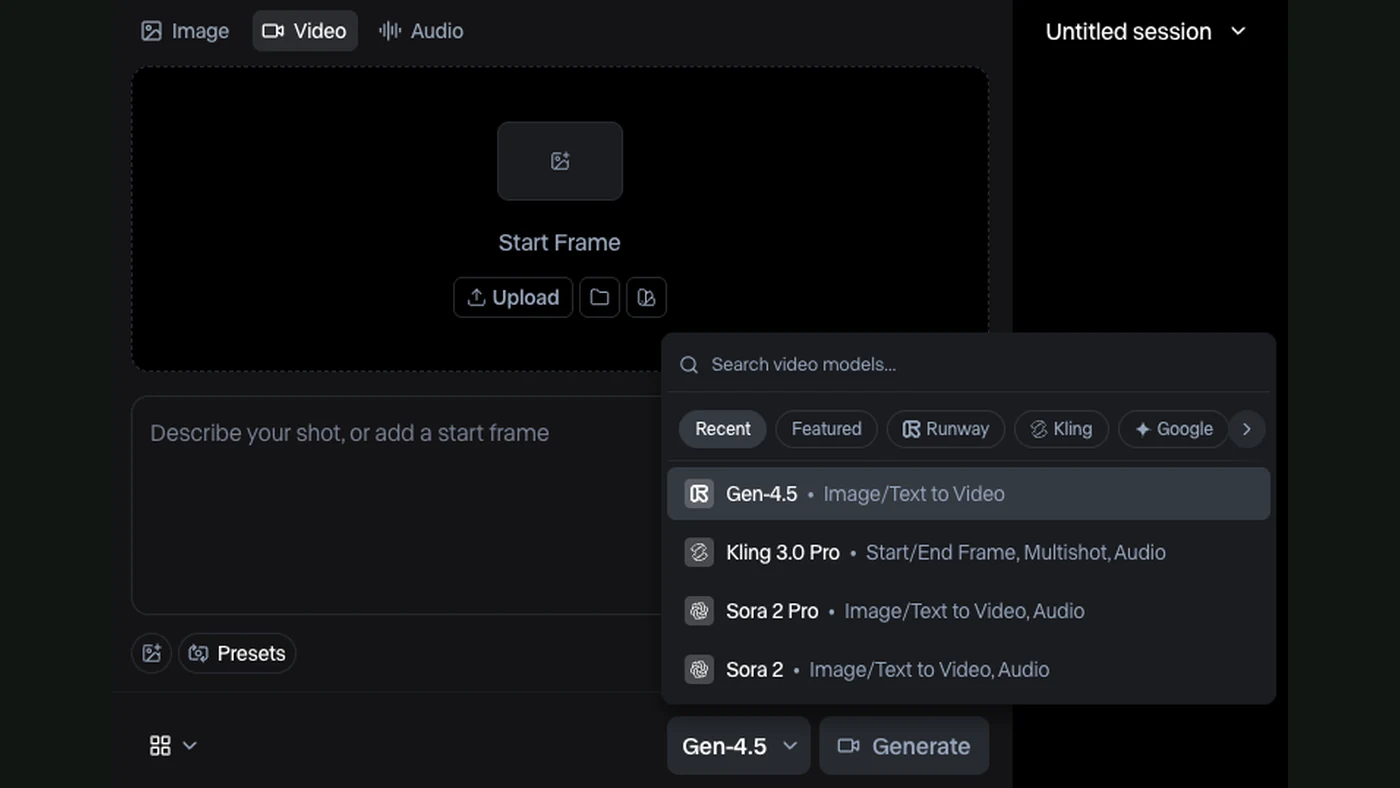
Kling and Runway offer image-to-video workflows. Flow can use references and help arrange scenes. HeyGen is useful for spoken avatar videos and translating a recording. These are different creative routes, not a ranking from best to worst.
Your maker should explain why a route fits your brief. See the official Runway generation guide and Flow scene guide for examples of the available working surfaces.
Agree what you receive
A delivery can include the finished video, agreed versions for different placements and captions. Project files, editable graphics and source assets should be named separately if you need them.
Ask how feedback works. Does the quote include a round of changes? Is replacing the whole concept a new task? When do you approve the visual direction? These questions make the work easier for both sides.
Also agree how generated attempts are handled. Several attempts may be needed before a clip is useful. The quote should say whether service credits and generation work are included.
Give feedback people can act on
“The product looks too dark” is useful. “At the end, the logo changes shape” is useful. “It doesn’t feel premium” needs an example or a clearer explanation of what you want to see.
Check the video in its real setting. Small text that looks fine on a desktop may disappear on a phone. Listen to the sound and also watch without it.
Have FollowAI make it, or learn the process
FollowAI can plan the piece, prepare the scenes, generate and edit the footage, add agreed branding and deliver the formats in your offer. You can also learn to do that work yourself. Both routes are in our AI video offer.
For an order, send the brief above and your available assets. For learning, start with one small video you want to make. The same clear brief helps in both cases.
Sources
- fal: Kling image-to-video model interfaceOfficial documentation
- Runway: creating with Gen-4.5Official documentation
- Google Flow: edit and build scenesOfficial documentation
- HeyGen: video translationOfficial documentation