Runway: A Simple Workflow for Short Product Videos
Build a repeatable Runway process: prepare your image, describe the motion, compare attempts and edit a useful product clip.
On this page
Runway can generate video from an image and a text prompt, or from text alone. For a product clip, starting with your own clear image gives you a concrete scene to work from. You describe the movement, generate an attempt and check what happened.
This guide is a repeatable creative workflow you carry out yourself. It is useful when you want to improve your process for small product videos, rather than guess a new prompt every time.
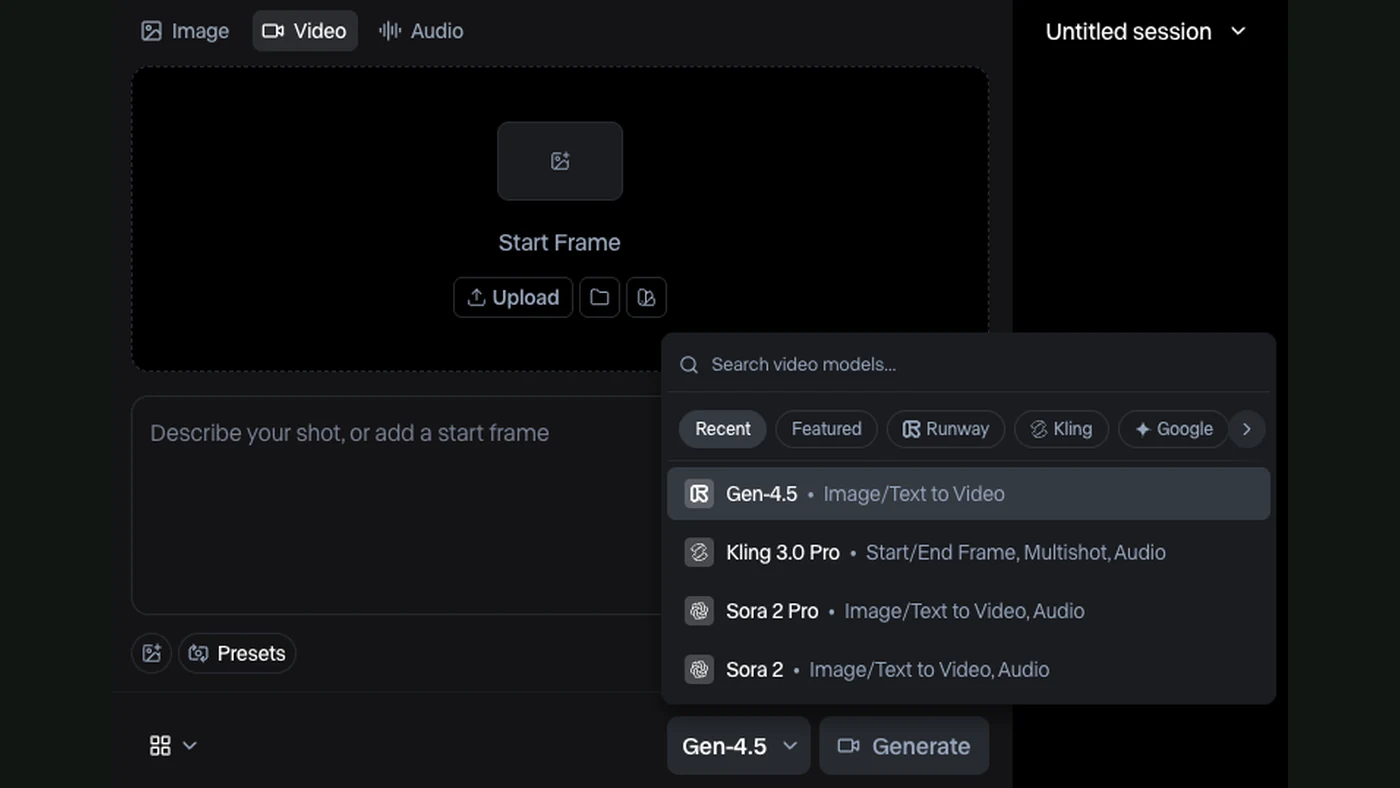
What the video controls look like
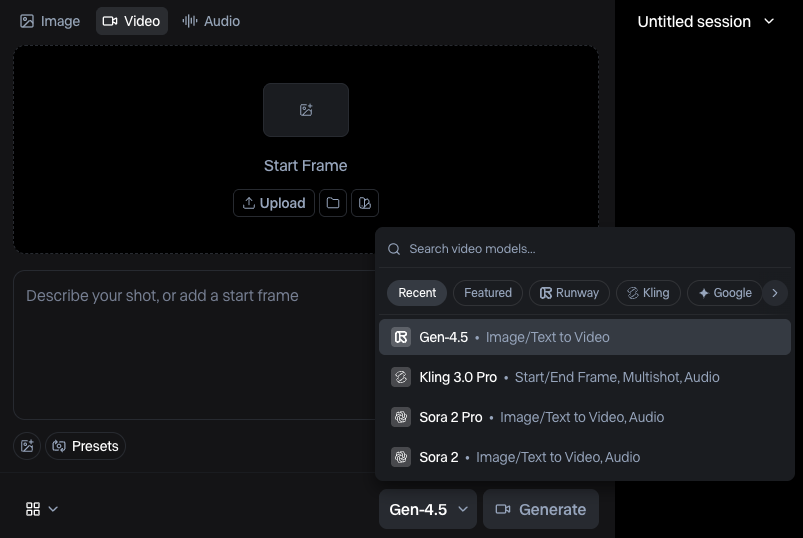
Model names and account options can change. Use the controls available to you and check the format, duration and credit cost before generating. This article does not depend on a fixed plan price.
Give each attempt a job
For example, you want a short opening shot of a coffee bag for a social advert. The job is to show the product clearly and leave room for a title. The exact allowed duration depends on your selected model.
Write that aim before the prompt. Then choose a clean product image where the label and shape are already clear. If the starting composition is wrong, fix it before paying for more movement attempts.
Describe movement rather than repeat the whole image
Runway’s image-to-video prompting guide explains that the image supplies the visual starting point. The text gives direction for the movement.
Try an original prompt like this:
The camera slides gently from left to right past the coffee bag.
The bag remains upright on the table.
Subtle steam moves in the background. Calm commercial shot.
Start with the most important motion. If you add several movements at once, a failed attempt tells you less about which instruction caused the problem.
Keep a small attempt log
| Attempt | What you changed | What you check |
|---|---|---|
| A | Gentle sideways camera move | Product shape and composition |
| B | Same shot, less background motion | Whether attention stays on the product |
| C | Same image, slower movement | Whether the clip feels calmer |
This table is a practice template, not measured Runway results. Save the starting image, prompt and result together. You can compare them without relying on memory.
Reject clips for a reason
Look for changing labels, bending edges, unstable reflections and objects that appear unexpectedly. Watch the whole clip. A strong first frame is not enough.
When something changes that should stay fixed, try a simpler action. Sometimes the input image needs replacing. More descriptive words do not always solve a visual problem.
Give yourself a limit for attempts. Decide how many versions you will try before changing the shot plan. This makes the process easier to learn from and keeps spending visible.
Finish the piece outside the prompt
Trim the chosen clip and add your real logo, copy and music in an editor. Check the output in the aspect ratio you actually need. A clip framed for a wide website banner may not crop well for a vertical post.
Export the agreed version, then watch it on a phone. Is the product clear? Is the title readable? Does the message make sense with the sound off?
If the video needs several connected scenes, Google Flow provides another approach to planning a sequence. If you are preparing work for a client, use our AI video brief checklist before generating anything.
Sources
- Runway: creating with Gen-4.5Official documentation
- Runway: image-to-video promptingOfficial documentation