AI Web Application Development: Turn a Business Workflow Into a Product
Learn how AI web application development turns a repetitive business workflow into a secure, connected product that teams can launch, operate, and improve.
On this page
AI web application development means building a browser-based product that combines a user interface, business logic, AI models, data, integrations, and operational controls around a specific workflow. A company might use one to qualify inbound leads, review documents, prepare support responses, update a CRM, or route internal requests. A recognizable example is an AI intake application that receives a customer request, extracts structured fields, checks company rules, asks a follow-up question when information is missing, and creates a review-ready record in the CRM.
The important distinction is that an AI web application is not simply a chatbot embedded in a website. It is a working product with defined inputs, permitted actions, connected systems, user permissions, approval points, error handling, and a way to measure whether the workflow is producing reliable results.
What an AI web application includes
A conventional web application already has a browser interface, server-side logic, data storage, and connections to other services. The browser communicates with servers through web protocols such as HTTP, while HTML, CSS, and JavaScript provide the core building blocks of the user experience. (developer.mozilla.org)
An AI web application adds an intelligence layer that can interpret natural-language requests, classify information, retrieve approved context, generate structured outputs, and call narrowly defined business functions. OpenAI’s function-calling guide explains how an application can expose functions to a model through JSON schemas, while Structured Outputs can constrain generated data to a supplied schema. (developers.openai.com) (developers.openai.com)
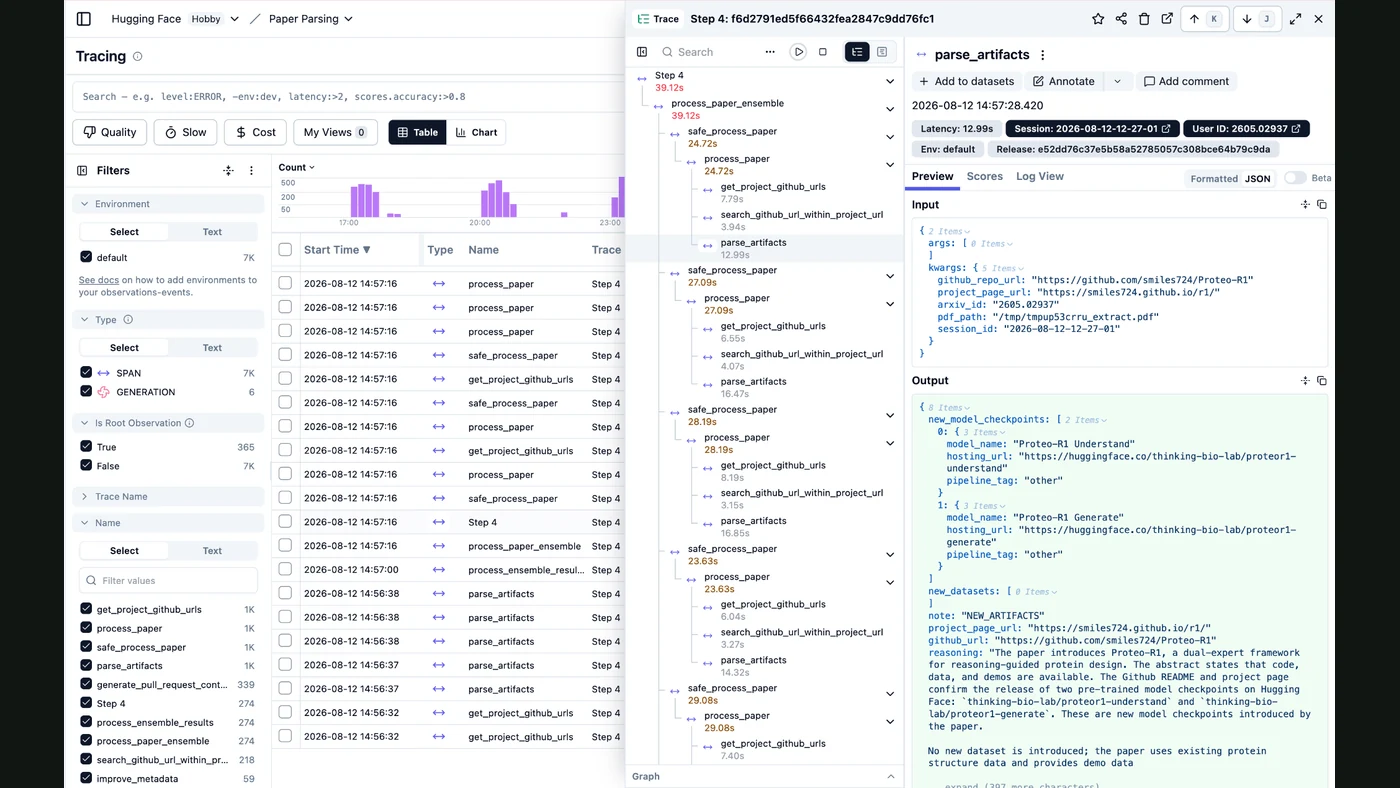
The product may use an AI model for only one step, such as extracting fields from an uploaded document. Or it may use an agentic workflow that selects from approved tools, hands work to specialized agents, and pauses when a human decision is required. The OpenAI Agents SDK supports function tools, handoffs, guardrails, sessions, tracing, and human-in-the-loop controls for orchestrating these workflows. (openai.gitsection.io)
When a workflow deserves an AI web application
The strongest candidates are workflows with a clear business owner, repeated inputs, a measurable outcome, and enough variation that rigid rules alone are inconvenient. Good candidates usually have a mixture of structured and unstructured information.
| Workflow signal | Why it matters | Example product behavior |
|---|---|---|
| Requests arrive through multiple channels | Work is easily missed or duplicated | Normalize email, form, and chat requests into one queue |
| Staff repeatedly read and interpret information | AI can assist with classification or extraction | Identify request type, urgency, customer, and missing fields |
| The process uses several systems | A product can replace manual coordination | Read from the CRM, check a knowledge base, then create a task |
| Some actions require judgment | Human review can remain at the right point | Prepare a recommendation but require approval before sending |
| Success can be checked against a target state | The workflow can be tested and improved | Confirm that every qualified lead has an owner and next action |
A workflow is a weaker candidate when the process is rare, has no stable definition of success, involves highly sensitive decisions without a review framework, or depends on unreliable source data. In those cases, a narrower internal tool or conventional automation may be more appropriate than an AI product.
A practical architecture
A production AI web application normally has six connected layers:
- Experience layer: A responsive browser interface for forms, chat, file upload, task queues, review screens, and status updates.
- Application layer: Authentication, permissions, workflow state, validation, business rules, and API endpoints.
- AI layer: Model calls, prompts, tool definitions, retrieval, structured outputs, fallback behavior, and model selection.
- Data layer: Operational records, audit events, uploaded files, configuration, and approved knowledge.
- Integration layer: CRM, help desk, ERP, email, calendar, payment, storage, or internal APIs.
- Operations layer: Logging, alerts, evaluation datasets, deployment controls, backups, and incident response.
The browser should not hold secret API keys or make unrestricted model-to-system connections. The server should mediate actions, validate arguments, enforce permissions, and record what happened. Authentication commonly uses a server-managed session cookie or a signed token, while passkeys are implemented through the Web Authentication API. (developer.mozilla.org)
Example: AI lead-intake application
A lead-intake product could run this sequence:
- A prospect submits a form or sends a message.
- The application extracts company, need, location, timing, and budget fields.
- The AI classifies the opportunity against a documented qualification policy.
- The system checks for an existing account and duplicate opportunity.
- A tool call creates or updates the CRM record with validated fields.
- The system assigns an owner and drafts the next response.
- The system prepares scheduled follow-up drafts unless the lead is marked sensitive, disputed, or outside policy.
- A sales representative approves every external message before delivery; a defined implementation may later automate only low-risk message types under explicit rules, opt-out controls, and audit logging.
The AI does not need unrestricted access to the CRM. It needs a small set of explicit functions such as find_account, create_opportunity, assign_owner, and draft_follow_up, each with typed inputs and permission checks.
What FollowAI can build
FollowAI can design, code, connect, launch, operate, monitor, and improve a complete AI web application around a defined business workflow. The deliverable can include:
- A branded web interface for customer, employee, partner, or administrator use.
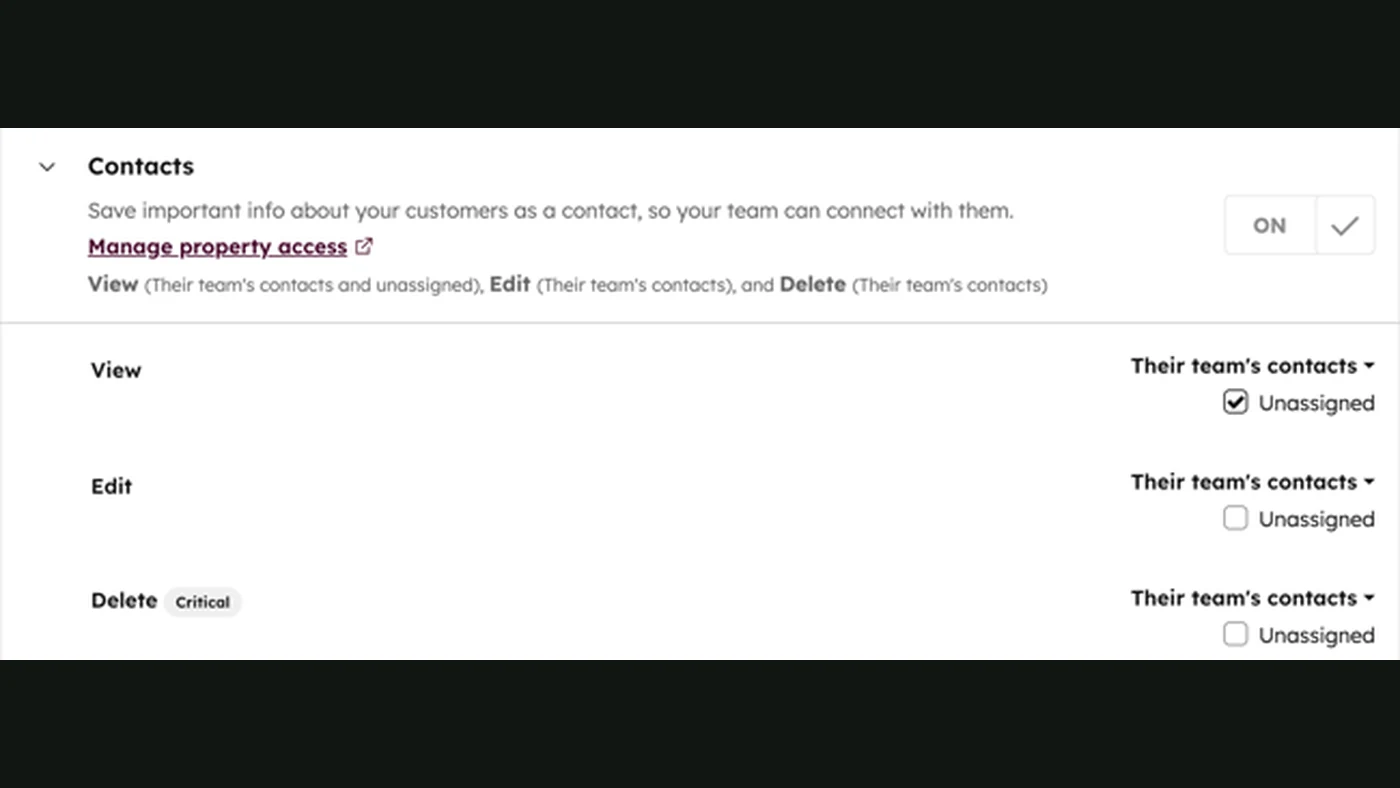
- Authentication, role-based permissions, approval queues, and audit history.
- AI-assisted intake, classification, extraction, drafting, search, and decision support.
- Agent workflows with constrained tools and explicit handoffs between steps.
- Connections to CRM, help desk, email, calendar, payment, document, and internal systems.
- Structured records and a system of record rather than isolated chat transcripts.
- Automated notifications, scheduled follow-up, exception routing, and human escalation.
- Production deployment, environment configuration, monitoring, and release controls.
- Evaluation cases that test routing, extraction, tool selection, refusal behavior, and policy adherence.
This is an end-to-end product build, not a standalone model integration. For a specifically defined scope, FollowAI can consolidate the delivery work that would otherwise require coordination across frontend, backend, AI, CRM integration, automation, and operations specialists. The workflow, systems, permissions, approval rules, and ongoing responsibilities are defined before the application is deployed.
Autonomy and approval boundaries
Autonomy should be described as a workflow design decision, not a marketing label. A useful operating model separates continuous, conditional, and approval-required steps.
| Workflow step | Can run continuously? | Typical control |
|---|---|---|
| Receive and normalize requests | Yes | Rate limits, validation, spam controls |
| Extract fields and classify | Yes | Schema validation and confidence or rule checks |
| Search approved company knowledge | Yes | Source restrictions and access permissions |
| Create a draft response | Yes | Template, policy, and tone checks |
| Update a low-risk internal record | Often | Idempotency, field validation, audit log |
| Send an external commitment or sensitive message | Usually conditional | Required human approval |
| Change pricing, permissions, or financial records | Usually conditional | Role-based approval and dual controls |
| Handle an exception or missing source data | No | Escalation queue and manual resolution |
The application should show users what the AI proposed, which sources or records informed the proposal, which tool actions were requested, and whether a person approved the final action.
Setup, cost drivers, and limitations
The first setup task is workflow definition: identify the trigger, inputs, decisions, actions, system of record, exception cases, and success criteria. Then inventory the APIs and data sources. If a system has no reliable API, the build may require a secure intermediary, an export/import process, or browser automation with additional maintenance risk.
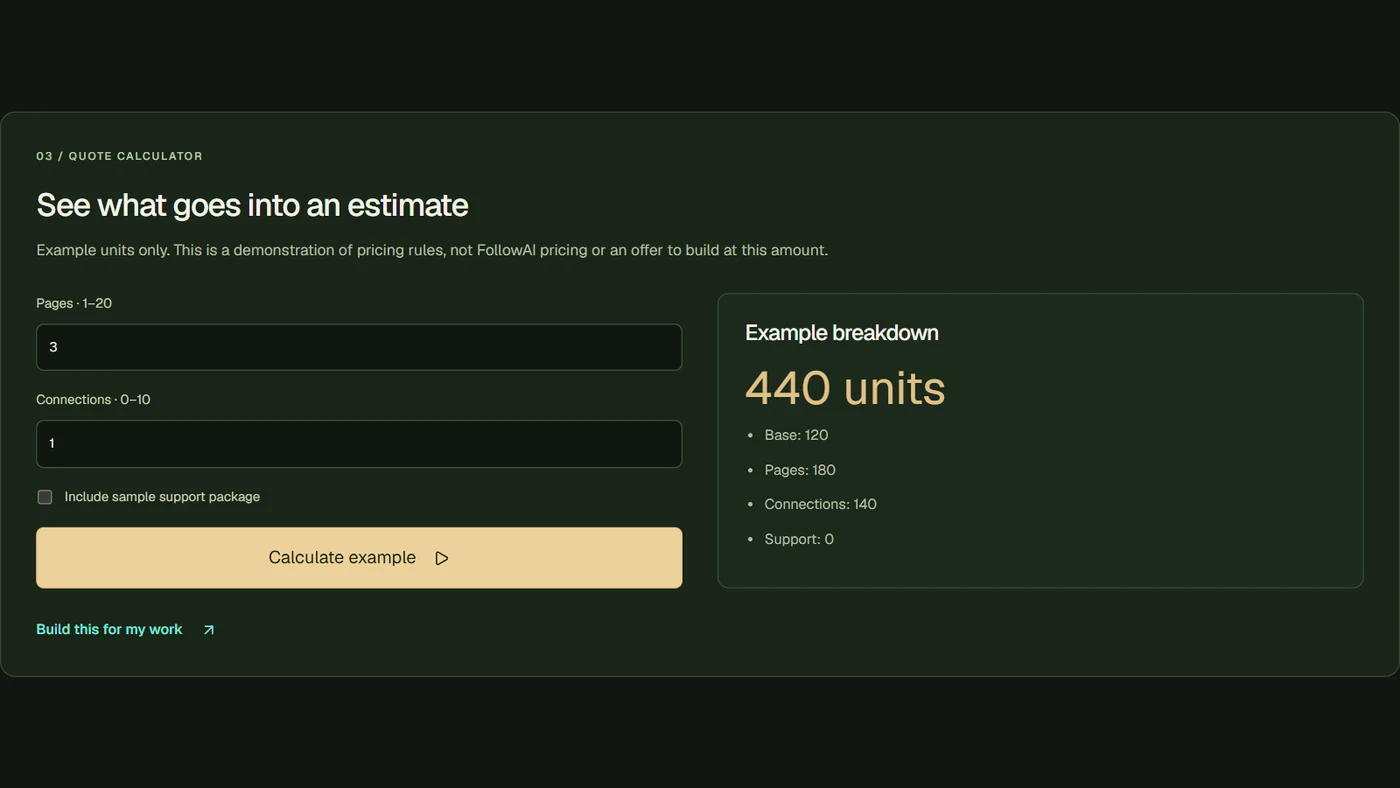
The main cost drivers are not limited to the model. They include interface complexity, number of integrations, authentication and permissions, document or media volume, model and tool-call usage, retrieval infrastructure, hosting, observability, evaluation work, support requirements, and the amount of human review. OpenAI publishes model and tool pricing by usage unit, so a realistic cost model should use expected requests, input and output volume, tool calls, and storage requirements rather than a single headline estimate. (developers.openai.com)
Important limitations include:
- Incorrect or incomplete outputs: Structured schemas improve shape, not truth. Business validation remains necessary.
- Prompt injection and unsafe tool use: OWASP identifies risks specific to LLM applications, including prompt injection and excessive agency. Tool permissions should therefore be narrow, validated, and observable. (owasp.org)
- Integration fragility: Vendor API changes, expired credentials, rate limits, and inconsistent data can interrupt otherwise sound workflows.
- Latency and availability: Multi-step reasoning, retrieval, and external API calls can make a response slower than a conventional form submission.
- Data governance: Sensitive information requires decisions about retention, access, residency, redaction, and vendor terms.
- Evaluation gaps: A demo may work for a few examples while failing on edge cases. OpenAI’s agent-evaluation guide describes datasets, graders, traces, and eval runs for measuring workflow behavior before and after changes. (developers.openai.com)
Failure modes to design for
A reliable build plans for failure instead of assuming the model will always complete the workflow. Common failure modes include malformed tool arguments, duplicate actions after retries, stale knowledge, ambiguous user intent, partial integration success, unauthorized requests, and a model producing a confident answer when the required record is missing.
Use idempotency keys for write actions, explicit state transitions, retry limits, dead-letter or exception queues, human escalation, and audit logs. Separate “draft,” “approved,” “sent,” and “verified” states so the interface does not imply that a requested action has already happened.
Is an AI web application suitable for your business?
Use this decision map before commissioning a build:
An AI web application is suitable when it can make a specific workflow easier to use, faster to complete, and more consistent to operate without hiding important decisions. The product should begin with one measurable workflow, connect to the systems that already hold business truth, and expand only after its failure modes and approval boundaries are understood.
For adjacent patterns, see AI Agent Development, AI Product Interface, API Integration Services, and AI Infrastructure Monitoring.
Continue through the Knowledge architecture
- Custom CRM Development for Real Business Processes
- AI Sales Automation: Build a Controlled Revenue Workflow
- AI Customer Support Automation: Answers, Actions, and Human Handoff
Sources
- OpenAI Agents SDKOfficial documentation
- OpenAI Function Calling GuideOfficial documentation
- OpenAI Structured Outputs GuideOfficial documentation
- OpenAI Agent Evals GuideOfficial documentation
- MDN: How the Web WorksOfficial documentation
- MDN: AuthenticationOfficial documentation
- OWASP Top 10 for Large Language Model Applications 2025Primary source
- OpenAI API PricingOfficial documentation