How to Qualify HubSpot Leads with n8n and OpenAI Without Losing Human Control
A practical HubSpot, n8n, and OpenAI workflow for lead qualification, evidence, routing, and human approval before outreach.
On this page
If your team receives leads in HubSpot but still reads every form, researches every company, and decides where each lead belongs by hand, the bottleneck is not the CRM. It is the missing qualification layer. A controlled workflow can read an approved lead record, gather allowed context, ask OpenAI for a structured assessment, and send the result to a person or a defined next step through n8n. It should not silently send promises or change commercial terms.
This guide shows the practical shape of that workflow. It is a design pattern, not a claim that every lead can be qualified automatically.
If you want help applying this pattern to your own process, use the inquiry form on this page to share your project context. Include the CRM and automation tools involved, the qualification decision you want to support, the current handoff problem, and any approval or data-access constraints. This gives the FollowAI team enough context to understand whether a HubSpot, n8n, and OpenAI workflow is appropriate before discussing implementation.
What the workflow should decide
Do not start with “let the AI score the lead.” Start with a decision the sales team already makes. For example:
| Decision | Evidence | Safe output |
|---|---|---|
| Is the request in scope? | Form text, company type, requested service | in_scope, out_of_scope, or unclear |
| Does the lead need a person now? | Urgency, buying signal, existing account | Priority and owner suggestion |
| What is missing? | Empty fields or ambiguous request | One focused follow-up question |
| What happens next? | Routing rules and consent | Review queue, nurture, or task |
The output is a recommendation with evidence, not an invented probability of revenue.
A reliable implementation shape
1. Trigger from a controlled HubSpot event
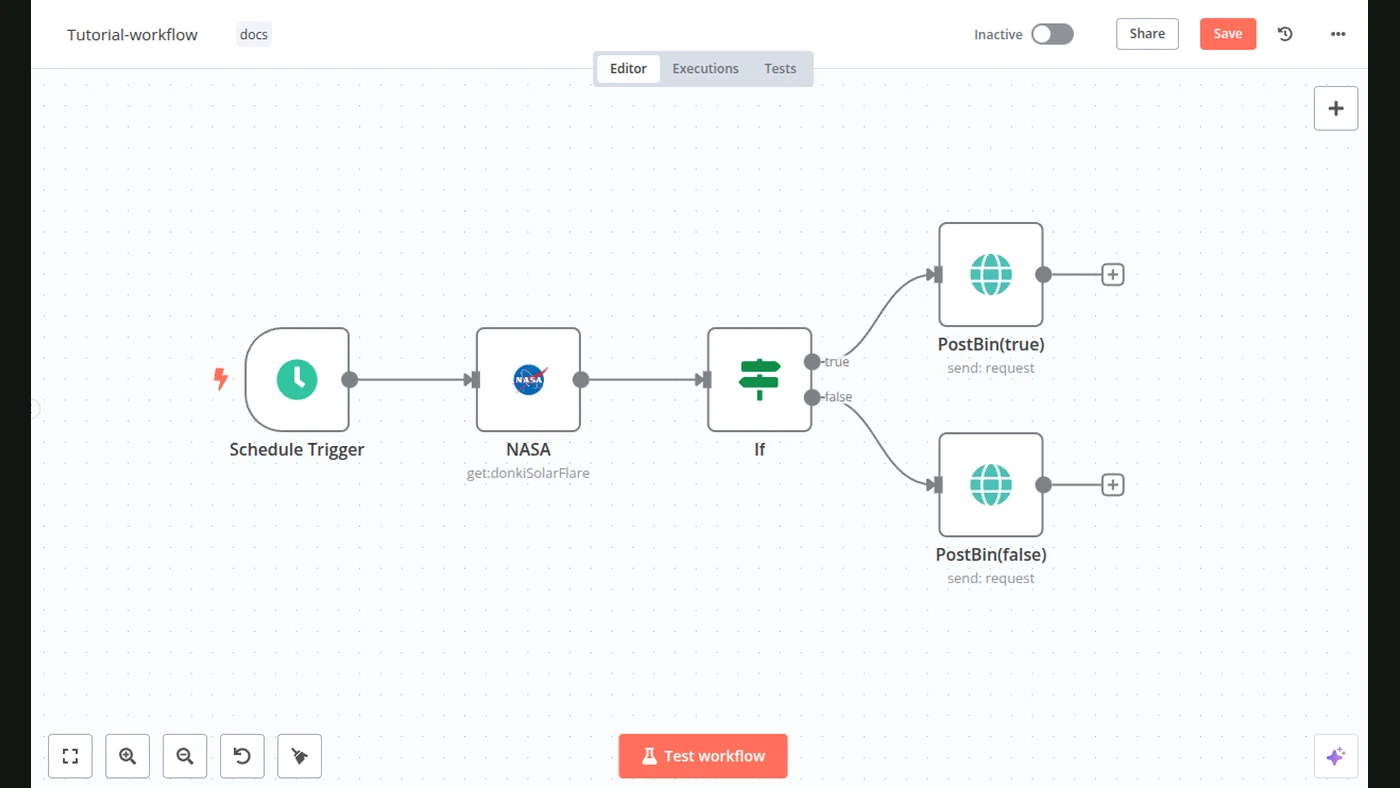
Use a form submission, a CRM record creation event, or a scheduled queue. The trigger should carry a stable record ID and a source URL. A scheduled job that repeatedly scans every contact is harder to reason about and easier to duplicate.
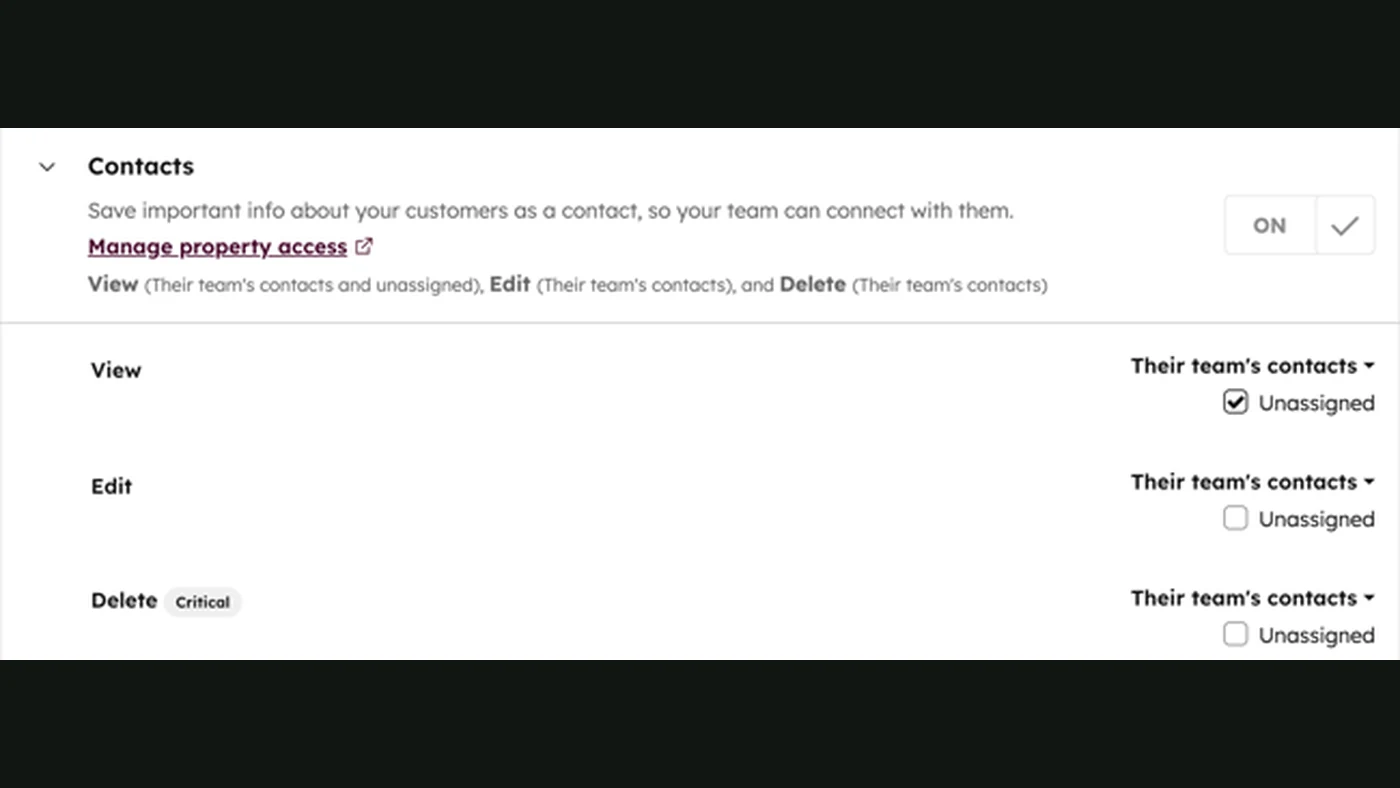
2. Read only the properties you need
n8n can call HubSpot operations or an HTTP endpoint. Fetch the lead’s approved properties, associated company data where permitted, the original message, and campaign context. Keep the raw source reference so a salesperson can open the evidence later.
3. Normalize before asking the model
Rules should handle missing email, duplicate IDs, blocked domains, consent, required geography, and known exclusions. Only then send a compact input to OpenAI. Do not put access tokens, full CRM exports, or unrelated personal data into the prompt.
4. Require a stable result shape
Structured Outputs or an equivalent schema makes the handoff predictable. A useful response can look like this:
{
  "decision": "review",
  "fit": "possible",
  "intent": "high",
  "reason": "The request names a supported service but does not include a timeline.",
  "missing_information": ["timeline"],
  "recommended_owner": "sales",
  "confidence": 0.78,
  "evidence_ids": ["form_message", "company_domain"]
}
The exact fields belong to your process. Validate the result before a CRM write. If parsing fails, route the lead to an error queue instead of guessing.
5. Write the recommendation, not a hidden rewrite
Create a CRM note or a dedicated qualification object with the model version, timestamp, evidence references, and workflow run ID. A salesperson should be able to tell what was observed, what was inferred, and what still needs review.
6. Route by explicit rules
High-confidence, low-risk actions can create a task or assign an owner. An unclear result should ask a human to review. A commercial commitment, discount, legal statement, or sensitive customer response should remain behind approval.
7. Measure the handoff
Track queue age, parse failures, duplicate writes, review time, disagreement rate, routing corrections, and the percentage of records with usable evidence. Do not judge the workflow only by the number of leads it labels.
Prepare and record
- Normalize fields and find missing data
- Classify, explain, assign, and create a task
Decide and commit
- Pricing, discounts, contracts, and claims
- Ambiguous, sensitive, or escalated conversations
Common failure modes
- A score with no reason: sales cannot challenge or improve the decision.
- A prompt that contains the whole CRM: the workflow exposes more data than the task needs.
- A retry that creates a second deal: writes are not idempotent and the run has no stable key.
- A model answer sent as fact: the system does not distinguish evidence from generated language.
- No owner for exceptions: uncertain leads wait forever in a queue nobody checks.
Keep a dead-letter queue, a replay action, and a person responsible for each exception class.
When this pattern is a good fit
Use it when the qualification criteria are repeatable, the CRM is the source of truth, and someone owns the review queue. It is premature when the offer, target customer, or routing logic changes every few days. Automation can make an unclear sales process faster without making it better.
What FollowAI can build
FollowAI can build the complete lead qualification system around your HubSpot data model: inbound capture, n8n orchestration, structured AI decisions, evidence logging, approvals, routing, follow-up tasks, monitoring, and maintenance. We connect the workflow to the CRM, define the permission boundary, launch it with your team, and improve the rules from real review evidence.
Related reading
Continue with AI sales automation, AI agents vs. workflows, and AI access control.
Want FollowAI to build this for your business?
Tell us where your leads come from, what you sell, and which parts of sales still depend on manual work.
Describe your goal in our project assistant. It will clarify the result and the service you want, then offer a project discussion with the FollowAI team.
Discuss my projectShare contact details when you want the team to follow up. Scope and pricing are confirmed by the team.
Or email hello@followai.proChat with the team on WhatsAppSources
- HubSpot developer platform and CRM APIsOfficial documentation
- HubSpot contacts API referenceOfficial documentation
- n8n HubSpot node documentationOfficial documentation
- OpenAI Structured Outputs guideOfficial documentation