AI Sales Automation: Build a Controlled Revenue Workflow
Design AI sales automation that connects prospect discovery, qualification, outreach, CRM updates, booking, and human approval.

On this page
AI sales automation connects prospect discovery, enrichment, qualification, outreach, CRM updates, booking, and follow-up into one controlled revenue workflow. A practical system reduces repetitive transfer work while salespeople retain authority over positioning, negotiation, pricing, commitments, and relationships.
FollowAI can design, code, connect, launch, and operate this system around an existing offer, sales process, data policy, and CRM.
The buying problem is usually not another AI sales tool
Teams typically face operational gaps: prospect research is inconsistent, records are incomplete, qualification criteria live in one person’s head, follow-ups depend on memory, replies are routed poorly, and CRM history is missing. Another isolated application rarely fixes the chain.
A useful system defines the state of every opportunity, the evidence required to change that state, and the person or automation responsible for the next action.
What the system can cover
Prospect discovery and verification
The workflow can collect companies or contacts from approved sources, apply ideal-customer filters, enrich missing fields, verify contact data, and preserve source, confidence, and last-checked time. Ambiguous identities go to review rather than being merged automatically.
Qualification and prioritization
Deterministic rules handle exclusions and required criteria. AI can classify unstructured signals such as replies or company descriptions, but it should return a reason and confidence rather than an unexplained score.
Outreach and follow-up
The system can prepare messages from approved claims, account evidence, and campaign rules. Human approval can remain mandatory for first-touch copy, sensitive segments, or new campaigns. Consent, opt-out handling, sending limits, and channel rules are part of the design.
Reply handling and booking
Incoming messages can be classified as interested, objection, referral, unsubscribe, out-of-office, or unclear. The workflow updates the record, assigns an owner, proposes the next step, and offers scheduling where appropriate. It must never hide an unsubscribe or invent an answer to a commercial question.
CRM and post-meeting operations
Calls, messages, notes, tasks, and stage changes can be written to the CRM. AI may summarize a meeting or draft a proposal from approved inputs; a person approves terms, pricing, scope, and contractual commitments.
A controlled state machine
Each transition needs required evidence, a permitted action, an owner, a failure path, and an audit history. This prevents an AI recommendation from silently becoming an irreversible action.
Reference architecture
- Discovery and enrichment: Apollo, Clay, approved lists, and business-signal sources.
- Reasoning and drafting: OpenAI API, with deterministic rules before model decisions.
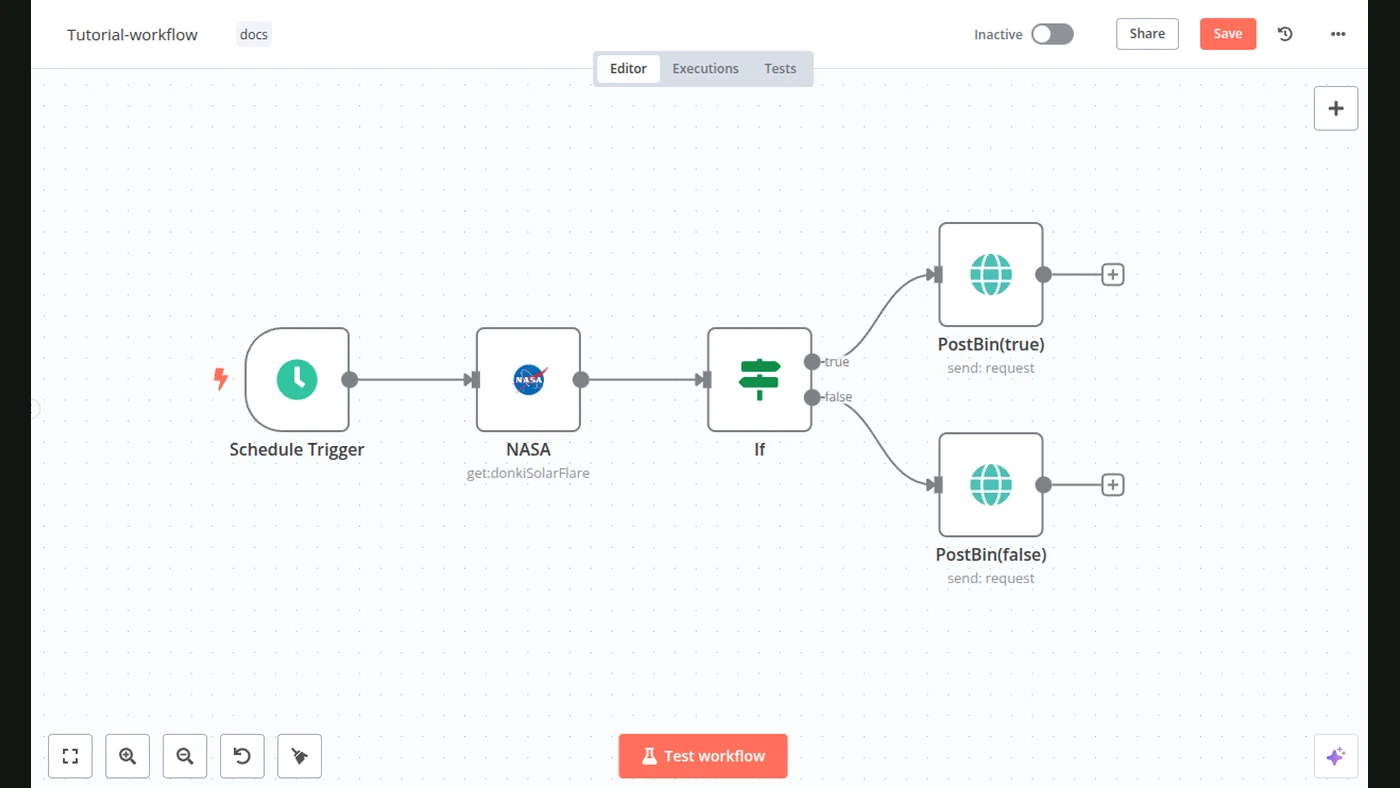
- Orchestration: n8n or equivalent workflow code.
- System of record: HubSpot or a custom CRM data layer.
- Booking: Cal.com or the team’s existing calendar system.
- Control plane: approval queues, suppression lists, audit logs, monitoring, and dedicated sending infrastructure.
Named services are reference components, not proof of a native connector. Verify API and webhook availability, plan limits, scopes, quotas, event ordering, data policy, and channel rules before implementation.
End-to-end workflow: approved prospect to booked meeting
- A scheduled search or approved signal supplies ICP filters, geography, industry, role, source URL, and campaign ID.
- Enrichment normalizes company, domain, email, and phone while retaining provider, timestamp, and confidence.
- Identity resolution deduplicates exact matches and sends ambiguous candidates to review.
- Rules apply exclusions; AI classifies fit and intent from approved evidence with a reason and confidence.
- After campaign approval, the outreach platform schedules messages while enforcing opt-out, frequency, inbox, and domain limits.
- Signed webhook events for send, reply, bounce, complaint, and unsubscribe are deduplicated and classified.
- Booking and CRM writes use idempotent upserts so retries do not create duplicate contacts, deals, tasks, or meetings.
Before retrying an uncertain send, query provider status. Retry only transient failures with backoff and jitter; exhausted events enter a dead-letter queue with an owner and replay control.
End-to-end workflow: meeting to contract and payment handoff
- A completed meeting supplies the deal ID, participants, approved notes, scope template, and pricing inputs.
- AI drafts a proposal without inventing terms.
- A person approves scope, value, pricing, legal language, and discounts.
- The approved document moves to signature.
- A valid signed event creates the billing object using a stable deal and envelope key.
- Reconciliation checks customer, amount, currency, deal, and payment before delivery handoff.
Missing invoices, changed terms, duplicate events, and payment mismatches go to sales or finance operations.
Reliability and audit contract
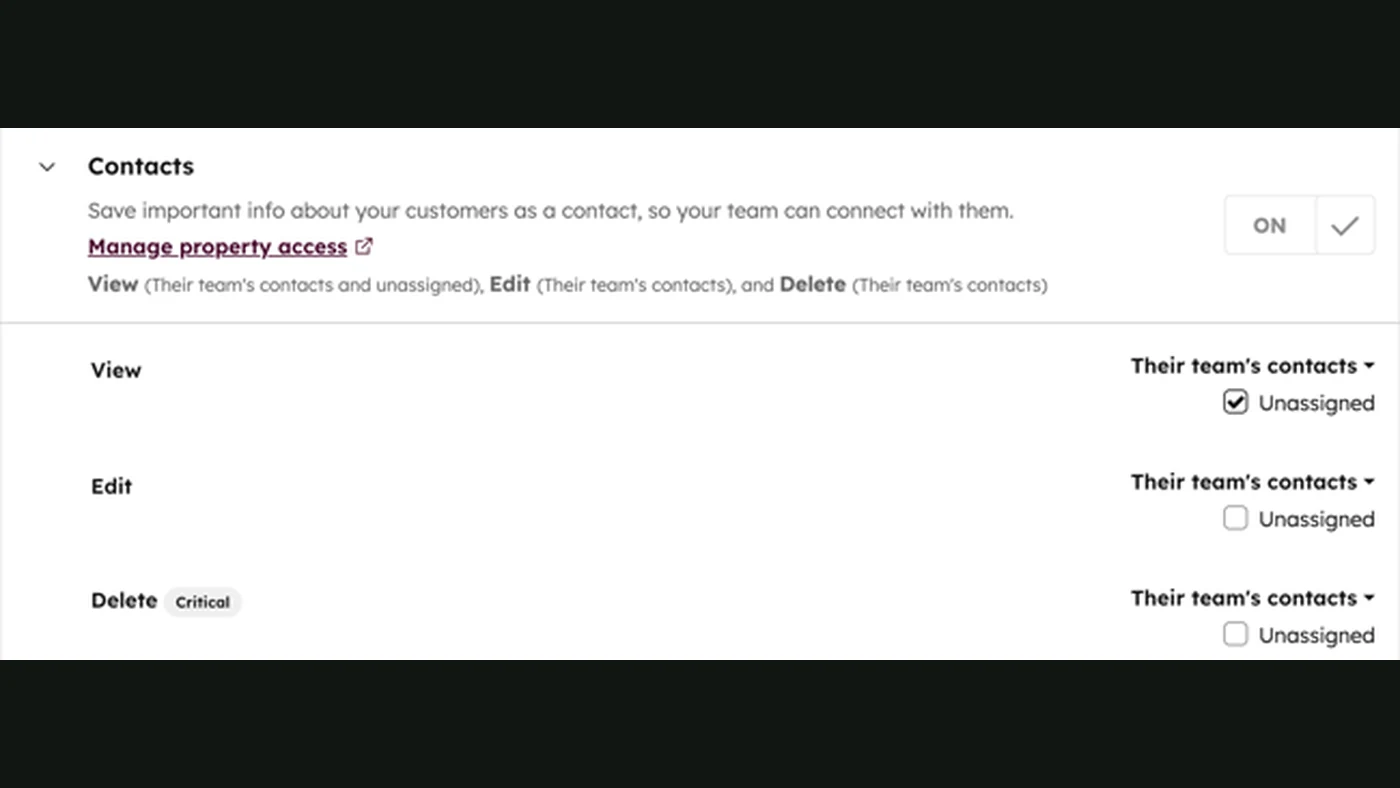
Use least-privileged credentials, verify webhook signatures and timestamps, rotate secrets, and keep them out of prompts. Persist idempotency keys before side effects. Deduplicate before writes and sends. Cap connector concurrency and use backpressure.
Audit the actor, source, input reference, rule or model version, confidence, approval, side effect, destination ID, timestamps, and error while minimizing personal data. Monitor connector availability, queue age, retries, duplicate rate, latency, enrichment quality, permission failures, review backlog, deliverability, and CRM reconciliation.
Execute approved actions
- Verify, classify, route, and record
- Send only within approved campaign rules
Own commercial decisions
- Positioning, negotiation, pricing, and terms
- Complaints, exceptions, contracts, and commitments
Where people remain responsible
Humans should own ideal-customer criteria, offer and approved claims, campaign approval, ambiguous intent, discovery calls, negotiation, proposal terms, discounts, contracts, payment exceptions, complaints, and compliance issues.
Automation should make those decisions easier to execute and audit, not conceal them.
Limits and readiness
AI sales automation cannot create product-market fit, repair a weak offer, guarantee replies, or guarantee revenue. It can amplify poor data and poor messaging.
| Ready when | Premature when |
|---|---|
| The offer and repeatable sales stages are defined | Qualification changes every week |
| A CRM or clear system of record exists | Nobody owns CRM data |
| Communication policies and review owners are approved | Messaging and exception authority remain undefined |
What FollowAI can build
FollowAI can build the complete sales operating system: capture, prospect research, enrichment, qualification, email and messaging, CRM, follow-up, meeting booking, proposal preparation, approval, payment handoff, dashboards, monitoring, and maintenance. We define the data model and permissions, write the integrations, launch the workflow, train the team, and improve it from operating evidence.
Related reading
Continue with custom CRM development, AI-powered cold calls, AI agents vs. workflows, and AI customer support automation.
Related implementation guides
Want FollowAI to build this for your business?
Tell us where your leads come from, what you sell, and which parts of sales still depend on manual work.
Describe your goal in our project assistant. It will clarify the result and the service you want, then offer a project discussion with the FollowAI team.
Discuss my projectShare contact details when you want the team to follow up. Scope and pricing are confirmed by the team.
Or email hello@followai.proChat with the team on WhatsAppSources
- FollowAI Autonomous Sales systemPrimary source
- FollowAI Sales OS: Private workspace and pipelinePrimary source