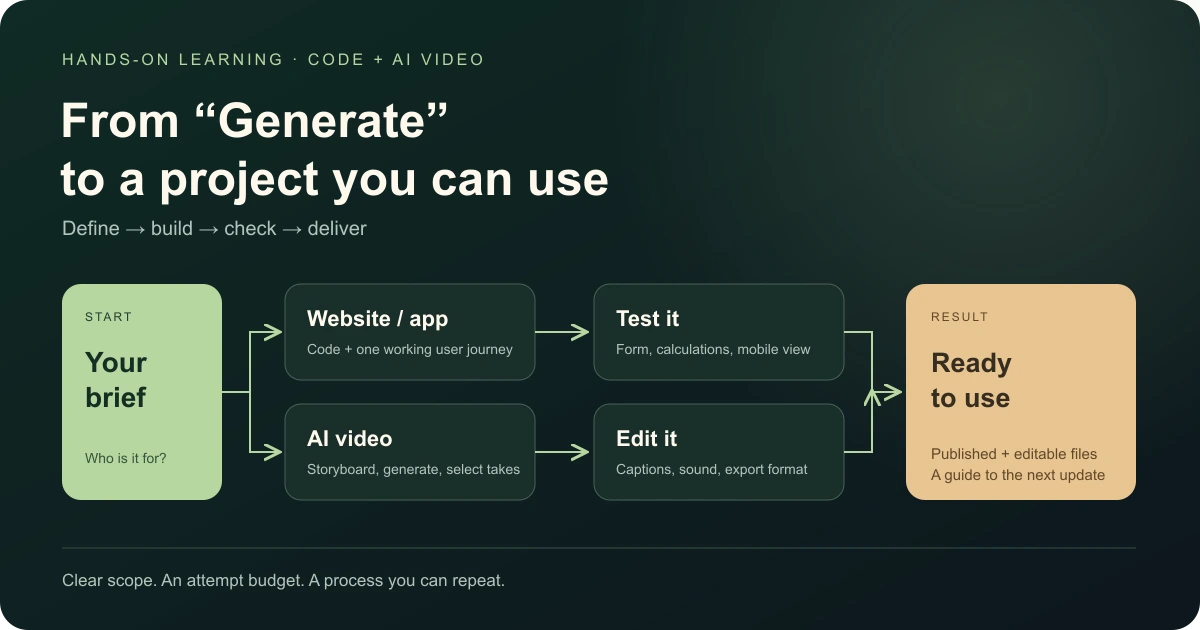
Claude Code for Beginners: Make Your First Useful Tool
Start with Claude Code without a coding background. Choose a small project, write a clear request and learn how to check what AI builds.
On this page
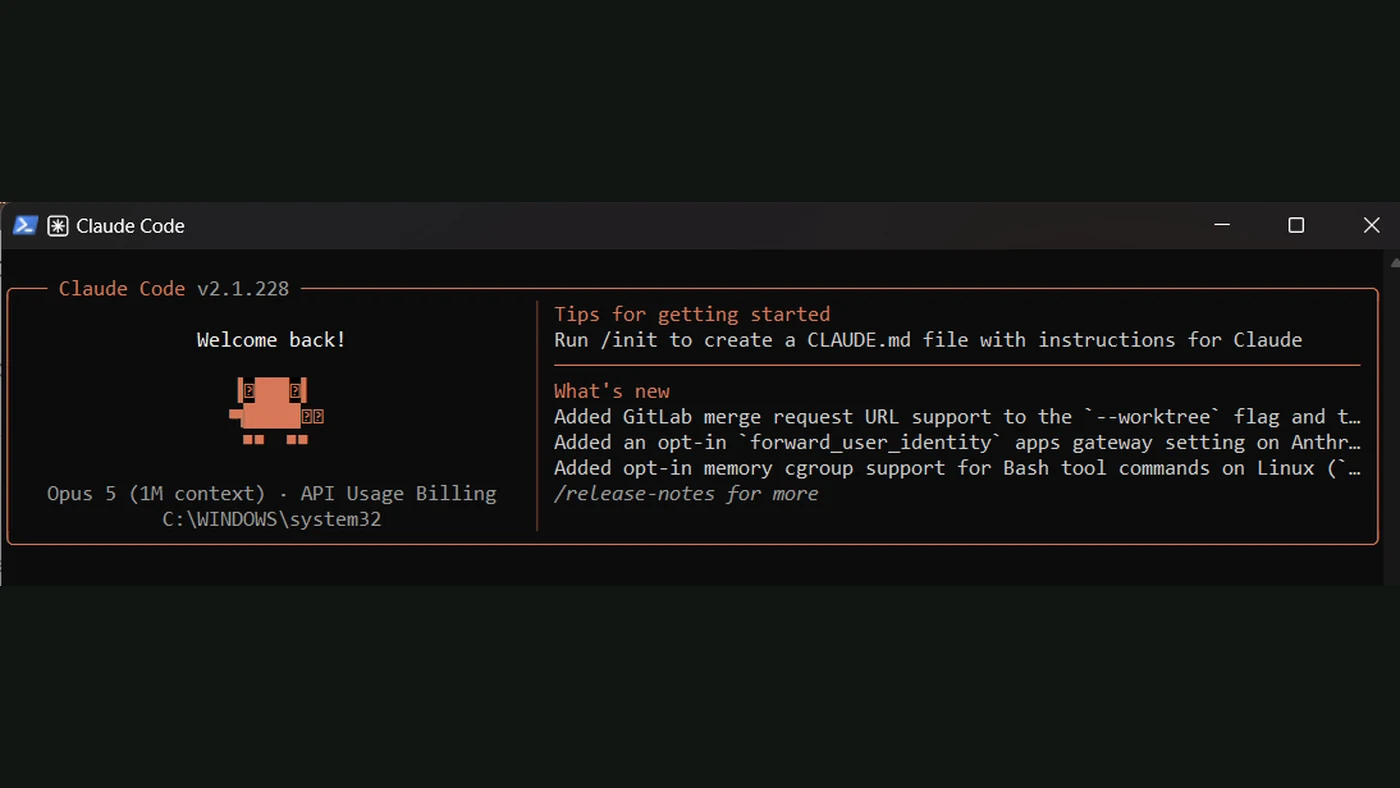
Claude Code is an AI coding assistant that works with project files. You describe what you want, and it can help create the code, change files and work through problems. A beginner can use it to make a small website, a calculator or a tool for a repeat job.
The first skill is explaining your task clearly. You still need to open the result, try it and decide what is right. Think of it as building with a capable helper who needs a good brief.
Pick something you will actually use
Choose one result for your first project. A price calculator for your service is easier to judge than a complete business app. You know the inputs, the calculation and the answer you want.
| What you do | A sensible first project |
|---|---|
| Run a shop | A request form that collects the details you need |
| Freelance | A tool that prepares a proposal draft from a brief |
| Work in an office | A helper that combines sample files into a report |
| Have a hobby | A small tracker for workouts, a collection or expenses |
These are project ideas, not invented student cases. Start with sample information and add real connections later.
Get it ready without guessing
Use the official Claude Code quickstart for the current installation and sign-in steps. They depend on your device and available account options.
Make a new folder for your first project. Keep it separate from work you cannot afford to lose. Ask Claude to explain the project structure and what it plans to change before making a big change.
If you do not understand a permission request, ask what action it enables. You can learn the terms as you go; approving every prompt is not part of the learning goal.
Give it a request with a finish line
Here is an original example you can adapt:
Help me make a simple service price calculator.
The user chooses a package and a quantity.
Show the estimated total and a short explanation.
Use sample prices. Do not connect payments or customer accounts.
First explain the plan in simple words.
Tell me how to open it and test the calculation.
The useful details are the input, the result and the limits. You do not need to name a programming language before you understand the problem.
Build, open, test, change
Work in small steps. First get a basic version you can open. Then check a normal input, an empty input and a value that should be rejected.
When something fails, say what you did and what happened: “I chose three items, but the total stayed at zero.” That is easier to fix than “It doesn’t work.” A screenshot can help when the problem is visual.
Ask for one improvement at a time. Save a working version before a bigger change. Claude can help with Git, a tool for keeping versions, but first ask it to explain the few actions you actually need.
What do you keep from learning this?
You learn to describe a project, follow the changes, test the result and ask for useful improvements. Later you can add reusable skills or tool connections through MCP.
Those are useful next steps. You do not need to learn them all before your first calculator works.
Learn with FollowAI
Our Codex and Claude Code learning options include a self-study path and a personal path with support. For the personal path, you tell us about your work, business or hobby; we prepare a plan around one main task.
You get core lessons, personal examples and practical work to do yourself. The plan and offer describe the support period and what is included. You leave with a project you understand, plus a way to keep improving it.
Sources
- Claude Code quickstartOfficial documentation
- Claude Code skillsOfficial documentation