Practical AI Training: Build Skills You Can Use at Work
Learn AI on a useful project: a website, work helper, automation or video. Choose FollowAI lessons, personal support or a complete custom build.
On this page
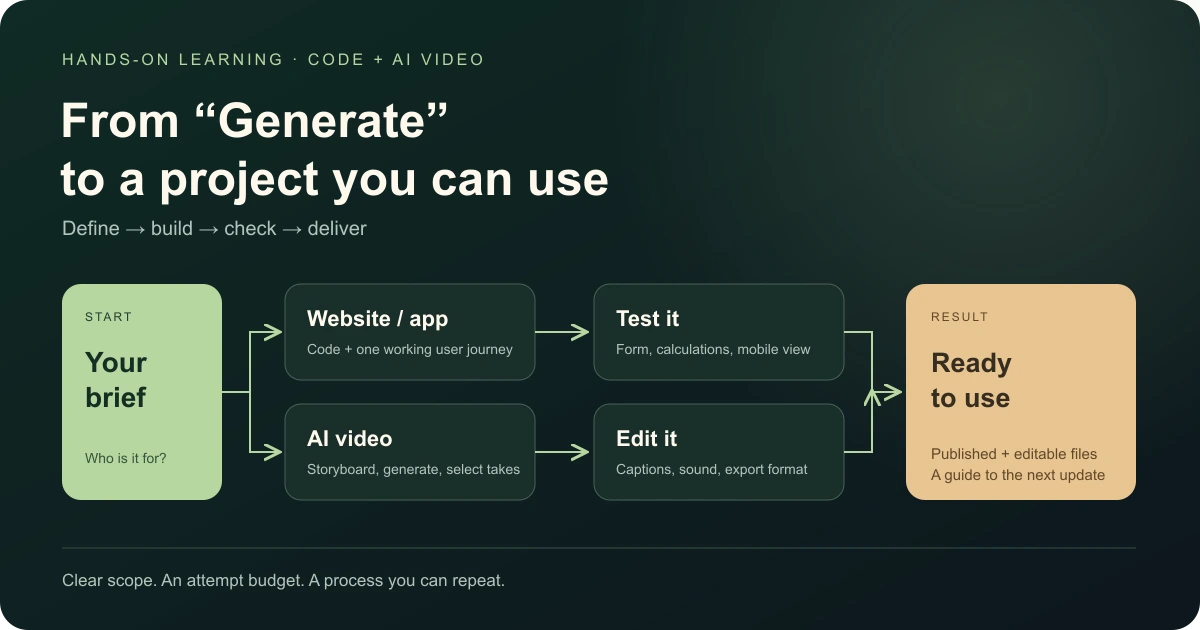
Practical AI training means learning to complete a useful task with AI, check the result and do it again. A shop owner might build a customer enquiry helper. An office worker might turn weekly spreadsheets into a report. A freelancer might create a website for a new service.
That is the starting point at FollowAI: bring a task you care about, build something you can use, and keep the skill to improve it. Choose self-paced Codex and Claude Code lessons, a personal learning plan with support, or a separately scoped automation or video learning task.
Start with the outcome you need: a Codex and Claude Code project from $349, an AI video ad workshop from $299, or a B2B prospecting setup from $449. Below, you can compare the formats, time commitment and files you take away.
Why AI skills now belong in everyday work
The need reaches beyond software teams. Someone still has to organise customer requests, prepare proposals, update information, produce content and turn scattered files into decisions. Learning to complete one of those jobs with AI gives the technology a practical purpose.
There is evidence behind the wider demand. In its Future of Jobs Report 2025, the World Economic Forum reports that 85% of surveyed employers plan to prioritise workforce upskilling. It also identifies AI and big data among the fastest-growing skills through 2030. These are employer expectations across a broad labour-market survey, rather than a prediction about any individual’s job. Read the report’s key findings.
For your own work, the useful question is concrete: which repeated task would become easier if you could build a small tool, connect two services or produce the first version yourself?
Where practical AI learning creates value
The AI education demand analysis behind this article highlights three useful directions: AI-assisted coding, agents and workflow automation, and commercial media production. They connect learning to work people already need done: launching a service, moving customer information between tools, and creating content for a product.
The same analysis makes a useful distinction between access to lessons and support applying them. A video library can explain a tool. A project with feedback gives you somewhere to bring your own files, unclear instructions and failed attempts. As tools change, the lasting skill is defining the task, giving the right context, checking the output and repeating the process.
For a business, that also means choosing who owns the workflow and which information an AI tool may use. For a creator, it means keeping a usable brief, editable assets and a repeatable production method.
Choose a skill by the result you want
Start with the job you want to finish. The examples below are possible learning projects; the exact task and deliverables are agreed for your chosen programme.
| Your situation | A useful first project | The skill you take forward |
|---|---|---|
| You need a page for a business or new idea | A small website with clear information and a contact path | Describe requirements, review changes, test and publish |
| Enquiries arrive in several places | One form connected to a sheet and notification | Map fields, connect services and handle a failed step |
| You rebuild the same report every week | A report prepared from a defined set of sample files | Give useful context, check figures and repeat the task |
| You need content for a product | A short video made from a brief and reference assets | Plan shots, compare generated takes and prepare an edit |
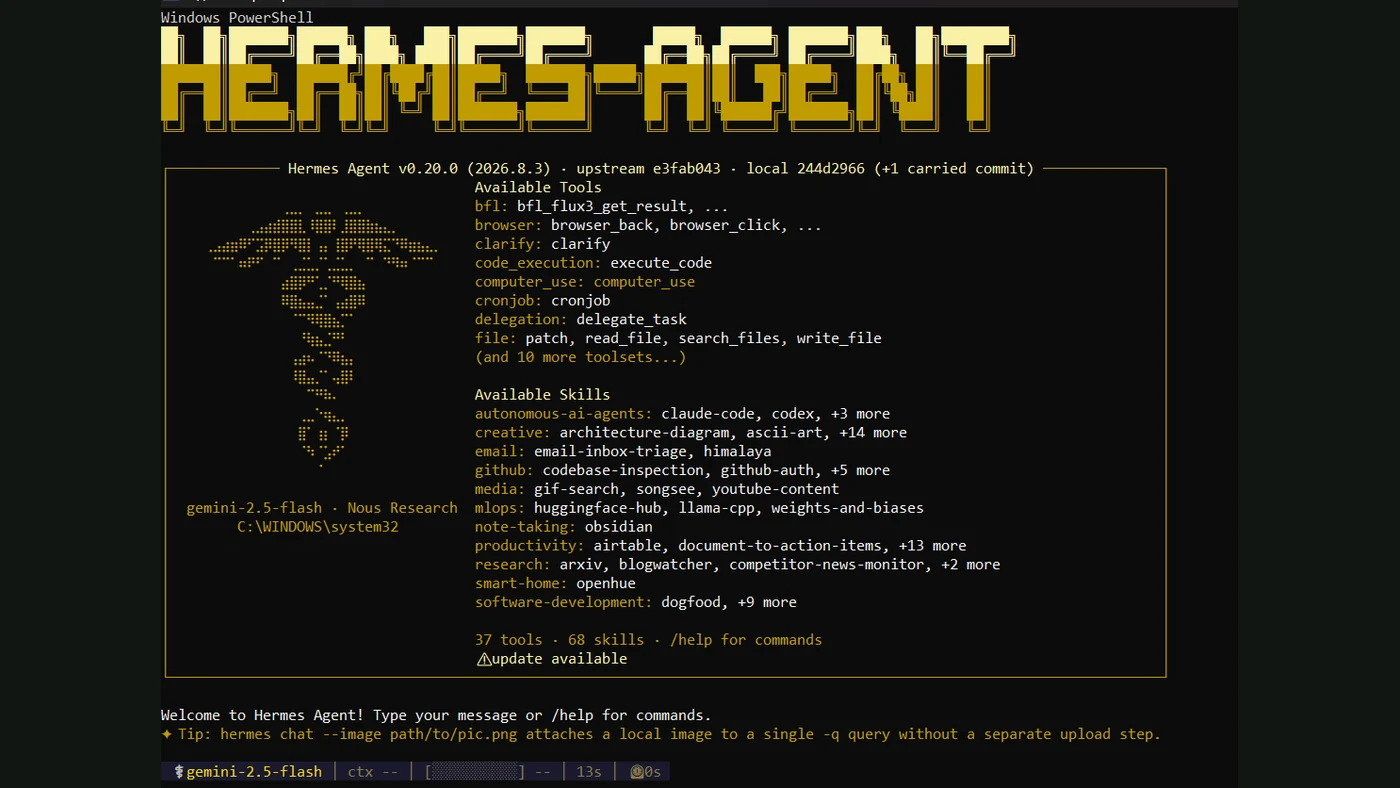
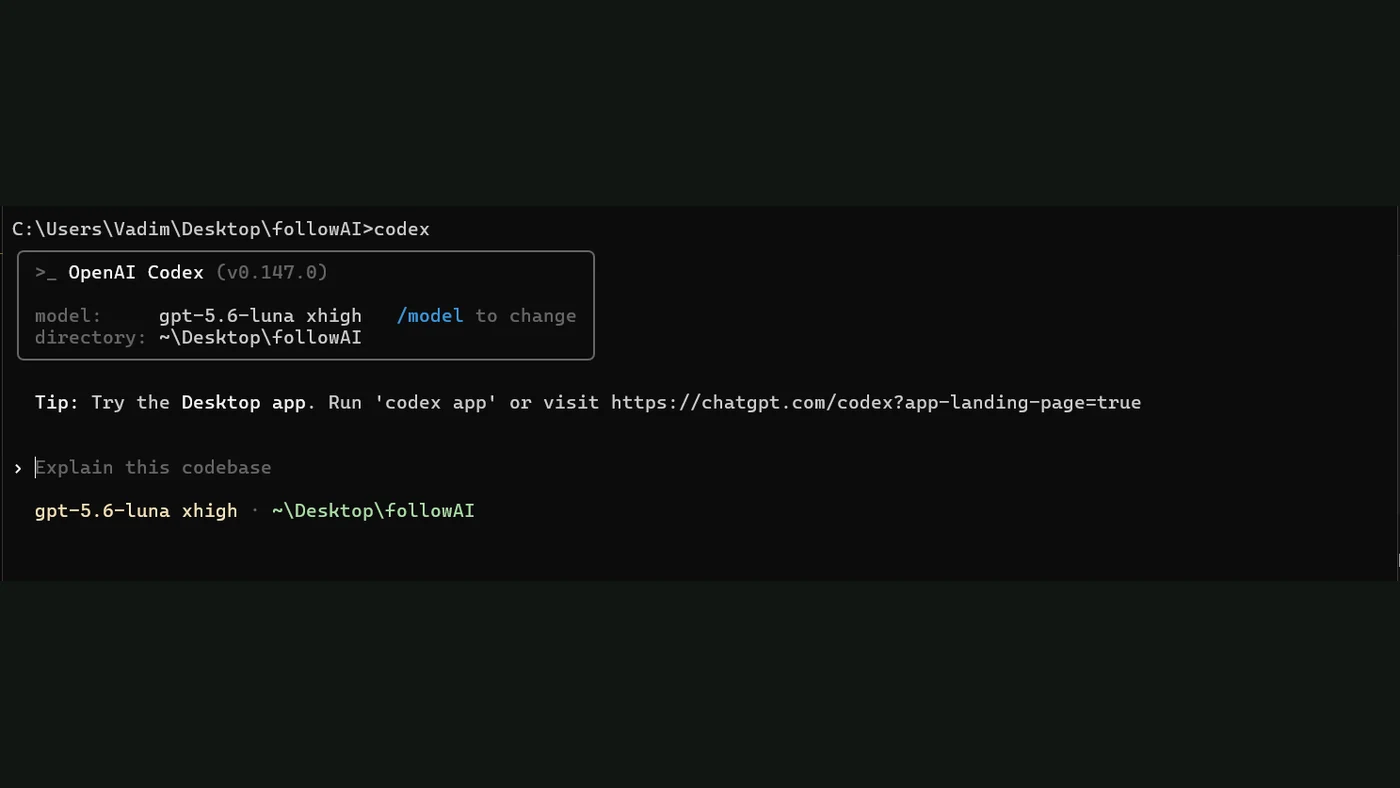
For websites and small tools, Codex or Claude Code can work with project files and help create or change software. You learn to explain the task, inspect what changed and test the main action. Our beginner’s guide to Codex and Claude Code introduction show the starting points.
For connected work, n8n lets you build workflows with triggers, credentials, data and conditional steps. A first project could connect an enquiry form, a spreadsheet and a notification. You can see the shape of that task in our form-to-notification walkthrough.
For documents and reports, start with your source material and an example of the finished result. Practise checking names, figures and conclusions against the originals. The skill is producing work you can stand behind.
For AI video, learn the creative sequence: brief, references, scenes, selection and editing. Runway’s own Workflows training covers connected creative processes. Our AI video ad workshop applies that sequence to one product ad with three opening variants.
The skill is the whole journey from request to result
A useful prompt starts the work. You also need to recognise a mistake, describe a correction and know whether the next version works.
For an enquiry helper, that means checking where a request is saved, what happens when a field is missing and who receives the notification. For a video, it means reviewing product details, movement and whether the message is clear. A convincing first impression is only one part of a finished project.
FollowAI programmes: prices and what you get
Choose the programme around the work you want to finish. These are starting prices in USD, checked on 15 October 2026. We confirm the final scope and price before payment; AI subscriptions, paid services and hosting are separate.
| Programme | Starting price | Format | What you take away |
|---|---|---|---|
| Codex and Claude Code course | $349 per person | Self-paced; about 4–7 hours of practice | Starter project, lessons, exercises, reusable instructions and an update guide |
| AI coding with personal support | $349 per person | One agreed task; about 4–7 hours of practice, support for up to 10 calendar days | Personal plan, task-specific examples, project files, feedback and an update guide |
| AI video ad workshop | $299 per participant | 14 days; three 90-minute sessions, planned groups of 4–6 | One 20–30 second vertical ad with three openings, editable project and export-ready files |
| B2B prospecting setup | $449 per package | 14 days; three individual 60-minute sessions | Buyer profile, 25 researched companies, 10 first-message drafts, two follow-up templates and a CRM tracker |
Build websites and work tools with Codex and Claude Code
The self-paced course suits someone who can work through examples independently. You get shared lessons, starter files, exercises, common fixes and self-checks. Personal tutoring is outside that format.
With personal support, we agree one main task after your questionnaire and prepare materials around it. That could be a small website or a defined work helper, depending on scope. You receive chat feedback by the next working day during the agreed support window, short recordings and up to two optional short calls. You practise making changes, checking the result and updating the project yourself.
Create an AI video ad for your product
Bring a product, a clear offer and assets you have permission to use. In the workshop, you develop the brief, script and storyboard, generate and select material, then assemble a vertical ad. The three openings are variants of the same base creative, giving you different ways to introduce the offer.
The package includes up to 45 minutes of creative review and session recordings for 90 days. You keep the editable project and finished exports. Media buying and campaign performance are outside the workshop; done-for-you video production is quoted separately.
Build a usable B2B prospecting process
This programme turns a broad question—“who should we contact?”—into one defined segment and a researched company list with source links. We work through the buyer profile, tailored message drafts and a simple tracker, with up to two hours of review included.
You approve and send the messages. The deliverable is a research and outreach process you can continue using; meetings and sales depend on the offer, audience and execution. Paid research tools and data are separate.
When guided practice is worth paying for
Official tutorials are a useful starting point. Paid support earns its place when you need to apply the tools to your own files, decide what to build first or understand why your version stopped working.
With FollowAI’s supported format, the offer specifies your task, materials, start date and price before payment. You practise; we prepare examples, explain the steps and review your progress. That gives the learning a clear destination and a person to ask when you get stuck.
For a business, begin with one repeated workflow and a named owner. Compare the manual effort, corrections and usefulness before and after the change. A team rollout can then be scoped around shared instructions, access, review responsibilities and ongoing operation.
Start with a project that fits your time
A small website, proposal helper or report from sample files can be a useful learning goal. A customer-facing system handling payments, sensitive records or several departments needs a larger development and operating scope.
Plan time to practise and check the output. Use sample data until access and handling rules are agreed. Your first project can become a portfolio example, but paid client work also requires experience, a clear offer and delivery responsibility.
If you need a finished system on a deadline, custom development is the direct route. FollowAI can build and operate it, with training included in the agreed handover.
What FollowAI can build
We can turn your goal into a learning project or deliver the complete working system. For learning, we prepare the agreed materials, starter files and guidance so you can make and improve it yourself. For custom work, we design, code, connect, test and launch the website, app, bot or automation, with monitoring, maintenance and team onboarding scoped around the job.
You get one team responsible for the connected result, with clear deliverables and ownership.
Choose your next result: build with the Codex and Claude Code course, work on your task through AI coding with personal support, produce a creative in the AI video ad workshop, or prepare your sales workflow with B2B prospecting setup. For a complete delivered system, request website, app and automation development with a scope and quote for your project.