Claude Cowork: Make a Useful Report From Your Files
Use Claude and Cowork to prepare a report from selected files. Give it a clear output, keep sources visible and check the numbers.
On this page
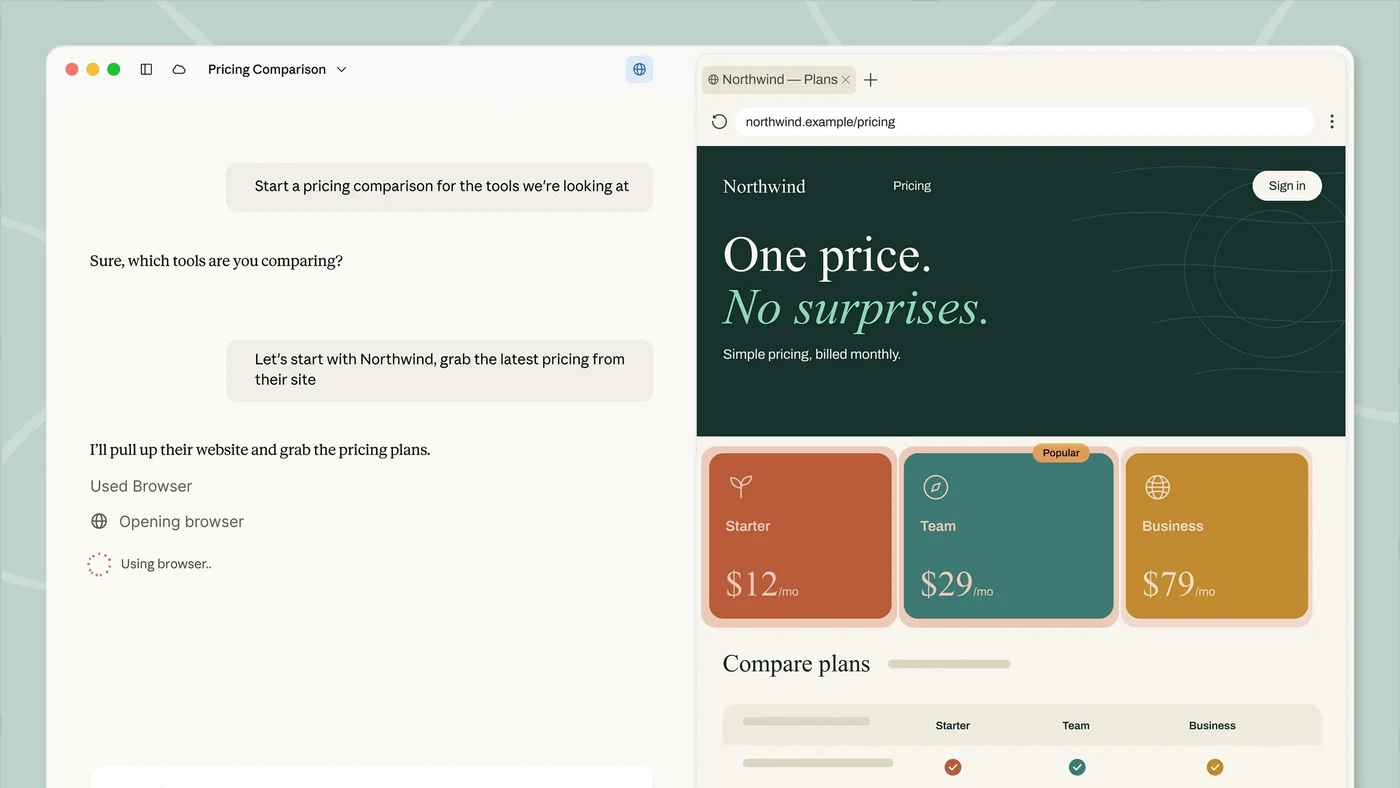
Claude’s Cowork experience can work across chosen files and tools to prepare a result you can use. A practical example is a short report from a folder of weekly exports, notes and project updates.
You tell Claude what the report should answer, which files to use and where the result belongs. That can reduce the repeated work of opening several documents and copying the same facts into a summary.
Why the name may look different
Anthropic is gradually bringing Cowork and chat into one Claude experience. Its current help guide explains the rollout. Your account may show a Cowork choice, or Claude may decide from the task whether a longer job is needed.
For work on files stored on your computer, use the supported desktop setup and keep the app available as required. Do not assume a web or mobile session has the same local access.
Give it one tidy working folder
Start with copies of the few files needed for the report. Give them clear names and include the dates they cover. Leave unrelated personal and customer documents out of the practice folder.
Tell Claude which files are the originals and where it can save new output. Ask it not to overwrite the source files. Those instructions help define the task; you still need to review its plan and permissions.
Describe the report, not just the action
“Read these files” leaves the output open-ended. This original request is easier to work with:
Prepare a one-page weekly update from the sample files here.
Include: completed work, blockers and next actions.
For each number, show which file it came from.
List missing or conflicting information separately.
Do not change the original files or send the report.
Save the result in the output folder.
You can use the same approach for comparing supplier information or preparing a hobby progress note. The key is knowing which questions the report needs to answer.
Choose a result you can review
| Output | Useful for | What you check |
|---|---|---|
| A short document | A weekly update | Meaning and missing points |
| A spreadsheet | Comparing records or figures | Inputs, formulas and totals |
| A presentation draft | Sharing a reviewed summary | Whether each slide says something useful |
Anthropic’s product overview describes file work and deliverables. Which features are available depends on your account and current setup.
Check the source, not just the wording
Pick a few important numbers and compare them with the original files. Check dates and units. A monthly total should not quietly become a weekly total.
If two files disagree, ask Claude to show both records. If a file is missing, the report should say so. A smooth paragraph is not enough when the underlying information is unclear.
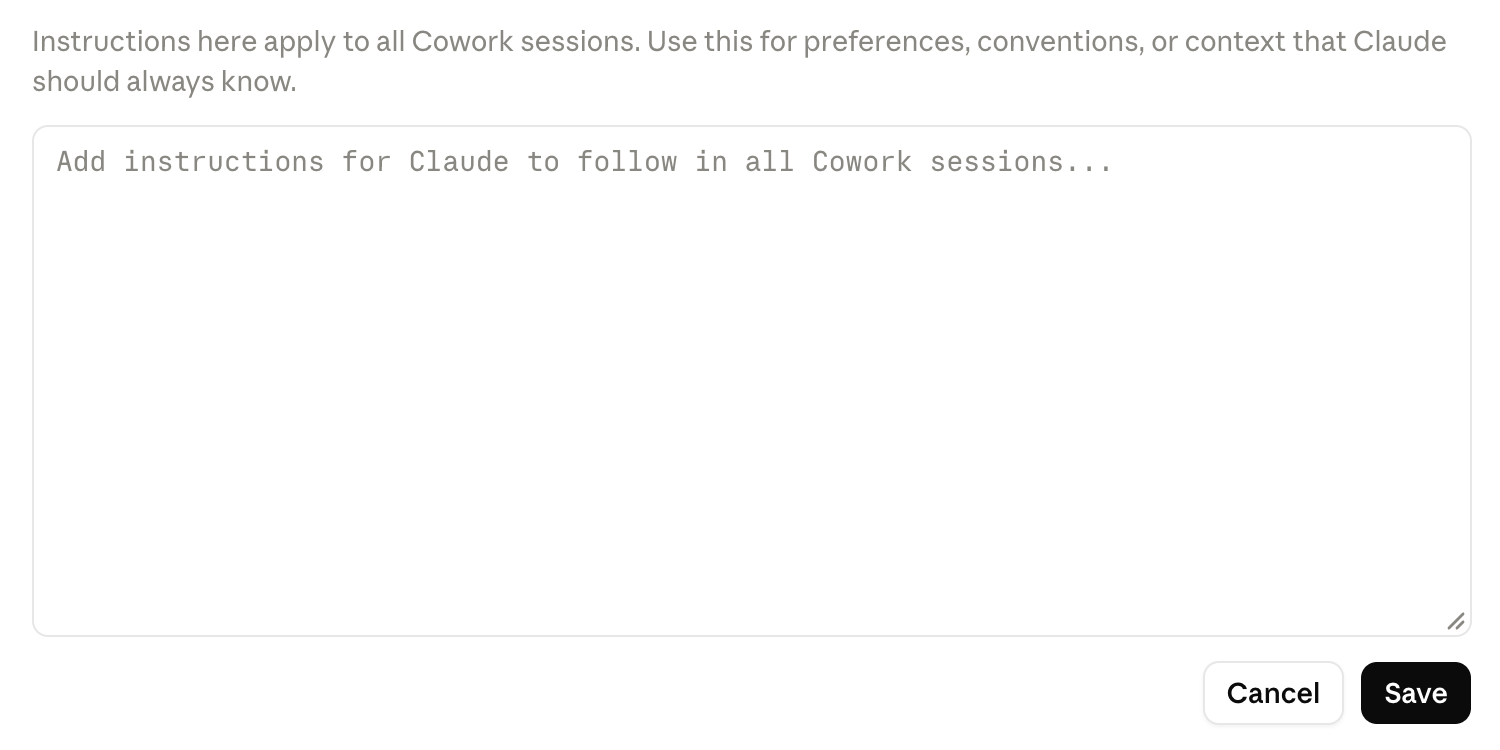
For repeated work, save the useful instructions in a skill or your project’s instructions. Keep the report format short enough that you will actually read it.
When would you choose a coding assistant instead?
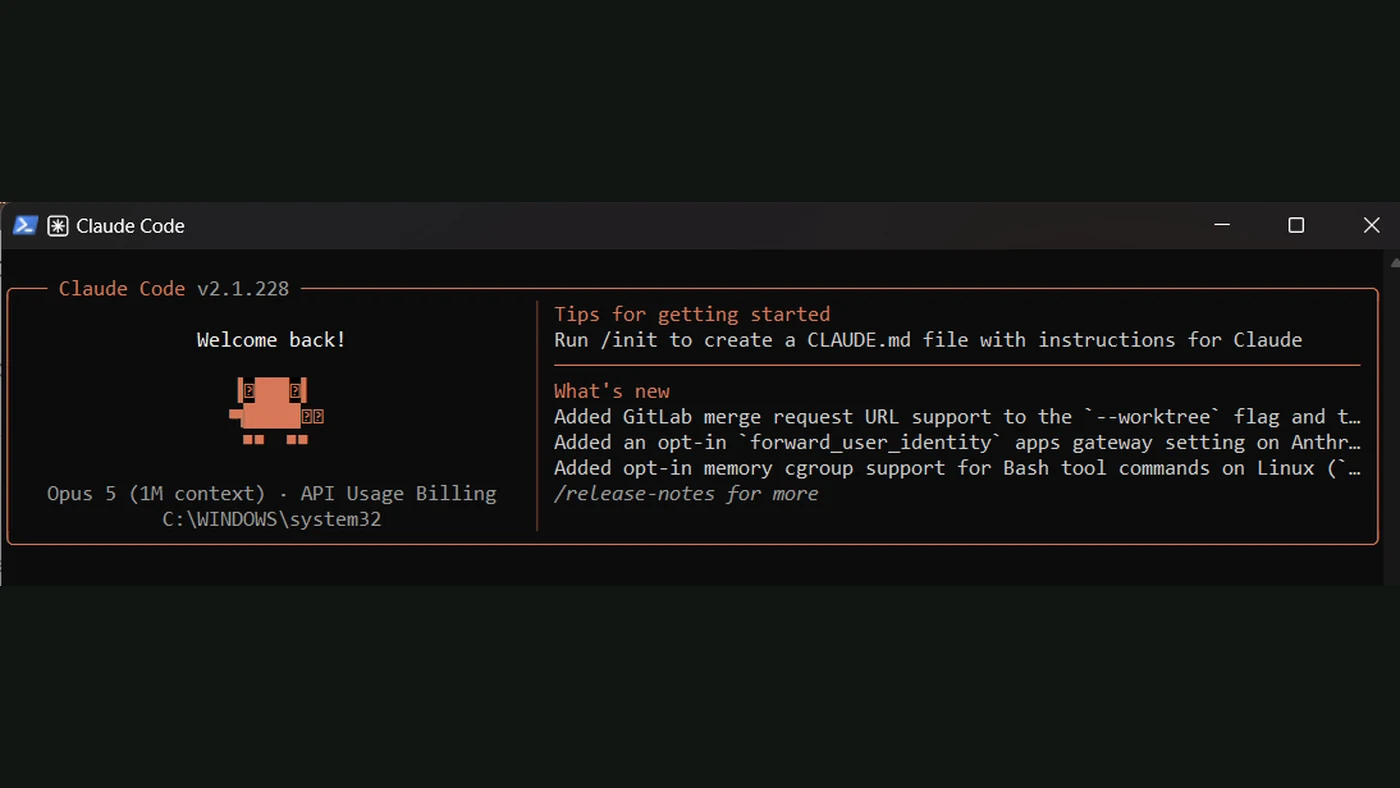
Use Cowork-style file work when you want a deliverable from the information you already have. Consider Codex or Claude Code when you want to build a tool that performs the task repeatedly.
The first result can teach you what that tool should do. Once you know the inputs, checks and output, you have a much clearer project brief.
Sources
- Claude: getting started with CoworkOfficial documentation
- Claude Cowork product overviewOfficial documentation