Codex for Beginners: Build a Tool for Your Own Work
Use Codex to turn an everyday task into a small working tool. A clear first project, example request and simple checks for beginners.
On this page
Codex helps you create and change software by describing what you need. It can work on a project’s files and help with the steps needed to build a useful result. For a beginner, that might be a small website, a file helper or a personal tracker.
You do not need a giant idea. If you keep copying information from files into the same report, you already have a possible project. Start with a small version you can understand and check.
Choose a task with a clear result
Here is a good first example: you have three sample CSV files and want one table with their totals. CSV is a common table-file format that many spreadsheet tools can export.
That project has a simple finish line. The tool reads the files, produces the agreed table and points out anything it could not read. You can compare its answer with the originals.
Other starter ideas include a workout tracker, a simple calculator or a page that shows the status of your own projects. Pick the one you already understand as a user.
Open Codex in the right place
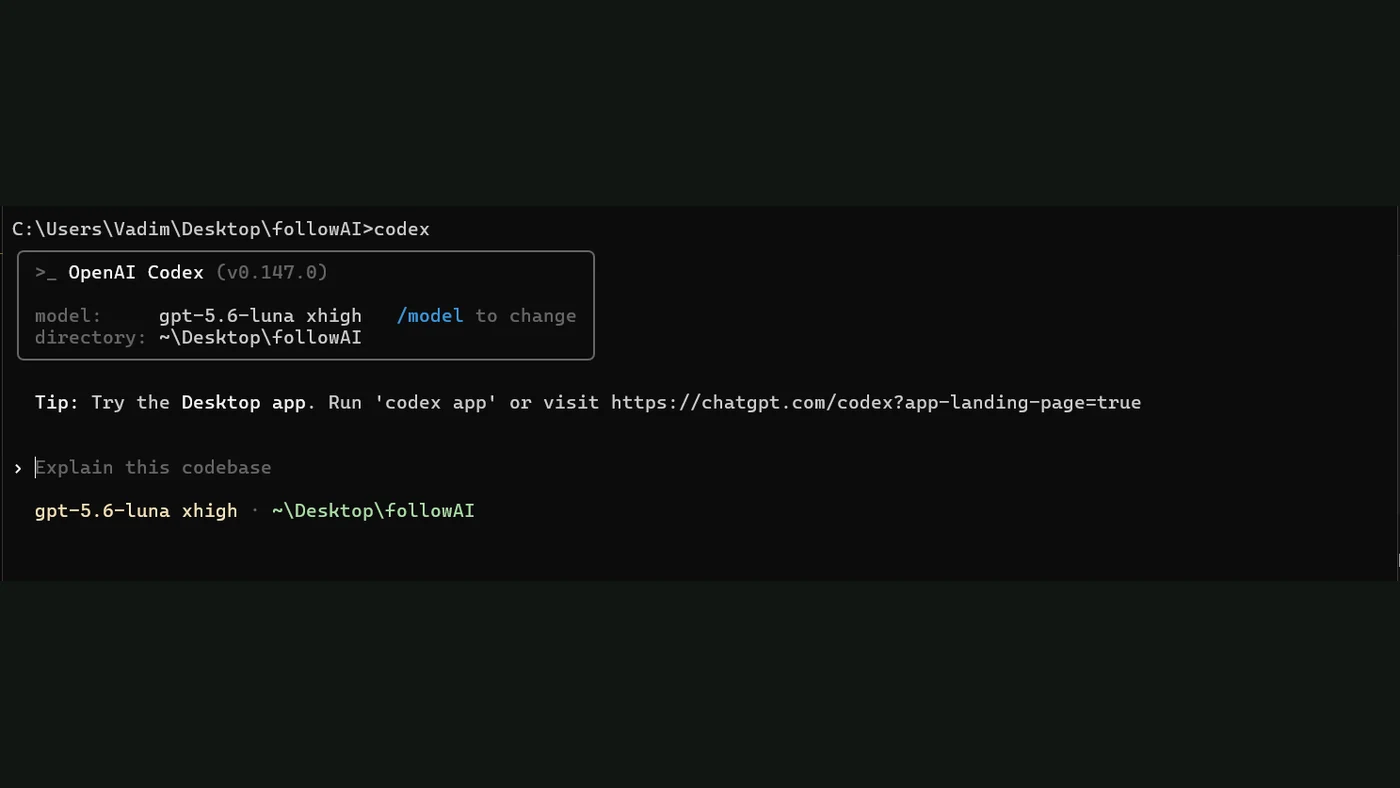
Follow the official quickstart for the current setup and sign-in options. Open a dedicated project folder, with copies of the files you want to practise on.
Keep the first task away from payments, live customer accounts and files you have no backup for. You are learning how the tool works. A sample folder gives you room to try, make mistakes and start again.
Ask for a plan first
This is an original starter request:
I want a small helper for my weekly report.
Use the sample CSV files in this project folder.
Make one table with a total for each file.
If a file is unreadable, list it instead of guessing.
Do not delete or overwrite the originals.
Explain your plan before changing files.
Then tell me how to run the helper and check the output.
You are telling Codex what you need and how you will judge the result. It can suggest an approach; you can ask it to explain that approach without technical shorthand.
Test more than the happy path
| Try this | What you want to see |
|---|---|
| A normal sample file | The expected total |
| An empty file | A clear message or empty result |
| A file with a wrong column name | A useful explanation |
| The same task a second time | No accidental duplicate output |
These checks are your practice plan. They do not prove a tool is ready for every possible file, but they reveal whether the first version does the job you asked for.
If the answer is wrong, give Codex the specific mismatch. “The total should be 120, but this row shows 102” is a helpful correction.
Learn the useful computer habits too
Ask how to keep a working version before changing the project. Ask where the files are saved and how to run the tool tomorrow. Ask what it needs from your computer and which actions it can perform.
That is where the skill becomes useful beyond one project. You learn how to guide an AI assistant and keep control of the work.
Later, skills can save repeat instructions. MCP connections can add access to tools when the task needs it. Neither makes a vague request clear by itself.
Can this become a bigger project?
Yes, a small working version can be a starting point. Before sharing it with other people, you may need better error messages, access controls, hosting or proper tests. The next step depends on what the tool will do.
For now, aim for something modest and real: a helper you can run, a result you can verify and instructions you understand. That is a much better first milestone than an unfinished app with twenty features.
Sources
- Codex quickstartOfficial documentation
- Codex skillsOfficial documentation
- Codex MCP connectionsOfficial documentation