A Bot That Checks Competitor Changes for You
Monitor a short list of competitor pages and get useful change alerts. Focus on offers, pricing or new services instead of every page edit.
On this page
A competitor monitoring workflow checks selected pages and reports meaningful changes. You might want to know when a competitor introduces a service, changes an offer or updates a public price page.
That saves the repeated job of opening the same tabs. The useful output is a change you can inspect, with a source link and date. It should help you stay informed without sending an alert every time a footer changes.
Keep the watchlist specific
Pick the pages that affect a decision you make. Three relevant service pages can be more useful than watching an entire website.
| Page | Watch for | Ignore when possible |
|---|---|---|
| Pricing | A real price or package change | Layout and spelling edits |
| Service page | A new deliverable or offer | Decorative text changes |
| Product updates | A capability that affects your work | Unrelated announcements |
| Booking page | A changed public offer | Private customer details |
Use pages and access methods that permit your planned checks. A public page can still have access restrictions, and some information requires a licensed feed or an authorised API.
Save a baseline before looking for changes
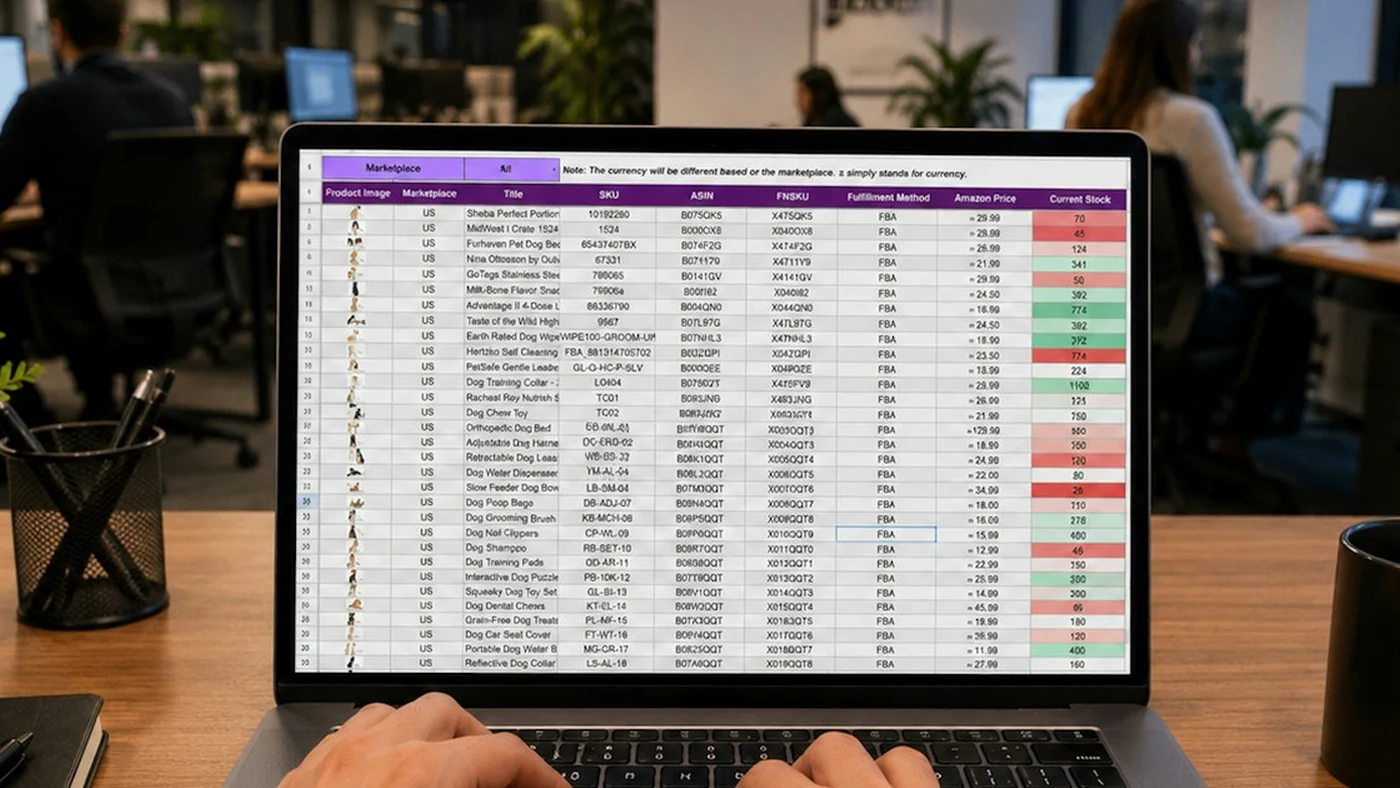
The workflow needs a previous version to compare against. Save the relevant information and the time it was checked. The first successful check sets that baseline; it is not a new competitor announcement.
A later check can compare the same information. If the page could not be loaded, report that as a failed check. An empty response should not be treated as “the competitor removed every service.”
Where n8n fits
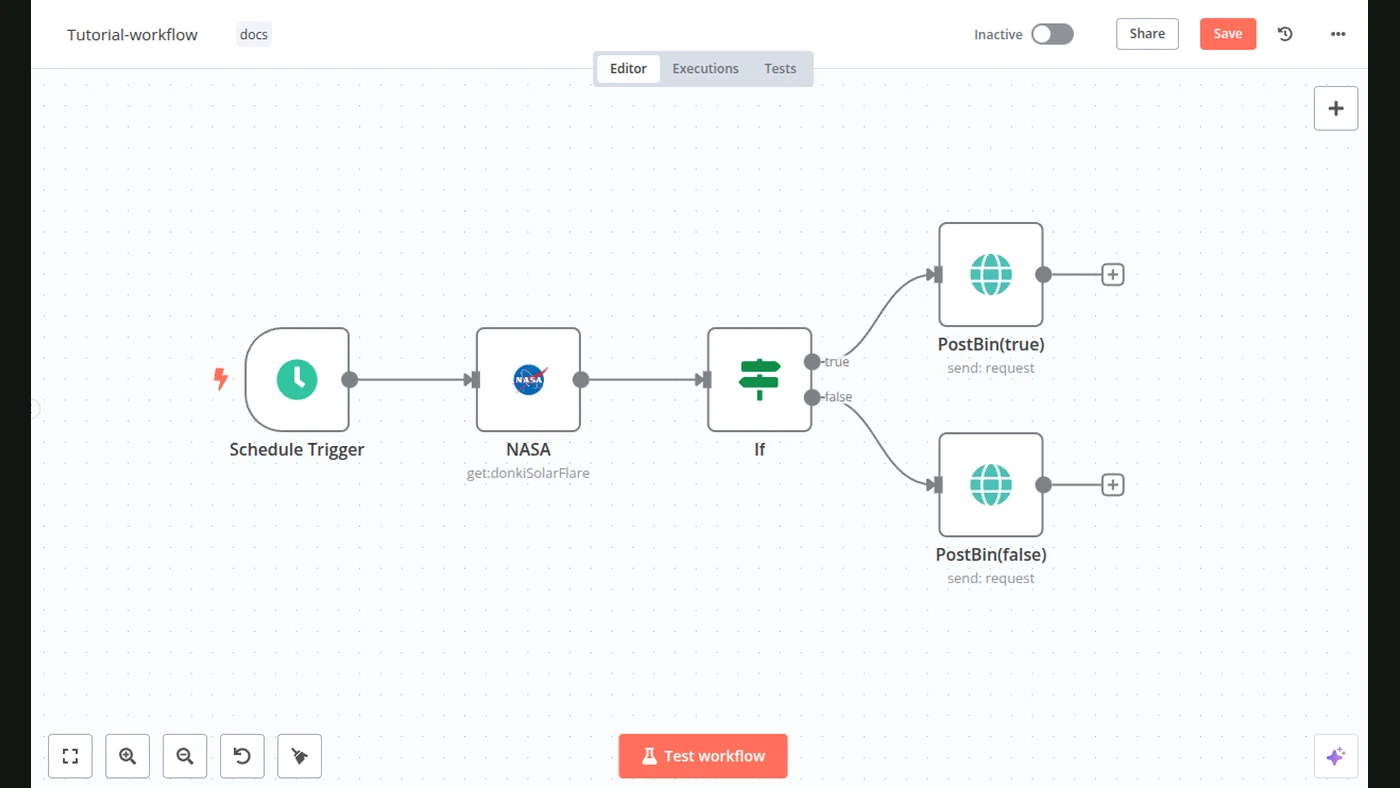
A Schedule Trigger can start the check. HTTP Request can retrieve information from a permitted endpoint. A sheet or another store can keep previous results.
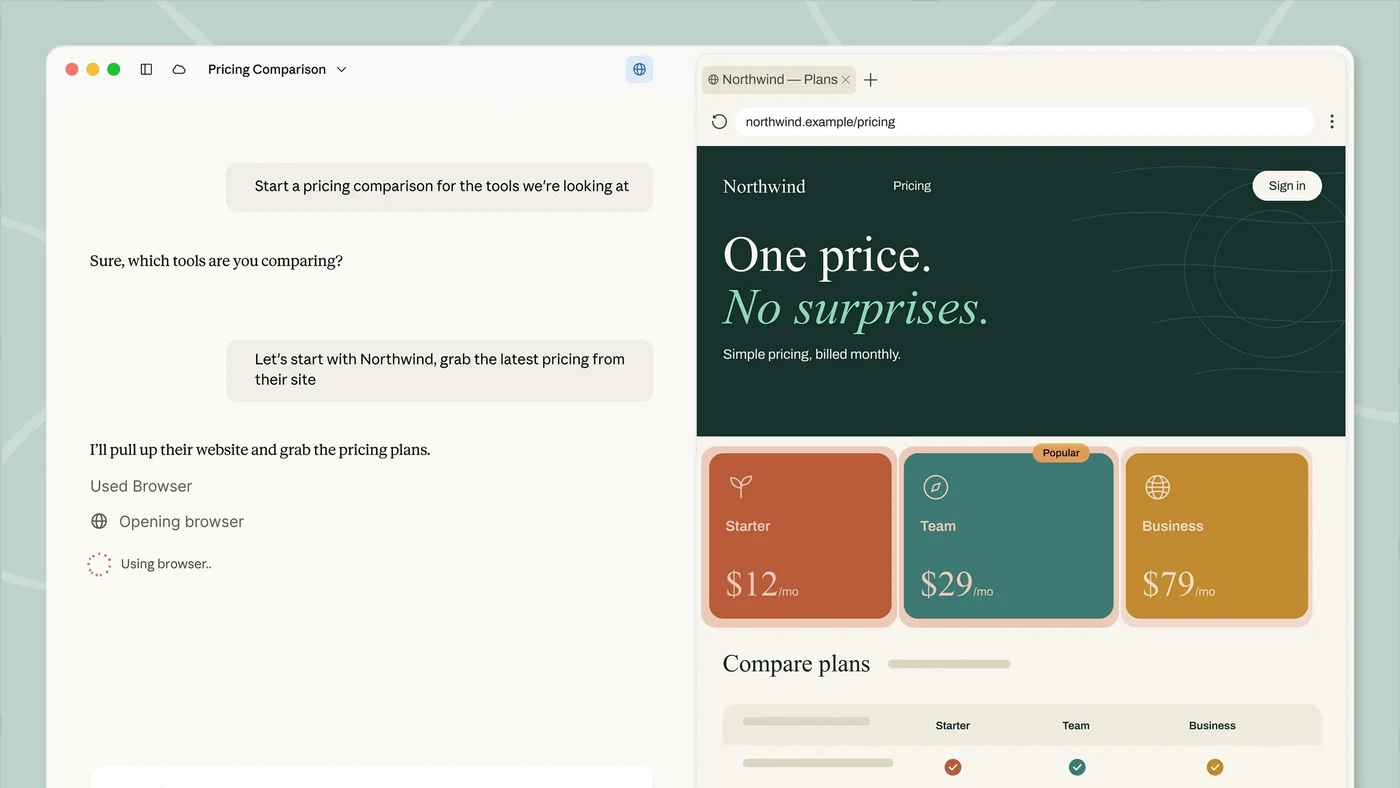
Some pages need a browser because their content loads dynamically. That is extra scope, not something to assume every simple request can read.
The first version can use ordinary comparisons. AI may help explain a longer change, but the underlying difference should still be visible.
Make the alert explain itself
An original alert format:
Page: the watched service page
Checked: the time of the current check
Changed: the exact offer detail that differs
Previously: the saved earlier detail
Now: the current detail
Source: the page link
Suggested next step: review the offer
This separates the observation from a recommendation. A price change does not reveal why a competitor changed it, how many customers they have or whether the offer is working.
Choose a sensible frequency
A daily or weekly check may be enough for many small businesses. Choose around how often the page changes and how quickly you would act. More frequent checks can add costs and noise.
Send a digest for normal changes and an immediate alert only for the events you agreed are important. Keep a way to pause a page that produces unhelpful alerts.
Check whether the alerts help
Review a sample of the recorded changes. Does the saved difference match the live page? Did the workflow report an unavailable page correctly? Is it repeatedly finding irrelevant edits?
Improve the watched fields before expanding the list. If you want a wider picture of your niche rather than a specific page difference, see our weekly trend bot guide. They answer related but different questions.
Sources
- n8n: Schedule TriggerOfficial documentation
- n8n: HTTP RequestOfficial documentation
- n8n: Google SheetsOfficial documentation