How to Give an AI Coding Agent Safe File-System and CI/CD Access
Design a safer path from repository access to tested pull request with sandboxes, scoped credentials, CI gates, audit logs, and human approval.
On this page
The safest useful setup does not give an AI coding agent your whole computer or a production deployment token. It gives the agent a temporary workspace, the minimum files and commands required for one task, a short-lived credential where necessary, and a path that ends in a reviewable pull request—not an automatic production change.
An agent that can read files, write code, and run commands can accelerate development. Those same capabilities can also expose secrets, install compromised dependencies, modify unrelated files, or trigger a deployment. The solution is layered control: isolate the workspace, scope permissions, validate every change, protect the release path, and keep enough evidence to reconstruct what happened.
Use a capability ladder
Do not jump from chat access to production authority. Add capabilities one level at a time.
Threat-model the task before selecting a sandbox
Ask what the agent can reach and what a mistake could change.
Assets
- source code and unpublished product logic;
- secrets, API keys, signing keys, and cloud credentials;
- customer or employee data in fixtures and logs;
- package registries and dependency lockfiles;
- CI workflows, infrastructure definitions, and deployment configuration;
- repository history and protected branches.
Likely failure paths
- a destructive or overly broad command;
- a prompt injection hidden in an issue, dependency, web page, or repository file;
- a dependency install that runs untrusted scripts;
- a secret printed into terminal output or committed into Git;
- a change outside the requested scope;
- tests that pass while a requirement remains unverified;
- a CI job with more permissions than the code change needs.
The sandbox should be designed for these specific paths. A container alone is not a complete policy.
Isolate the workspace
A strong default is one disposable workspace per task: a container, virtual machine, remote sandbox, or isolated worktree with an execution boundary around it.
The workspace should begin from a known commit and contain only what the task needs. Configure:
- a dedicated non-root user;
- CPU, memory, process, disk, and time limits;
- no host socket mounts;
- no access to unrelated host directories;
- network denied by default or limited to required destinations;
- a clean environment after each task;
- logs and output exported before teardown.
Docker documents rootless mode as a way to run both the daemon and containers without root privileges. This can reduce the impact of certain daemon or runtime vulnerabilities, but it does not remove the need for image trust, network controls, secrets management, and kernel-level defense.
For high-risk or untrusted work, use a stronger isolation boundary than a shared host container and evaluate it against your threat model.
Separate read, write, command, network, and secret permissions
“Repository access” is too broad to be a useful policy. Treat each capability independently.
| Capability | Safer default |
|---|---|
| Read files | Current repository and approved documentation paths |
| Write files | Task branch or workspace; deny sensitive paths by default |
| Run commands | Approved build and test commands; inspect new commands |
| Network | Off by default; allow only named hosts and methods |
| Credentials | Short-lived, task-specific, and injected only into the step that needs them |
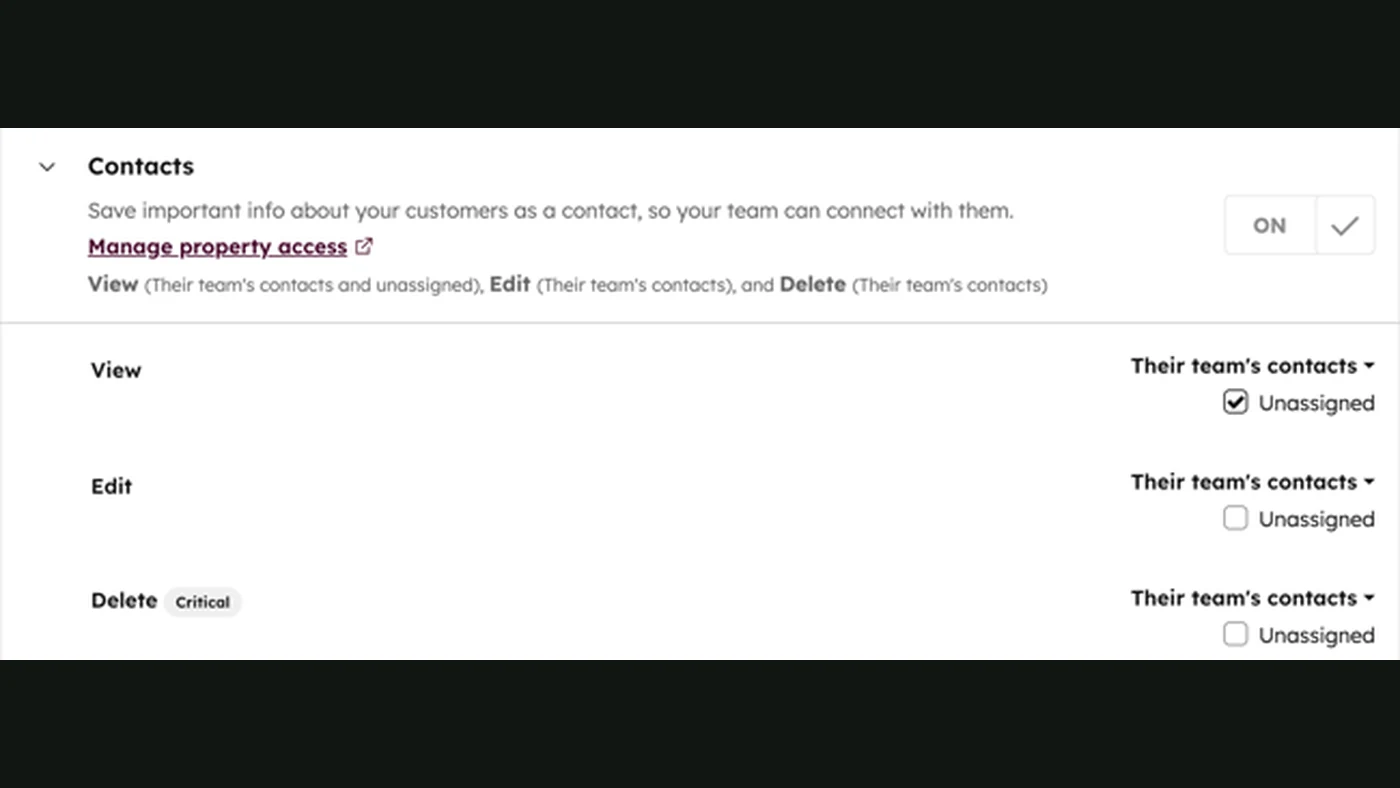
| Git | Create commits or draft PRs; no direct push to protected branches |
| Deployment | Separate job and identity, protected by approval |
Claude Code’s security documentation describes a permission-based architecture and write restrictions around the working directory. OpenAI similarly describes Codex governance in terms of technical boundaries, human approval, and telemetry. The implementation differs by product, but the principle is the same: model instructions do not replace enforceable runtime permissions.
Protect sensitive paths
Some files deserve explicit deny rules even inside a writable repository:
.env*and local credential files;- SSH and cloud configuration;
- production database migrations unless the task specifically requires them;
- CI workflow and infrastructure directories;
- signing and release configuration;
- generated artifacts that should be produced only by CI;
- ownership and security-policy files.
Changing the CI workflow can change the security boundary that evaluates the agent’s code. Treat it as a privileged modification with separate review.
Prefer patches and version-control evidence
An agent may edit files directly inside the isolated workspace, but the durable output should be a diff tied to a starting commit.
Require the agent to return:
- the base commit;
- files added, changed, and deleted;
- the exact commands it ran;
- test, lint, type-check, and build results;
- failed checks and skipped checks;
- assumptions or requested scope expansions.
Reject changes that include unexpected binaries, secret-like values, unrelated generated files, or a much larger diff than the task justifies.
Build a CI path the agent cannot bypass
The first objective is not “make every check green.” It is “make the checks authoritative.”
Keep workflow permissions minimal
GitHub recommends explicitly declaring the minimum permissions a workflow needs. A test job that only reads repository contents should not receive write access to packages, pull requests, deployments, or identity tokens.
Use separate jobs and identities for:
- validation;
- artifact creation;
- publishing;
- deployment.
Do not expose deployment credentials to the test step simply because the pipeline contains a later deployment step.
Pin and control workflow dependencies
Third-party actions and build dependencies execute code in the CI environment. Review them, pin critical actions to immutable commit references where appropriate, restrict which actions may run, and keep dependency updates visible.
Protect the default branch
GitHub branch protection can require pull requests, reviews, successful status checks, conversation resolution, and deployments before merge. Configure the protected branch so that neither a person nor an agent integration can silently bypass the controls intended to review its work.
Protect deployment environments
Production deployment should use a protected environment or equivalent release control. The job receives production secrets only after the required conditions and approvals pass.
A reference pipeline
Issue accepted
    ↓
Temporary workspace created from approved commit
    ↓
Agent reads scoped files and produces a patch
    ↓
Secret scan + dependency policy + diff policy
    ↓
Lint + type check + unit/integration tests + build
    ↓
Draft pull request with evidence
    ↓
Independent review and required checks
    ↓
Human merge approval
    ↓
Protected deployment job with separate credentials
Each step should fail closed. If a test runner is unavailable, the output is “not verified,” not “passed.”
Tests are necessary but not a security proof
The original article draft required 100% of tests to pass. Passing the configured test suite is useful, but it does not mean the change is correct or secure. Tests can be incomplete, brittle, or modified by the same change they are supposed to validate.
Combine:
- existing tests owned by the project;
- new tests reviewed alongside the code;
- static analysis and type checking;
- secret and dependency scanning;
- policy checks on paths, file types, and diff size;
- targeted human review of consequential behavior.
For a critical path, consider running trusted tests from a protected source rather than allowing a pull request to redefine the entire evaluation.
Handle network access as a separate risk
An agent may request network access to read documentation, install packages, call an API, or interact with Git hosting. Each use creates a possible data-exfiltration or supply-chain path.
A safer sequence is:
- resolve dependencies from an approved proxy or lockfile;
- allow only required domains;
- separate read-only documentation access from authenticated services;
- block arbitrary uploads;
- log destinations and request purpose;
- remove network access again when the step ends.
Never assume that “outbound only” means harmless. Source code, secrets, and prompt context can leave through outbound requests.
Use short-lived identities
Avoid placing a long-lived personal token in the agent’s environment. Prefer workload identity, narrowly scoped app tokens, or short-lived credentials issued for one job.
The identity should answer four questions:
- which agent run requested it;
- which repository and environment it can access;
- which actions it can perform;
- when it expires.
Record issuance and use without recording the secret itself.
Make recovery part of the design
NIST’s Secure Software Development Framework organizes practices around preparing the organization, protecting software, producing well-secured software, and responding to vulnerabilities. An agent pipeline needs the same operational thinking.
Before granting write access, define how to:
- cancel a running job;
- revoke its credentials;
- destroy its workspace;
- identify every changed resource;
- revert a merge or deployment;
- preserve logs for investigation;
- notify the responsible owner.
A rollback command that has never been tested is not yet a recovery plan.
Minimum production checklist
- One isolated workspace per task
- Non-root execution and resource limits
- Read, write, command, network, and secret policies separated
- No production credentials in the coding workspace
- Protected sensitive paths and CI configuration
- Every output tied to a base commit and diff
- Required deterministic checks
- Protected default branch and deployment environment
- Human approval before consequential release
- Logs for tool calls, commands, permission decisions, and artifacts
- Credential revocation and rollback tested
Bottom line
Safe file-system access is not one checkbox. It is a chain of enforceable boundaries from issue intake to deployment.
Let the agent work quickly inside a disposable space. Keep credentials short-lived and narrow. Make CI checks and branch policy authoritative. Stop the automated path at a reviewable pull request, and move release authority into a separate protected step with a clear human owner.
For the broader identity model, continue with AI Access Control: Identity, Permissions, and Approvals for Agents. The OpenAI–Hugging Face agent incident analysis shows why network and execution boundaries must be treated as one system.
Sources
- OpenAI: Running Codex safely at OpenAIPrimary source
- Anthropic: Claude Code securityOfficial documentation
- GitHub: Security for GitHub ActionsOfficial documentation
- GitHub: About protected branchesOfficial documentation
- Docker: Rootless modeOfficial documentation
- NIST Secure Software Development FrameworkOfficial documentation