How to Stop Spam Website Enquiries Without Blocking Real Customers
Separate bot submissions, duplicate enquiries and visitors who are still exploring. Build form protection that preserves a clear path for real customers.

On this page
To reduce spam enquiries, protect the submission endpoint and check whether the visitor actually wants your service before asking for contact details. These solve different problems. An automated sender can fill a form convincingly; a real person can submit a request your business does not provide.
For example, a visitor asking an AI implementation company to make a cartoon may be looking for a free creation tool. That question needs clarification. It should not immediately become a sales project with a generated scope and an email notification to the team.
Keep a useful route for people who have a concrete goal and want to discuss your work. Start by identifying which kind of unwanted enquiry you receive.
Separate three causes of a noisy inbox
| What happened | What it tells you | The appropriate response |
|---|---|---|
| Many automated requests reach the endpoint | The submission path needs abuse protection | Check the browser request on the server, limit submissions and monitor rejections |
| One person submits the same request again | A retry or duplicate may have occurred | Acknowledge the existing enquiry and suppress repeated notifications |
| A visitor asks for something outside the offer | The visitor’s expectations need clarification | Explain the service and ask whether they want guidance or a team implementation |
| The AI writes a detailed project after a vague greeting | The intake is treating generated content as buying intent | Require evidence from the visitor’s own words before offering a handoff |
A language, country, free email address or unfamiliar name does not establish which category applies. Your service market and your qualification rules can be explicit, but those business choices are not a bot detector.
Protect the server endpoint
Disabling a button or hiding a field in the browser does not stop someone sending a request directly. The server must apply the relevant checks before it writes a CRM record or sends a notification.
For a site hosted on Vercel, BotID provides a browser challenge and server verification. Basic mode is free according to the documentation reviewed for this guide. The client must identify the protected submission routes, and the server must check the result on those routes. A page view alone is not a completed verification.
Cloudflare Turnstile is another option. Its token must be validated on the server. Cloudflare documents a five-minute token lifetime and single-use validation, so an expired or reused token needs a fresh challenge.
Choose a provider you can operate reliably. Keep a retry path and a direct contact option for a person whose browser cannot complete the check. Monitor failed checks without recording unnecessary contact information in diagnostic logs.
Add limits without treating every retry as abuse
Limit costly and mutating requests. Set the limits around normal visitor behaviour, including retries after a timeout. A company network or mobile carrier may put several visitors behind one public address, so a strict IP limit can affect more than one person.
An in-memory limit is local to the running server instance. If your application scales across several instances, it is not a single global submission budget. Use shared storage or a platform control when the abuse pattern requires a limit across all instances.
A honeypot can catch simple automated form fillers. Hide it from the normal interaction path and avoid a field that legitimate autofill frequently populates. Treat it as one signal. Do not announce a successful service enquiry when the honeypot was filtered, and do not send a team notification for that filtered response.
Ask for buying intent before contact
An assistant should find out what result the visitor wants and whether they are asking the team to provide the service. A phrase such as “AI video” does not establish a production project, a budget or a request to be contacted.
One useful clarification is: “Do you want guidance to do this yourself, or would you like our team to implement a system?” Continue helping someone who is exploring. Offer the contact step when the visitor states a result and expresses service interest.
Keep the visitor’s words separate from an AI-generated suggestion. A proposed plan can make the conversation useful, but it is not evidence that the visitor agreed to purchase it. Before handoff, make the request for follow-up explicit and leave pricing and commitments with the team.
Bind the enquiry to its context
If a form follows a conversation or a website audit, the server should construct the final record from the context it actually assessed. Do not accept a new project summary or a fabricated audit report merely because the browser submitted those fields.
A signed, expiring receipt can connect the contact step to an assessed conversation or completed scan. It provides an integrity check: the server can recognise its own result. It does not prove that an email address belongs to the visitor, or that the sender is a particular person.
For mailbox ownership, a separate confirmation process is required. Whether that extra step is worthwhile depends on the abuse level, your delivery setup and the friction it introduces for customers.
Stop repeats after storage confirms the outcome
Disable repeated clicks while a request is being sent, but also handle repeats on the server. A visitor may retry because their connection dropped after the CRM accepted the first request.
Use a stable way to recognise the same enquiry. If storage returns an existing record, acknowledge it without generating another fallback notification. If storage fails, show a retry or direct contact route. Avoid a success message based only on a general HTTP 200: the response needs to confirm the expected record.
| Server outcome | Visitor sees | Team notification |
|---|---|---|
| Accepted enquiry with a confirmed record | Request received | Sent through the configured notification path |
| Previously accepted duplicate | Existing request acknowledged | No additional fallback notification |
| Failed verification or invalid context | Retry or clarification | None |
| Storage timeout or rejection | Delivery error and another contact route | None from a success-only handler |
Measure both noise and lost opportunities
Track accepted enquiries, rejected submissions, duplicates and genuine service discussions. Review a sample of rejected cases to look for people blocked by a bad rule. Do not optimise solely for a quieter Telegram inbox: disabling the form entirely would achieve that while also losing every opportunity.
Compare a consistent period before and after a change. A fall in messages is useful only when relevant enquiries still arrive and the team can act on them. Record which control changed rather than attributing every movement to the bot check.
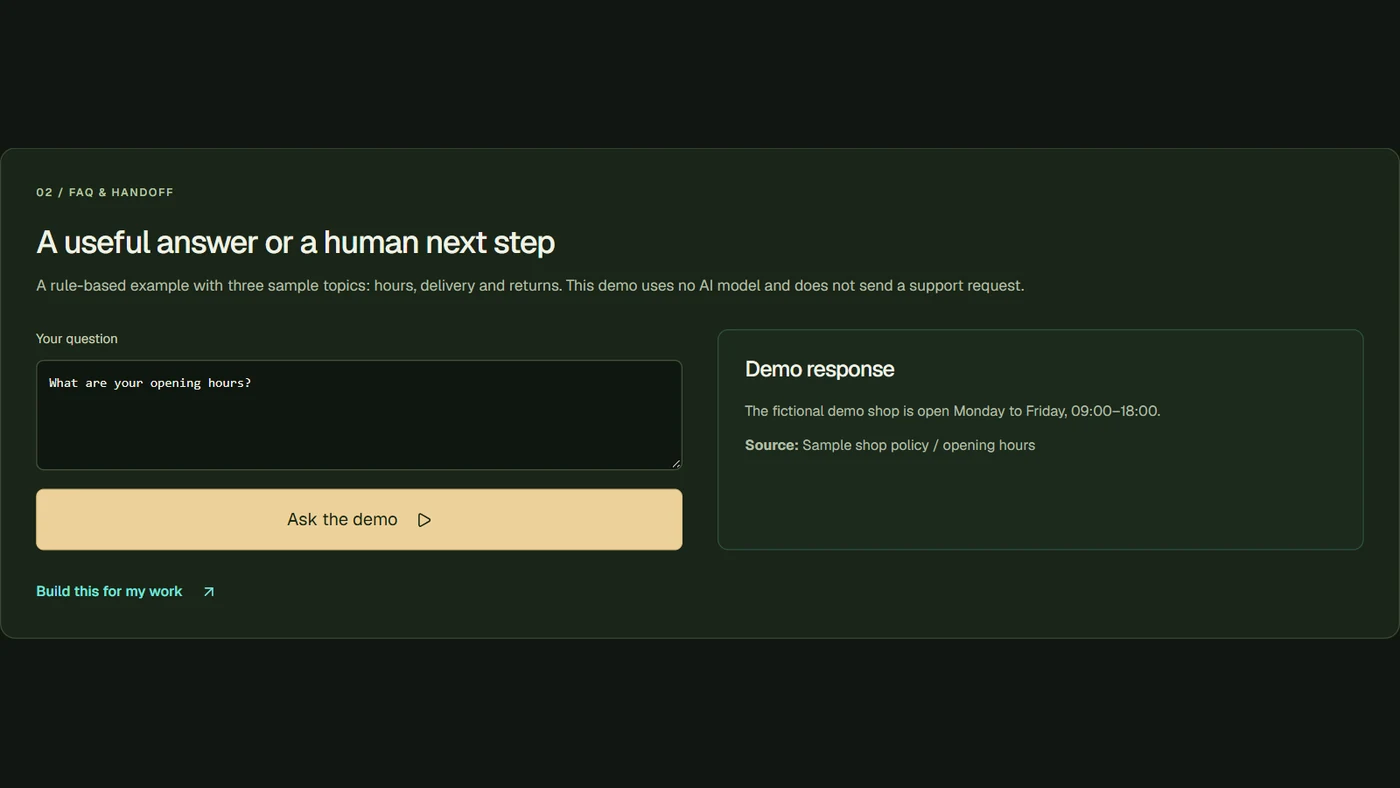
For a concrete example, explore FollowAI’s enquiry walkthrough. It uses labelled fictional conversations to explain the implemented boundary. For the wider operating process, see custom CRM development and AI sales automation.
Sources
- Vercel BotID overview and check levelsOfficial documentation
- Vercel BotID server and client setupOfficial documentation
- Cloudflare Turnstile server-side validationOfficial documentation
- FollowAI website enquiry workflowPrimary source