HeyGen: Make an Avatar Video or Translate Your Recording
See when HeyGen avatars and video translation are useful, what to prepare and what to check before sharing the result.
On this page
HeyGen is useful when your video needs someone speaking. You can make an avatar video from a script, or translate a recording into another language. Think of a short service explanation, an onboarding message or a tutorial you want more people to understand.
Those are two different jobs. An avatar video starts with the message you write. Translation starts with a recording you already have. Choose the job first, then prepare the right input.
Choose the right route
| You have | Start with | Good use |
|---|---|---|
| A short written message | An avatar video in Studio | Explain a service or a process |
| A recording of your own presentation | Video translation | Share it with another language audience |
| A complex product action to show | Actual footage or a generated visual clip | Show how the product works |
An avatar can explain a product, but it does not replace footage that proves what the product does. If you need a moving product scene, compare Kling or Runway.
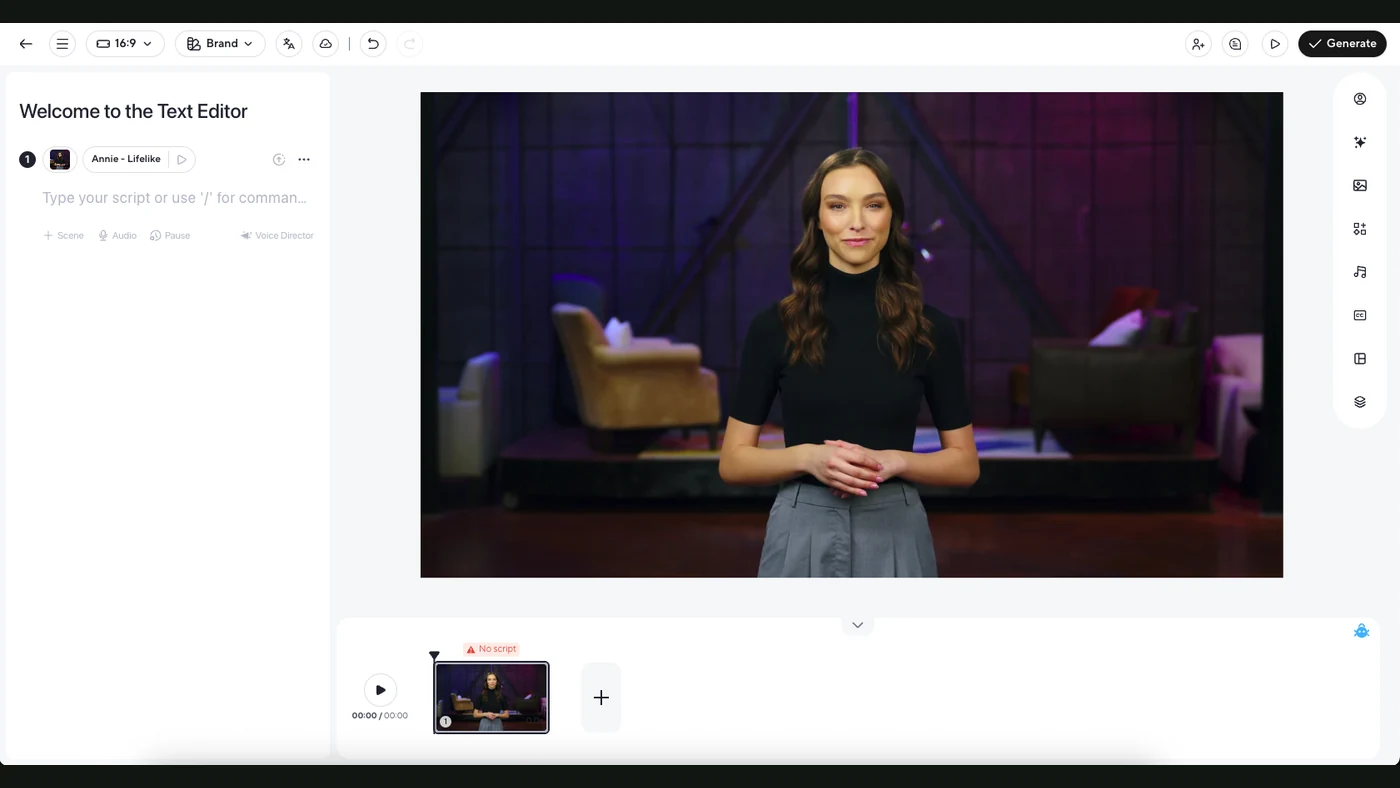
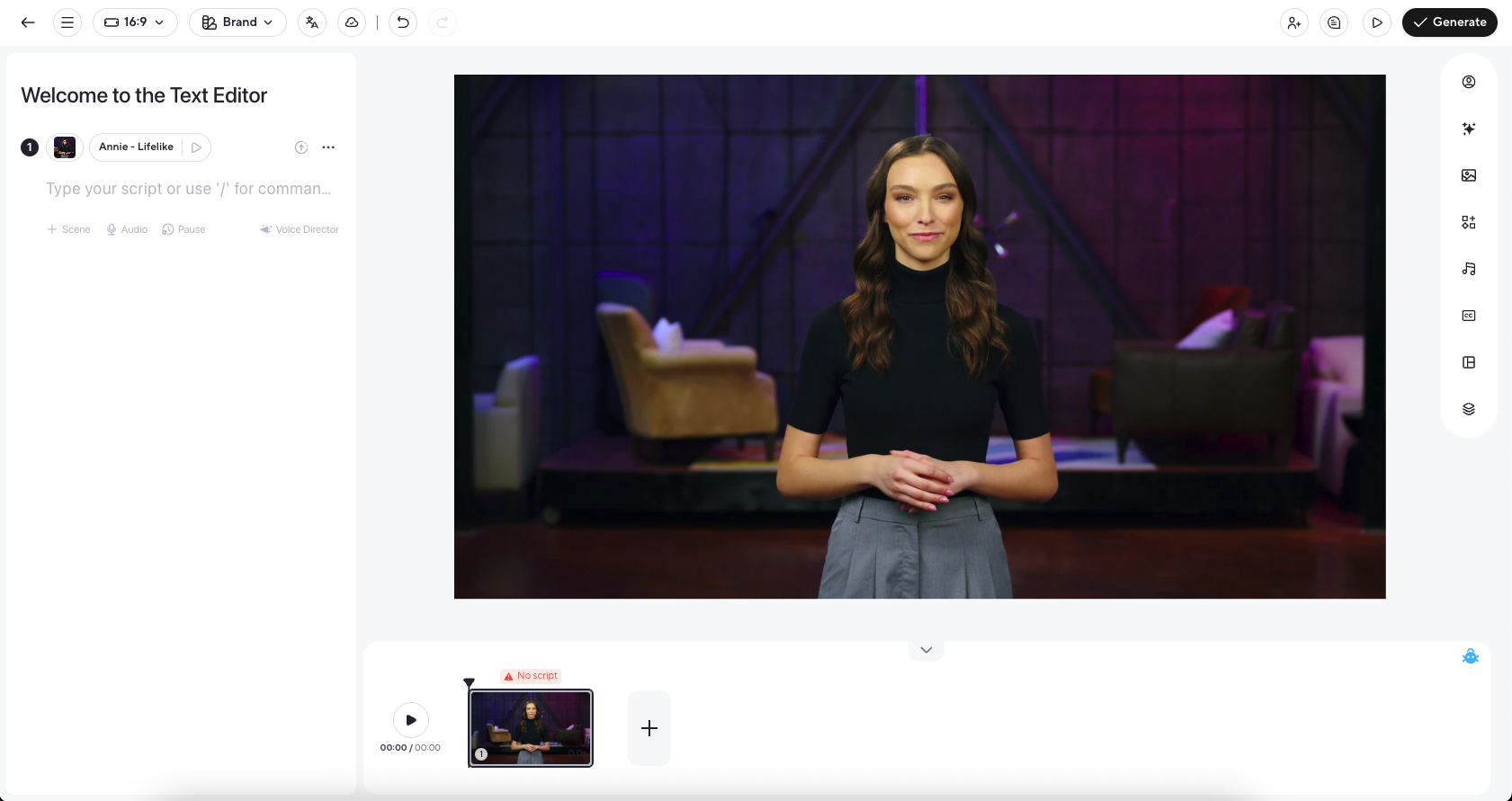
A look inside the editor
For an avatar video, write as you speak
Use short sentences and one point per scene. Read the script aloud before generating. If a sentence feels awkward when you say it, it will probably feel awkward in the video too.
An original example for a service introduction:
Need a simple way to collect customer requests?
Tell us what your team needs to know.
We can build a form and connect it to the tools you already use.
Choose the avatar and voice, prepare the scene and preview the result. The Studio guide covers that workspace. If you use a real person’s likeness or voice, use it with their permission and follow the service’s verification requirements.
For translation, start with clear speech
A clean recording gives you a better starting point than noisy audio with several people talking over each other. Decide which language you need and try a short section before translating a long video.
HeyGen’s translation guide describes audio translation and lip-sync options. Check the options and current credit cost shown in your account.
Have someone who knows the target language review the meaning, product names and awkward phrasing. Good lip movement does not prove the translation is correct.
Check what translation did not change
Text already baked into the source video is a separate issue. HeyGen’s documentation says the translation tool does not translate those visual graphics. If a price or instruction is shown on screen, prepare the correct version in your edit too.
Check captions, pronunciation, pauses and names before sharing. For a training video, compare each instruction with the process you actually want people to follow.
Is it right for your work?
HeyGen makes sense when the main job is explaining something through speech or localising a clear recording. It is less suitable as the only tool when you need a precise hands-on demonstration or a carefully filmed performance.
Try one short message that you already use in your work. You will learn whether the voice, style and review effort fit your audience before committing to a large batch.
Sources
- HeyGen: AI Studio overviewOfficial documentation
- HeyGen: video translationOfficial documentation